Scanning Documents
2
IC-402 2-51
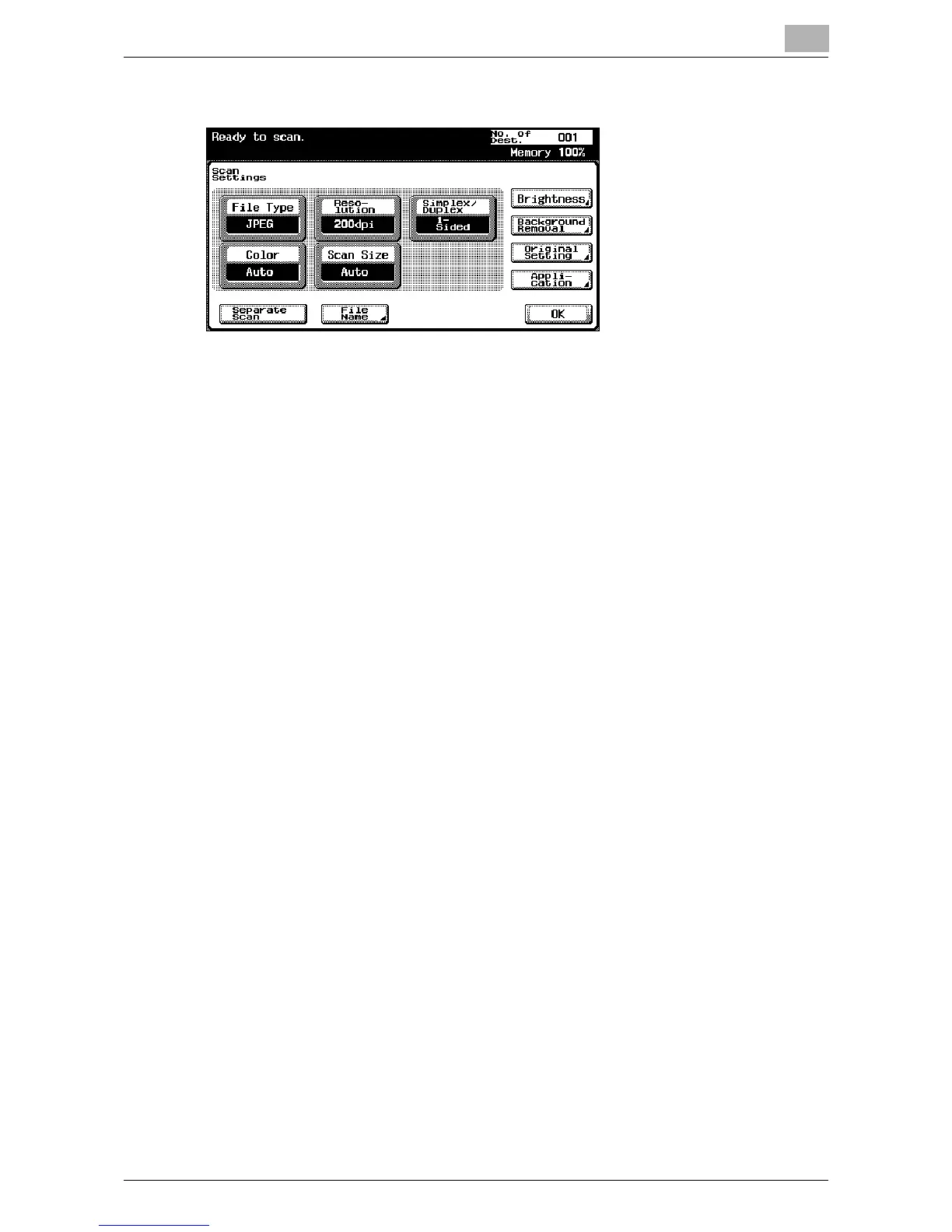
6 After specifying the settings, touch [OK].
7 Load the document into the reverse automatic document feeder or
place it on the original glass of the copier.
8 Press the [Start] key in the control panel.
The document is scanned, and the document data is saved in the mail-
box.
!
Detail
For details on the scan settings, refer to “Specifying the Scan Settings”
on page 2-52.
For the procedure to enter characters, refer to “Entering Text” on
page 9-2.
For details on specifying the settings of the main Scan mode screen in
advance, refer to “Setting the Main Scan Mode Screen” on page 4-6.













 To Next Page