Issue 2.2
Feature Description and Operation Manual
196
13.9 Day/Night Service
Description
The ipLDK provides for five (5) service modes; the active mode determines CO line ring
destinations and DISA operation as well as the COS for an outgoing call. CO line ring and
DISA are assigned for Day, Night, Lunch, Weekend and On-Demand service. COS
assignments are made for Day and Night service; Day COS assignments are employed for Day
and Lunch service, Night COS is employed for Night and Weekend service.
Weekly Time Tables can be set allowing the system to determine automatically the service
mode. A table is available for the system, and separate tables are available for each Intercom
Tenancy Group. In addition to the Automatic Service mode, the Attendant can change the
active service mode at any time. The System and Main Attendants control the service mode
system wide. An Intercom Tenancy Group Attendant controls the service mode only within the
specific Tenant Group. The Attendant can select from any of the five (5) service modes or
select the Automatic Service.
Operation
To change Service mode from an Attendant,
1. Press the [DND/FOR] button at the Attendant Station.
2. Dial the desired service mode digit.
1: Day, 2: Night, 3: Weekend, 4: On-demand, 5: Auto Service Mode, 6: Lunch Mode
3. Press the [HOLD/SAVE] button.
Consideration
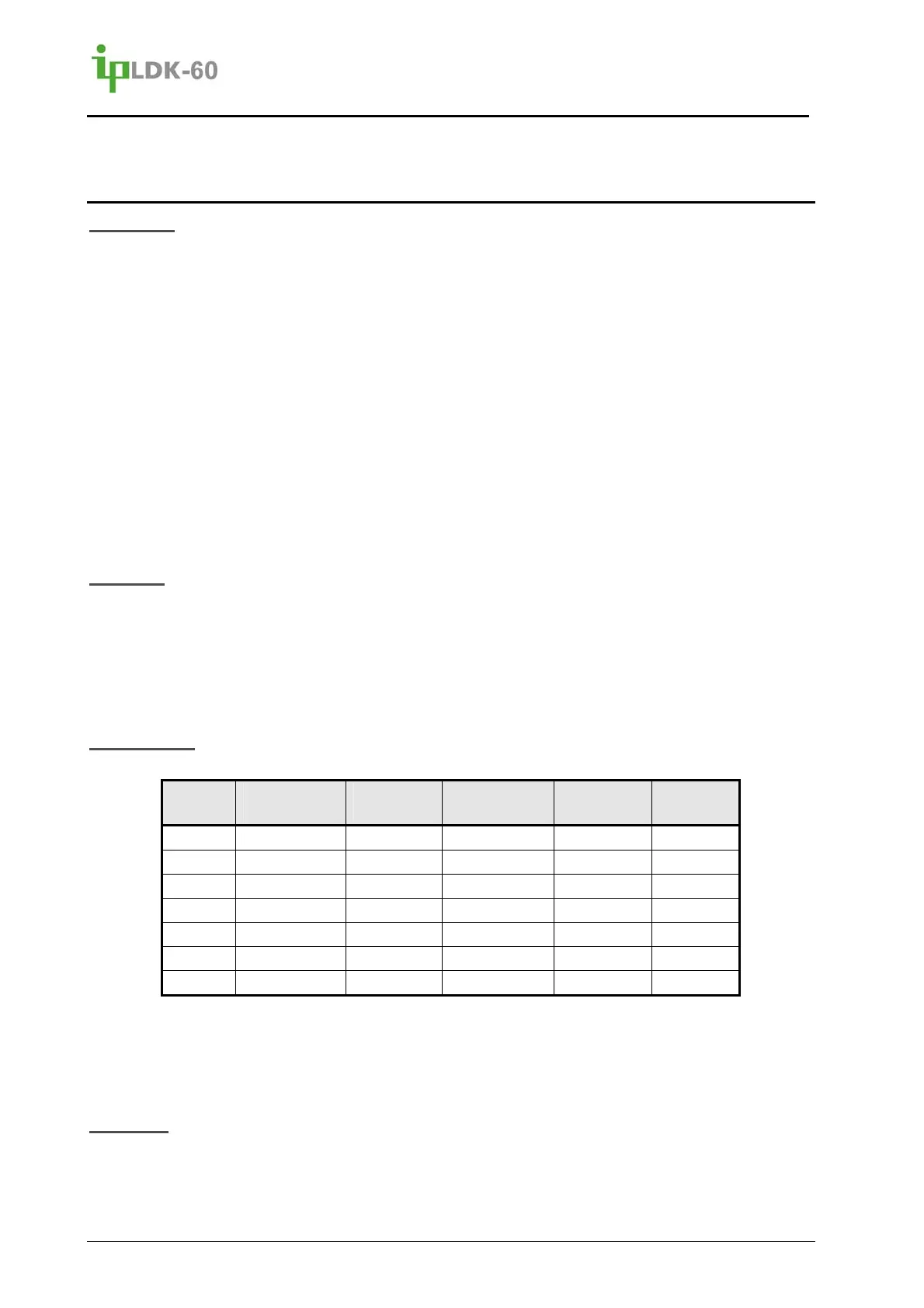
The default Weekly Time Table is shown below.
Day of
Week
Day Start
Time
Night Start
Time
Weekend
Start Time
Lunch
Start Time
Lunch
End Time
Mon 09:00 18:00 -- : --
Tue 09:00 18:00 -- : --
Wed 09:00 18:00 -- : --
Thu 09:00 18:00 -- : --
Fri 09:00 -- : -- 18:00
Sat -- : -- -- : -- 00:00
Sun -- : -- -- : -- 00:00
If a System or Main Attendant changes the active mode to the Day service mode from
another mode, the service mode of all Intercom Tenancy Groups changes to the
previously active mode.
Reference
A. Ring Assignment
B. COS
C. External Control
D. Intercom Tenancy Groups



 To Next Page