ipLDK-60 Issue 2.0
Admin Programming Manual July, 2010
57
3.2.19 Display Station Numbers by COS (PGM 130)
PGM 130 displays station numbers assigned a specific Station COS
Procedure:
1. Press the [TRANS/PGM] button.
2. Dial 130.
3. Press Flexible button 1 for Day COS or
Press Flexible button 2 for Night COS.
4. Enter the desired Station COS (00 – 11).
5. Use Volume Up/Down to navigate to next page.
6. Press the [Hold/Save] button.
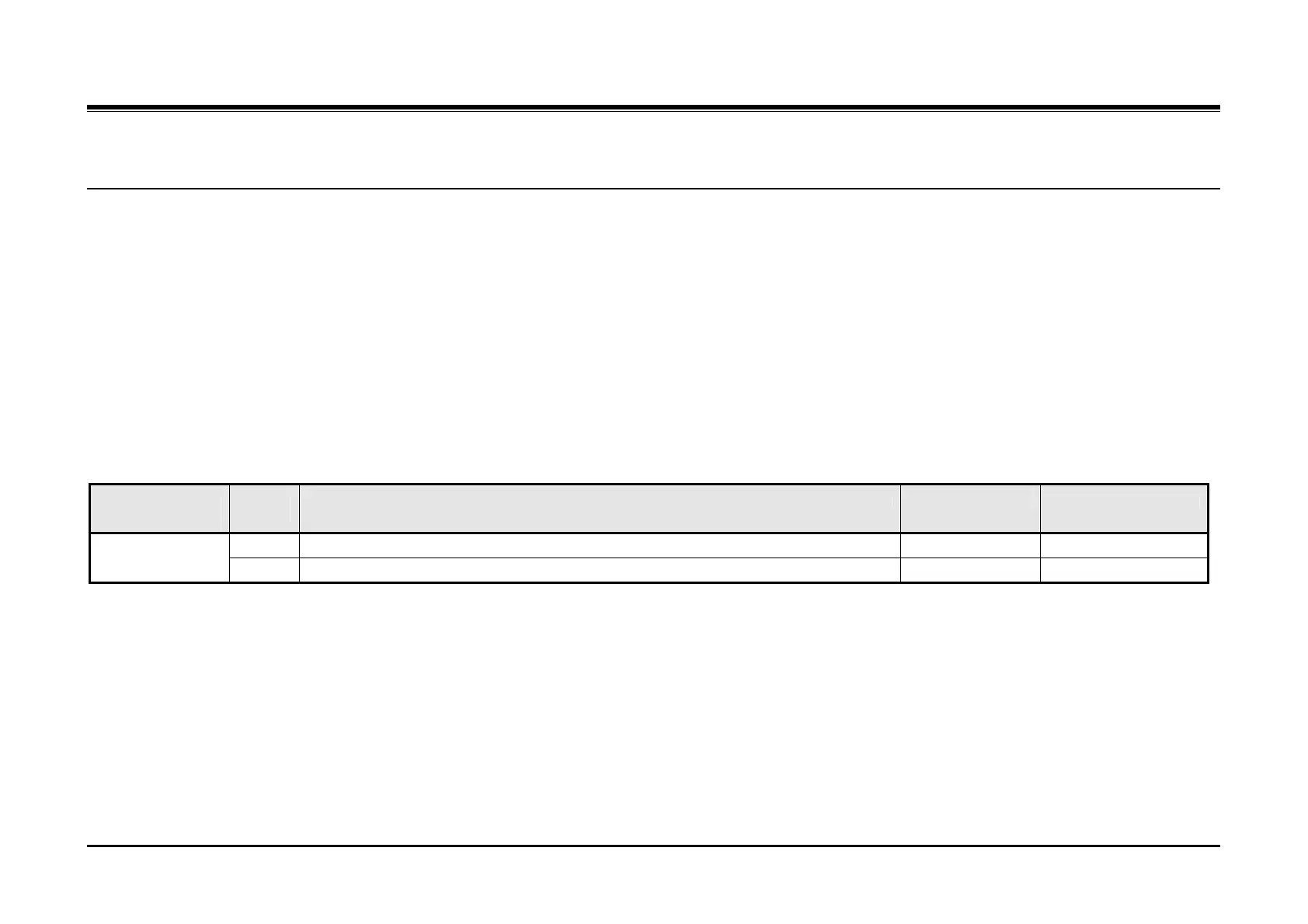
PGM
130
Flex
Btn
Description Default Values
1 Displays stations by Day COS Display Station
Number by COS
2 Displays stations by Night COS



 To Next Page