ipLDK-60 Issue 2.0
Admin Programming Manual July, 2010
47
3.2.13 Idle Line Selection (PGM 122)
PGM 122 defines the Idle Line Selection for the station. The defined Idle Line Selection is accessed when the station goes Off-hook. Idle Line
Selection can be immediate (Hot Line) or delayed (Warm Line). Hot/Warm Line operation is defined in PGM 113, Flexible button 7. The Warm Line
delay is defined in PGM 182, Flexible button 8.
Procedure:
1. Press the [TRANS/PGM] button.
2. Dial 122.
3. Enter the appropriate Station Range.
4. Enter the desired Idle Line Selection Type and Value.
5. Press the [Hold/Save] button.
PGM
122
Flex
Btn
Description Default Values
Idle Line
Selection
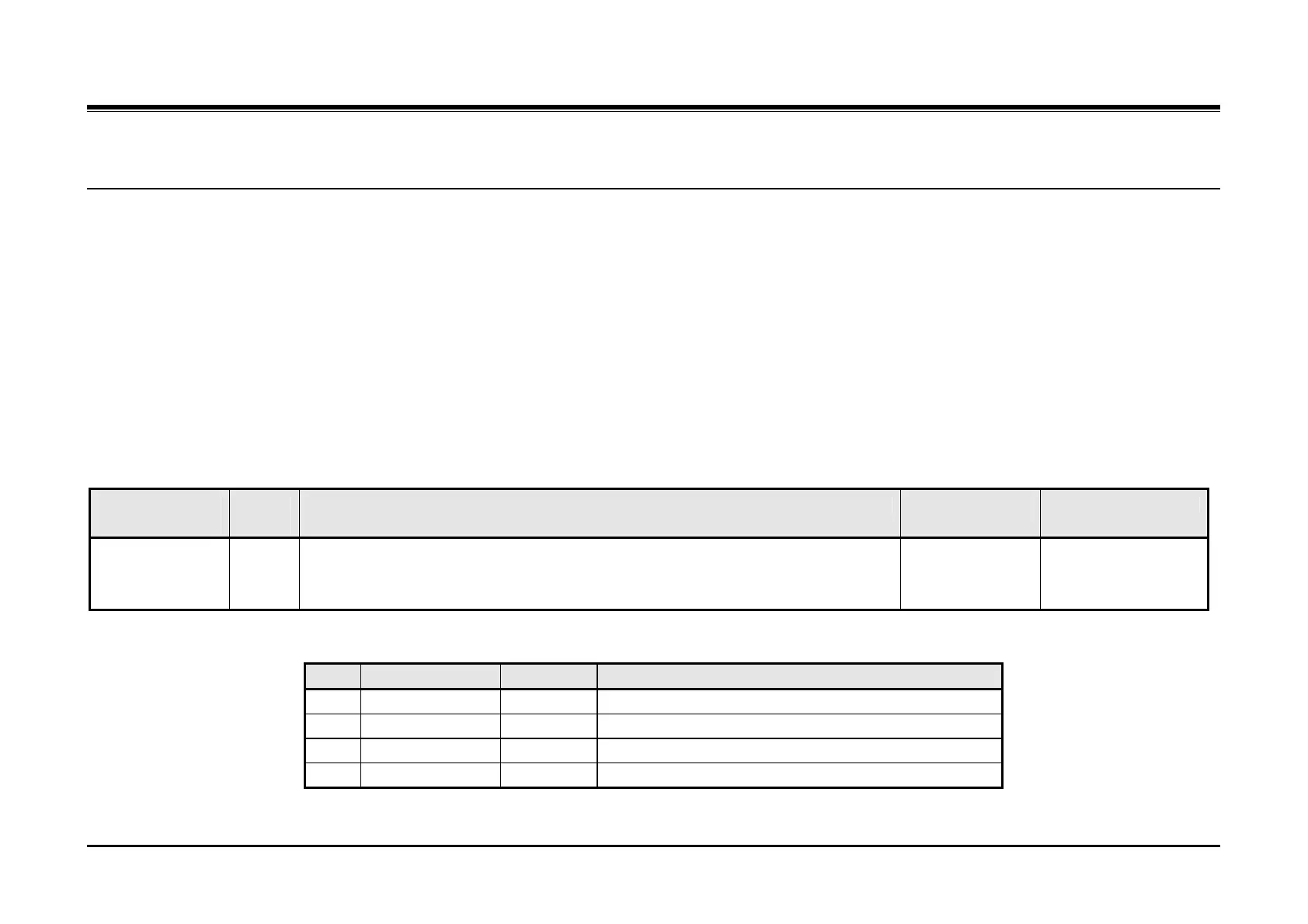
This parameter defines the CO line, station, or Flexible button the system connects
to the station when the station goes off-hook. Use the Delete softkey to remove an
assignment and provide Internal dial tone.
No assignment
Internal dial tone
Type: 1 ~ 4 &
Value = Range from
Idle Line Select Table
Idle Line Select Table
Type Item Range Description
1 Flexible button 01 - 44 Activate a feature of a Flexible button as if pressed.
2 CO Line 01 - 36 Access a CO Line.
3 CO Line Group 01 - 24 Access a CO line from a CO Group.
4 Station 100 - 147 Call a station.



 To Next Page