ipLDK-60 Issue 2.0
Admin Programming Manual July, 2010
96
3.5.9 External Control Contacts (PGM 168)
PGM 168 configures the four External Control Contacts.
Procedure:
1. Press the [TRANS PGM] button.
2. Dial 168.
3. Select the desired Flexible button.
4. Enter the appropriate value.
5. Press the [Hold/Save] button.
PGM
168
Flex
Btn
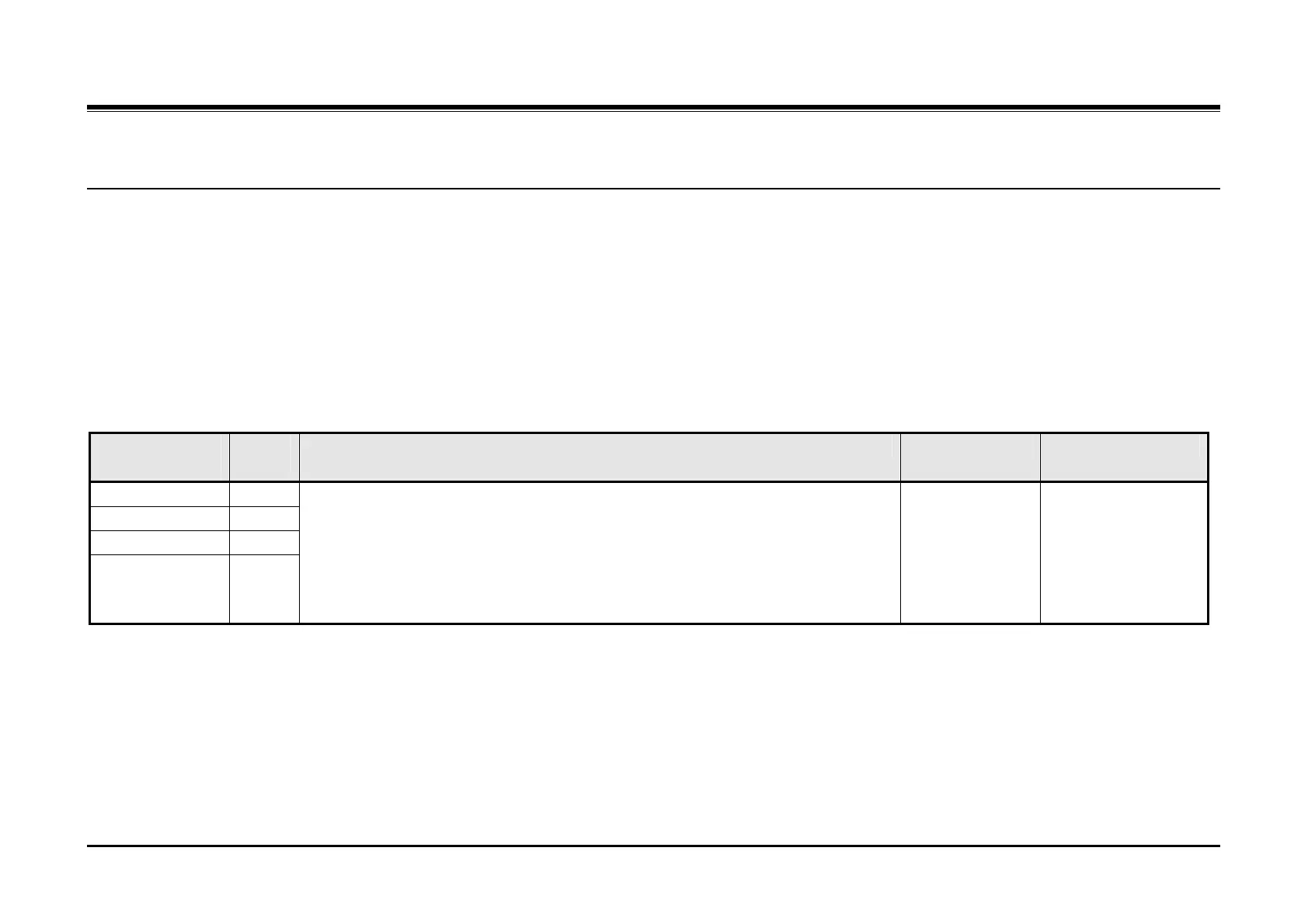
Description Default Values
First Contact 1
Second Contact 2
Third Contact 3
Fourth Contact 4
These parameters define the function of each of the four Control Contacts in the
ipLDK-60. Contacts 1 and 2 are located in the Basic cabinet and contacts 3 and 4
are located in the Expansion cabinet. The contact can be assigned to activate when:
A station receives a call with the system in Night Service,
A doorbell contact is activated or
External Page is accessed
Not assigned 1 + station number +
LBC
2 = Doorbell
3 = External Page



 To Next Page