ipLDK-60 Issue 2.0
Admin Programming Manual July, 2010
115
3.5.20 Linked Station Pairs (PGM 179)
PGM 179 defines Linked Station pairs; the Linked pair stations act as a single station with a single station number.
Procedure:
1. Press the [TRANS PGM] button.
2. Dial 179.
3. Select the desired Flexible button.
4. Enter the appropriate value.
5. Press the [Hold/Save] button.
PGM
179
Flex
Btn
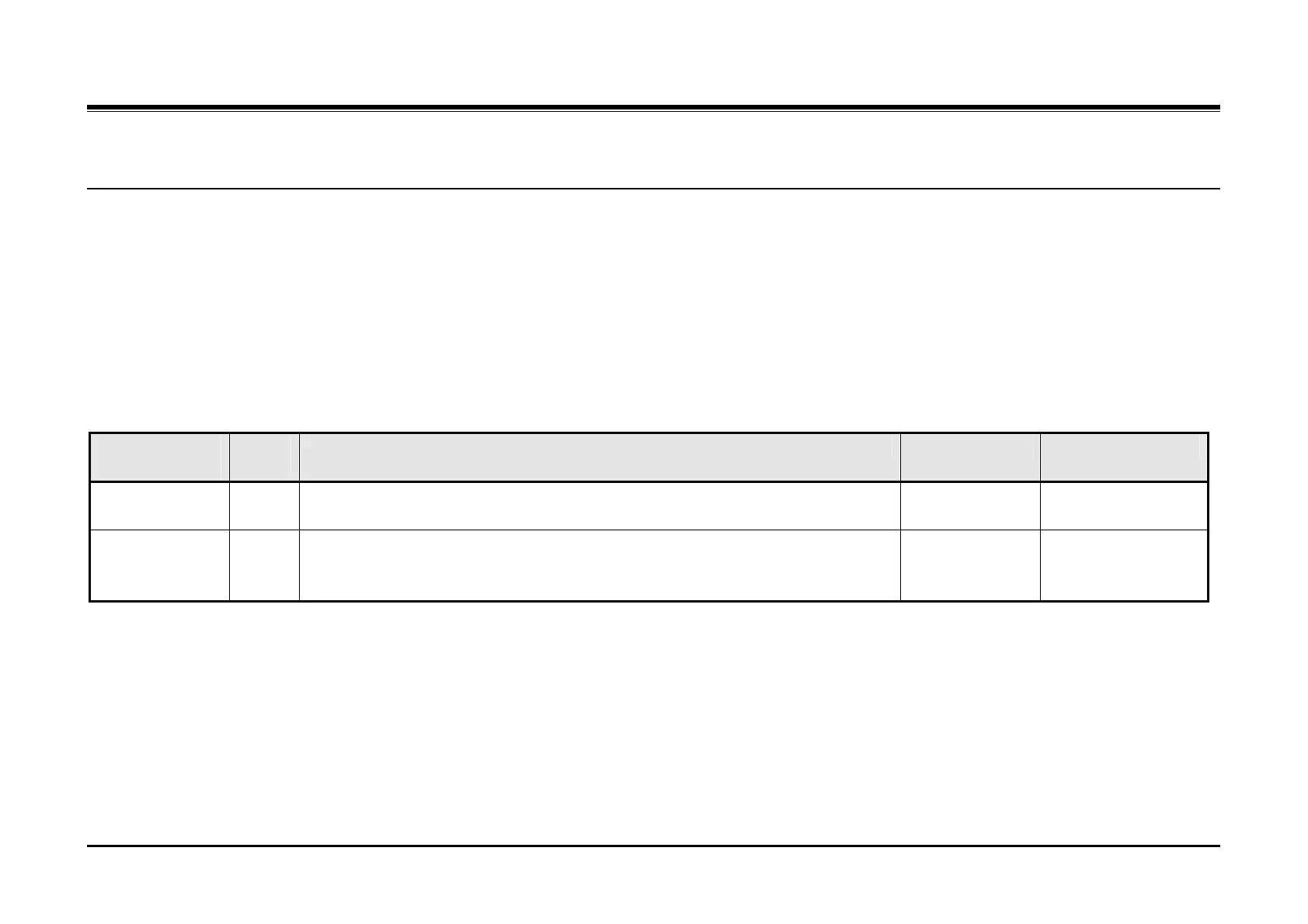
Description Default Values
Display Linked
Pairs
1 This Flexible button displays the Linked Pair stations, use the Volume Up/Down
buttons to navigate.
Linked Pairs 2 This parameter assigns two stations as a Linked pair with the properties of the first
station (Main) entered for the pair. The Main station of a Linked Pair having a
wireless station must be the wired station.
None assigned Two station numbers,
Main & linked



 To Next Page