ipLDK-60 Issue 2.0
Admin Programming Manual July, 2010
107
3.5.16 Print Port Selection (PGM 175)
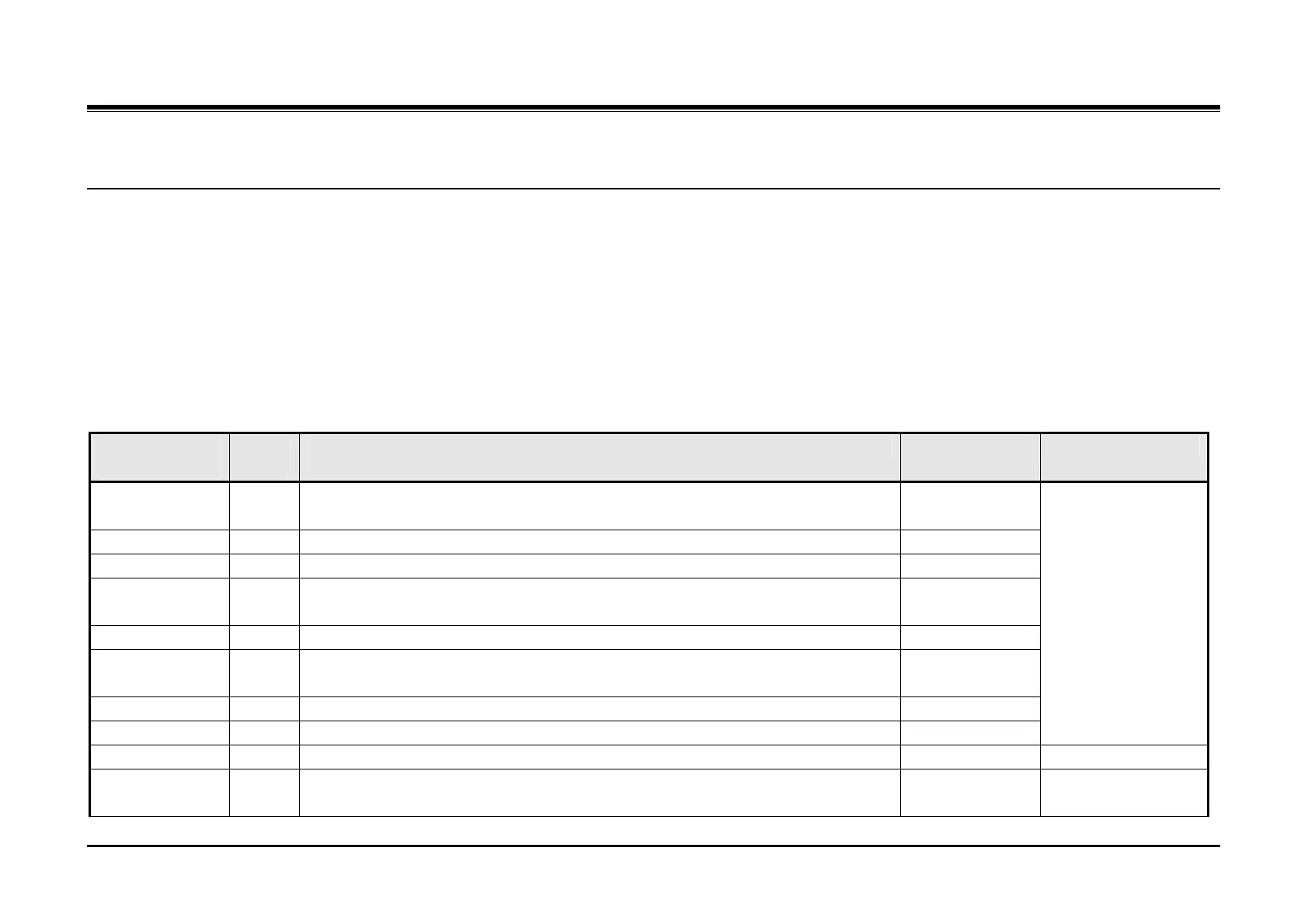
PGM 175 defines the output port to receive specific system reports and information as well as the connection for certain software applications.
Procedure:
1. Press the [TRANS PGM] button.
2. Dial 175.
3. Select the desired Flexible button.
4. Enter the appropriate value.
5. Press the [Hold/Save] button.
PGM
175
Flex
Btn
Description Default Values
Off-line SMDR/
Statistics Print
1 This parameter establishes the port for Off-line SMDR data output. 01 (COM1)
ADMIN Print 2 This parameter establishes the port for database outputs using PGM 451. 01 (COM1)
Traffic 3 This parameter establishes the port for Traffic Analysis data output. 01 (COM1)
SMDI Print 4 This parameter establishes the port for SMDI data output to an external AA/Voice
Mail. Not supported in ipLDK-60.
Call Information 5 This parameter establishes the port for Call information data output. 01 (COM1)
Info/On-line
SMDR
6 This parameter establishes the port for On-line SMDR data output. 01 (COM1)
Trace 7 This parameter establishes the port for Trace data output. 01 (COM1)
Debug 8 This parameter establishes the port for Debug data output. 01 (COM1)
01 + COM 1
02 = COM 2 (MODU)
03 = Telnet 1
04 = Telnet 2
05 = Telnet 3
PC ADMIN 9 ipLDK-60 automatically selects the PC Admin port, no entry required. Auto
PC Attendant 10 This parameter establishes the port for a PC Attendant connection. 08 (Net PC Attd) 01 + COM 1
02 = COM 2



 To Next Page