ipLDK-60 Issue 2.0
Admin Programming Manual July, 2010
216
3.15 Initialization (PGM 450)
PGM 450 is used to initialize all or sections of the ipLDK database and can be used activate a software reset of the system. After selecting the data
to initialize, the system must be reset, use either Flexible button 15, the system reset switch or power cycling.
Procedure:
1. Press the [TRANS PGM] button.
2. Dial 450.
3. Select the desired Flexible button for the data to initialize.
4. Select Flexible button 15 to reset the system and initialize the selected data.
5. Press the [Hold/Save] button to initialize the database selected.
PGM
450
Flex
Btn
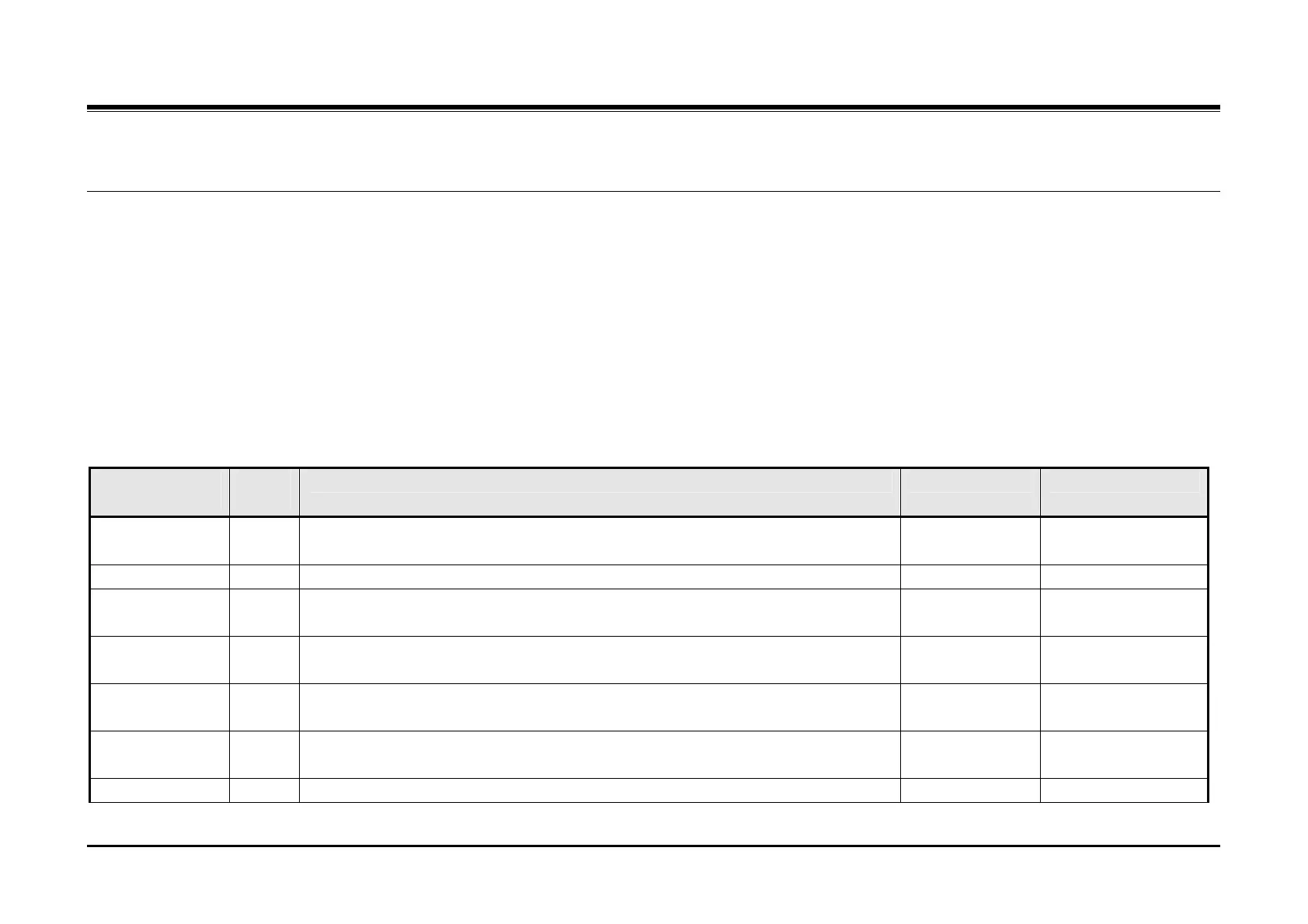
Description Default Values
Flexible
Numbering Plan
1 Initializes PGM105, PGM106 & PGM107
Station Database 2 Initializes PGM110 - 114, PGM 116 - 119, PGM121,PGM122, PGM124 & PGM179
CO Line
Database
3 Initializes PGM140 - PGM144
System Feature
Database
4 Initializes PGM160 – PGM 177, PGM108
Station Group
Database
5 Initializes PGM190 & PGM191
ISDN Tables
Database
6 Initializes PGM201, PGM202 & PGM231
Reserved 7



 To Next Page