ipLDK-60 Issue 2.0
Admin Programming Manual July, 2010
22
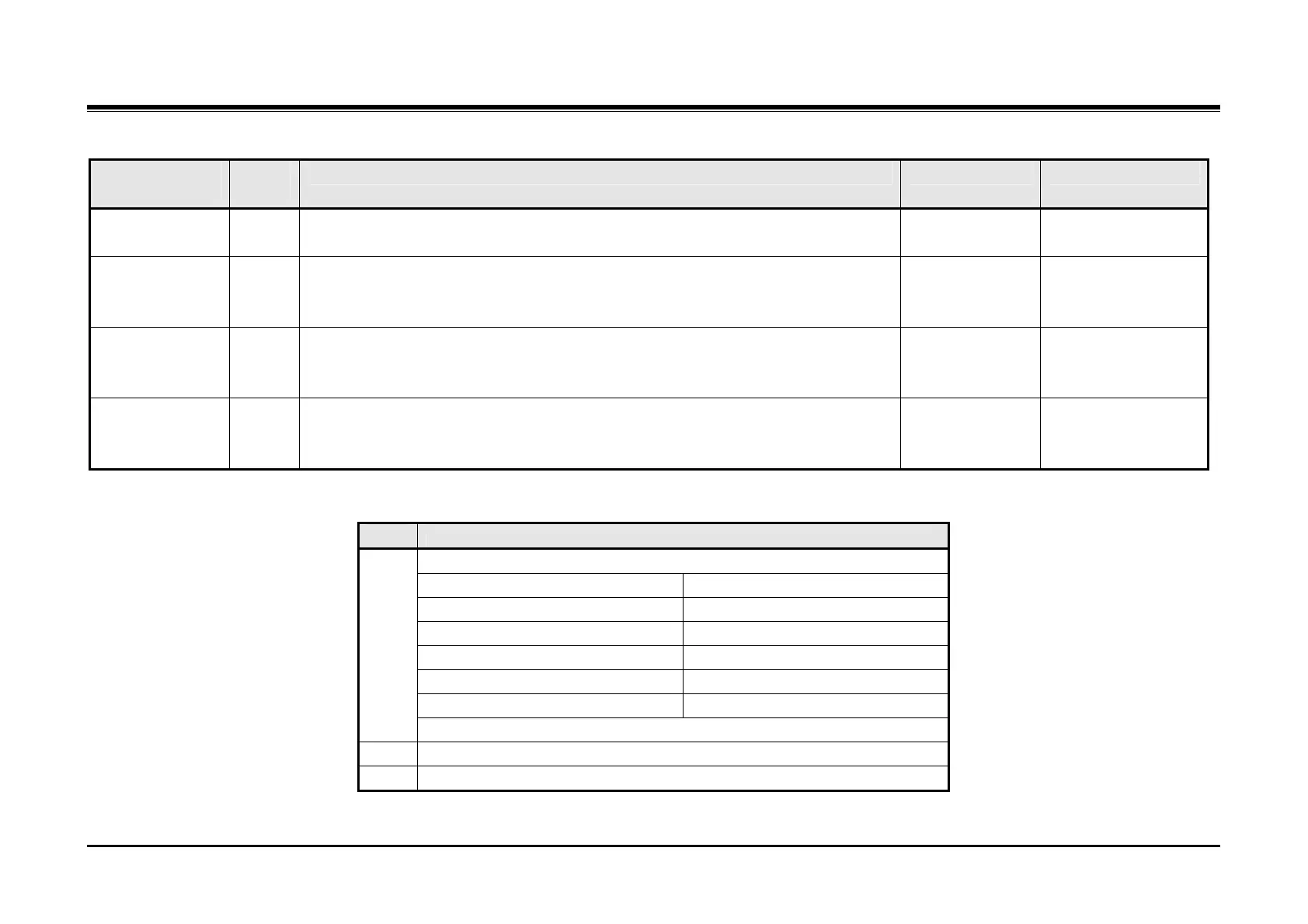
PGM
110
Flex
Btn
Description Default Values
admin
only
displays the Station Name and internal parties may receive the Station Name in the
LCD.
DSS/DLS 2 This parameter assigns the Flexible button map or template employed for the DSS
Console associated with the station. Individual Flexible button functions can be
defined in PGM 115.
02 02 = DSS MAP 1
03 = DSS MAP 2
04 = DSS MAP 3
Company
Directory, First
Name
3 This parameter assigns the first name of the user associated with the station for use
with the Company Directory. Use two digits for each character as shown in the Dial
Pad Character Chart below.
Not Assigned 12 Characters
Company
Directory, Last
Name
4 This parameter assigns the last name of the user associated with the station for use
with the Company Directory. Use two digits for each character as shown in the Dial
Pad Character Chart below.
Not Assigned 12 Characters
Flexible Button Configurations for DSS/DLS Map
Map Button Configuration
Buttons 1 to 12
Button 1: Intrusion Button 2: All Call Page
Button 3: Call Park 01 Button 4: Station Group 1
Button 5: Camp-On Button 6: Internal All Call Page
Button 7: Call Park 02 Button 8: Station Group 2
Button 9: Group Call Pickup Button 10: External All Call Page
Button 11: Call Park 03 Button 12: Station Group 3
1
Buttons 13 to 48: Station Ports 100-135
2 Station Ports 136-147
3 Blank



 To Next Page