Issue 2.2
Feature Description and Operation Manual
90
1. Press the [TRANS/PGM] button.
2. Press the Flexible button to be assigned.
3. Press the [TRANS/PGM] button.
4. Dial the Feature Code for the desired Feature button.
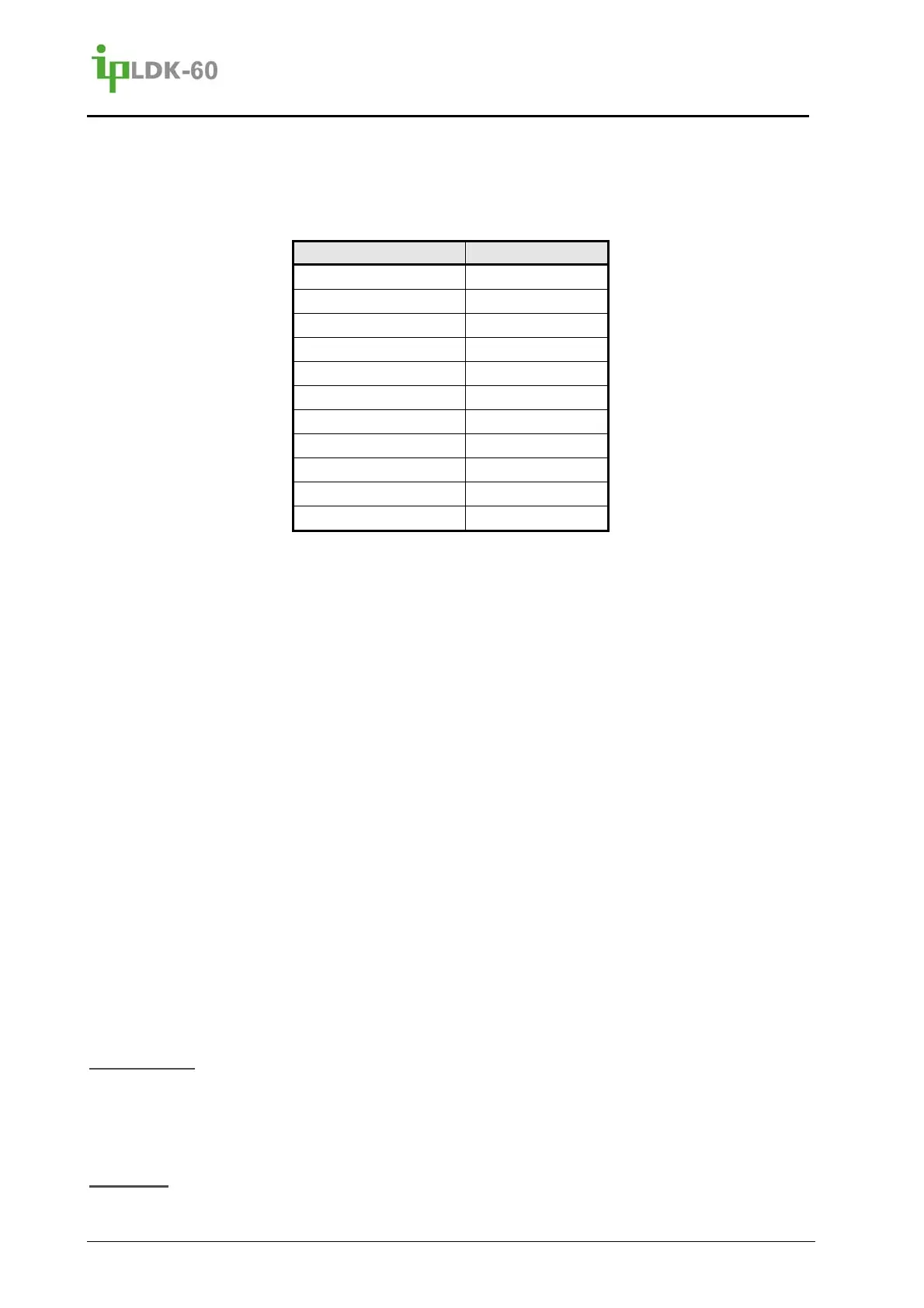
Feature Button Feature Code
Call Coverage 46 + Station
Mailbox 77 + Mailbox
ACD On/Off Duty 87 & group number
ACD Group, Supv. 8* & group number
Conference 91
Call Back 92
DND/Forward 93
Flash 94
Mute 95
MON 96
Redial 97
5. Press the [HOLD/SAVE] button to save changes.
To assign a CO line or DSS/BLF button,
1. Press the [TRANS/PGM] button.
2. Press the Flexible Button to be assigned.
3. Enter the CO line, CO line Group or station number.
4. Press the [HOLD/SAVE] button.
To assign Telephone Number
1. Press the [TRANS/PGM] button.
2. Press the Flexible Button to be assigned.
3. Press the [TEL NUM] soft button.
4. Enter the desired telephone number.
5. Press the [HOLD/SAVE] button.
To assign a code from the System Numbering Plan
1. Press the [TRANS/PGM] button.
2. Press the Flexible Button to be assigned.
3. Dial the desired Numbering Plan code.
4. Press the [HOLD/SAVE] button.
Consideration
The Station must be allowed the ability to assign a CO line or CO line Group to a Flexible
button. If not allowed CO PGM, the Station can only program features to buttons not
assigned as a CO line or CO line Group.
Reference



 To Next Page