Use Océ Publisher Mobile to send a print job
Introduction
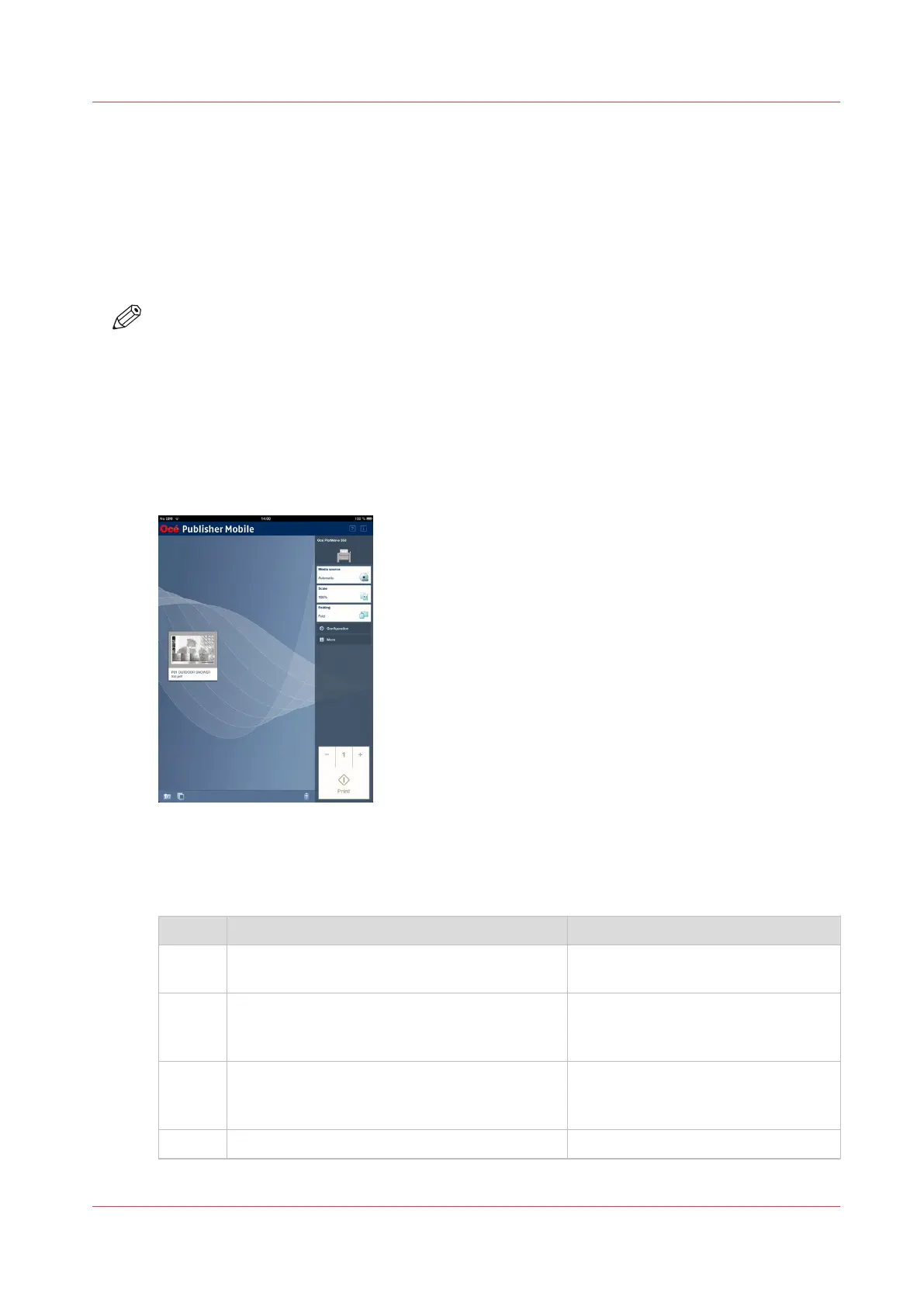
Océ Publisher Mobile is an application that enables you to easily plot from an Océ system via
your iPhone, iPad, or Android device.
All Océ TCS, TDS, ColorWave and PlotWave systems are supported. A user can plot all PDF*, PLT
(HPGL1/2), TIFF, JPEG and DWF* files.
NOTE
* Supported file types can vary depending on your system and active licenses.
Before you begin
Download Océ Publisher Mobile from the Play Store for Android devices or the App Store for iOS
devices.
Illustration
Procedure
Add a printer to Océ Publisher Mobile
Step Action Remarks
1 Open Océ Publisher Mobile on your mobile de-
vice.
2 Tap the printer button. Océ Publisher Mobile detects the
compatible printers that are available
in your network.
3 The detected printer, indicated with a "Connec-
tion" icon, is added to your printer list.
If your printer is not detected, you
can add it manually.
Tap the "Add" printer button.
4 From the printer list, select your printer.
4
Use Océ Publisher Mobile to send a print job
Chapter 4 - Use the Printing System
149













 To Next Page