Maintain the Scanner
Clean the scanner
Introduction
Clean the scanner from time to time, to prevent decrease of copy and scan quality.
When to do
Clean when:
• the transparent contact plates are dirty and static
• the original support rollers are dirty, and you use transparent originals
Procedure
1.
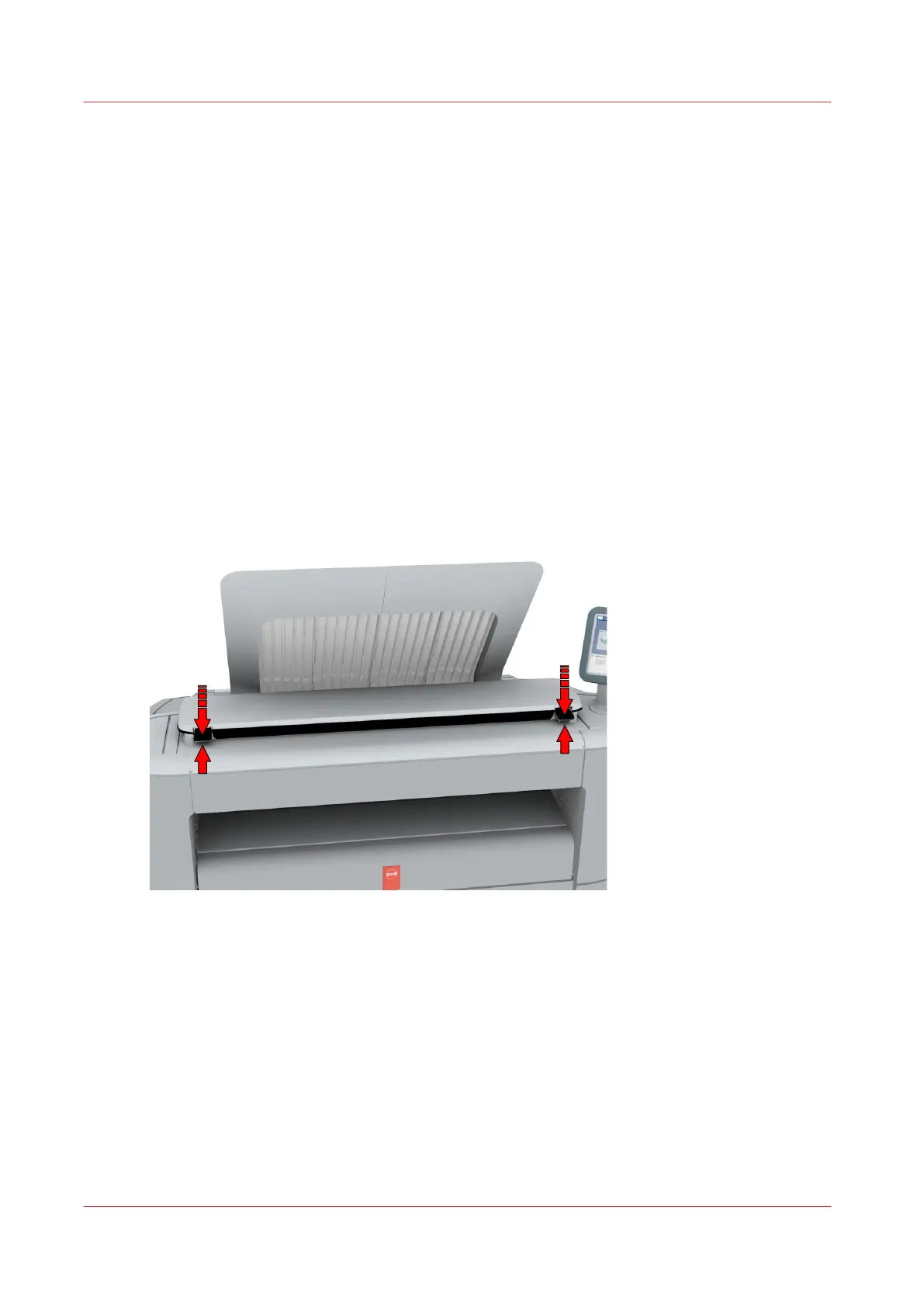
Use both hands to push up the left and right scanner open levers to fully open the scanner top
cover.
A locking mechanism prevents the scanner top cover from closing.
Maintain the Scanner
246
Chapter 5 - Maintain the Printing System













 To Next Page