4.
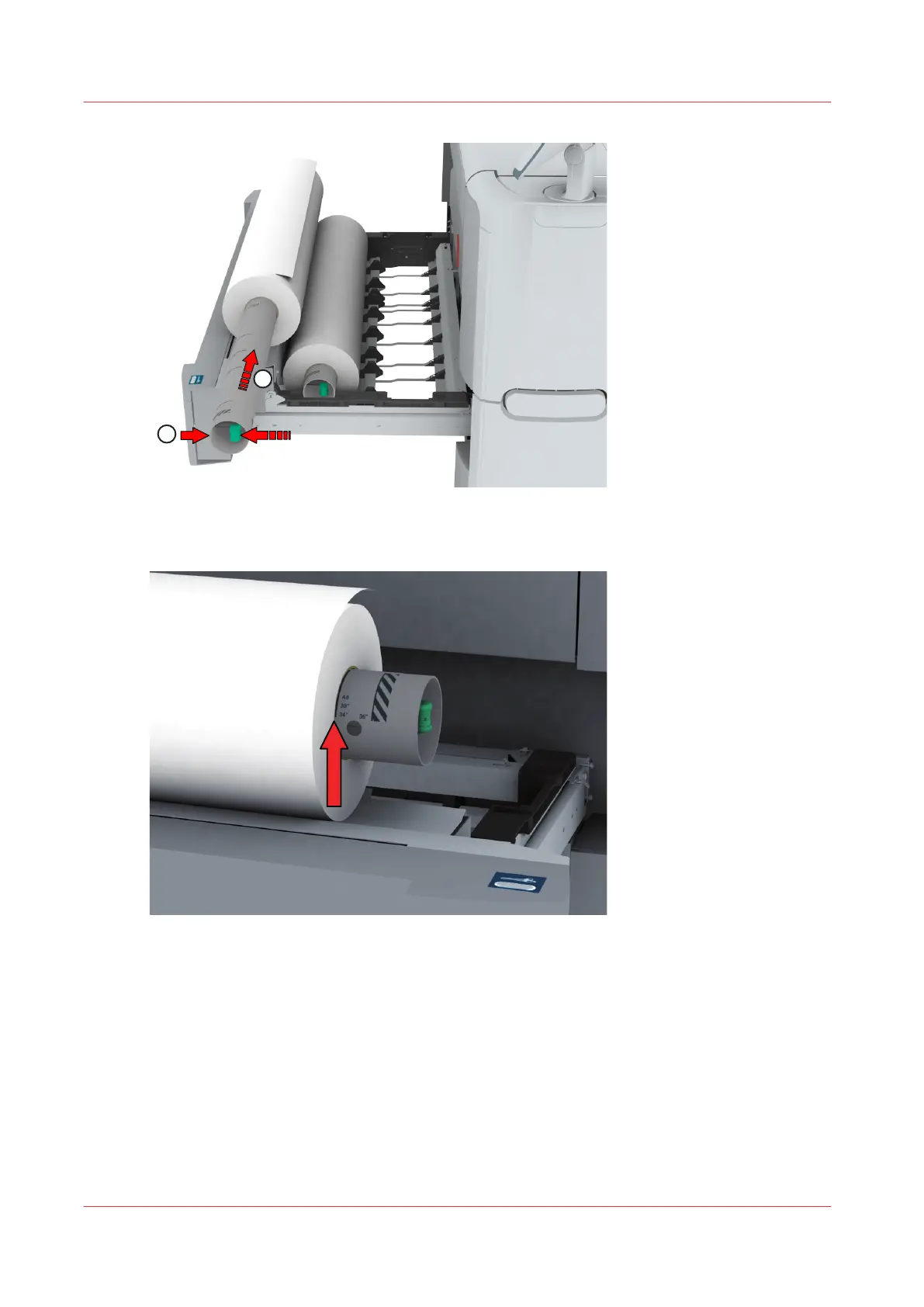
Align the roll with the center of the correct size indicator on the roll holder and release the handle
of the locking mechanism.
5.
Remove the tapes from the new media roll.
Use both hands (as indicated) to place the media roll in the media drawer.
Load a media roll (position 1)
230
Chapter 5 - Maintain the Printing System













 To Next Page