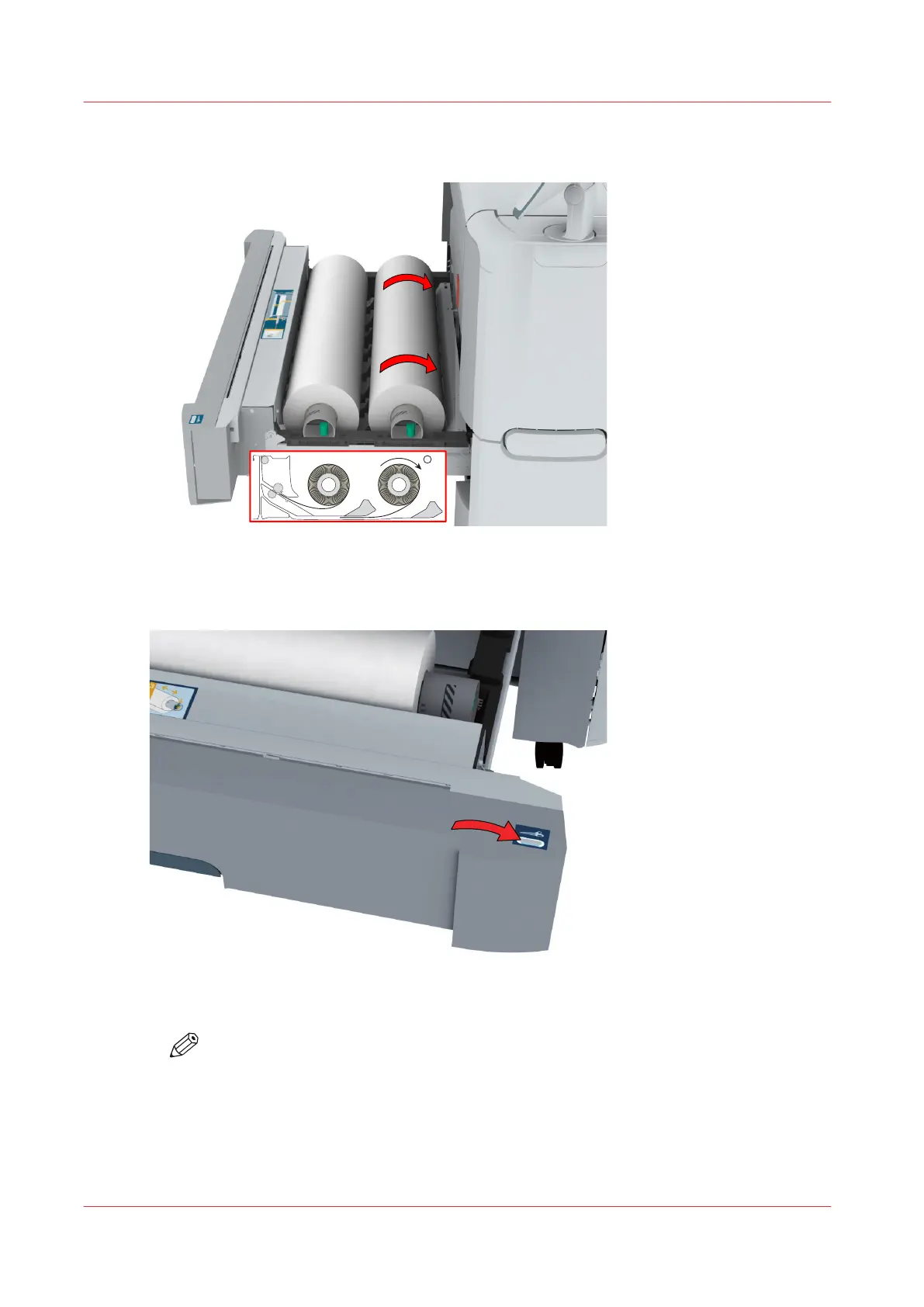
7.
Use both hands to slide the media under the metal paper guide (2) until the media is transported
automatically.
8.
If necessary, press the [clean cut button] to trim a strip of the new media roll. Press once for a
strip of approximately 20 cm (7.9 in) or hold the button and release it when the strip has the
desired length.
9.
Close the media drawer.
NOTE
Do not open the media drawer during loading.
10.
The user panel displays the message that new media is detected. Follow the steps in the wizard
to define the correct media type and size if not detected automatically.
Load a media roll (position 2)
236
Chapter 5 - Maintain the Printing System













 To Next Page