94
Settin
Checkers
Cha
ter 6
6.5 Gray Window
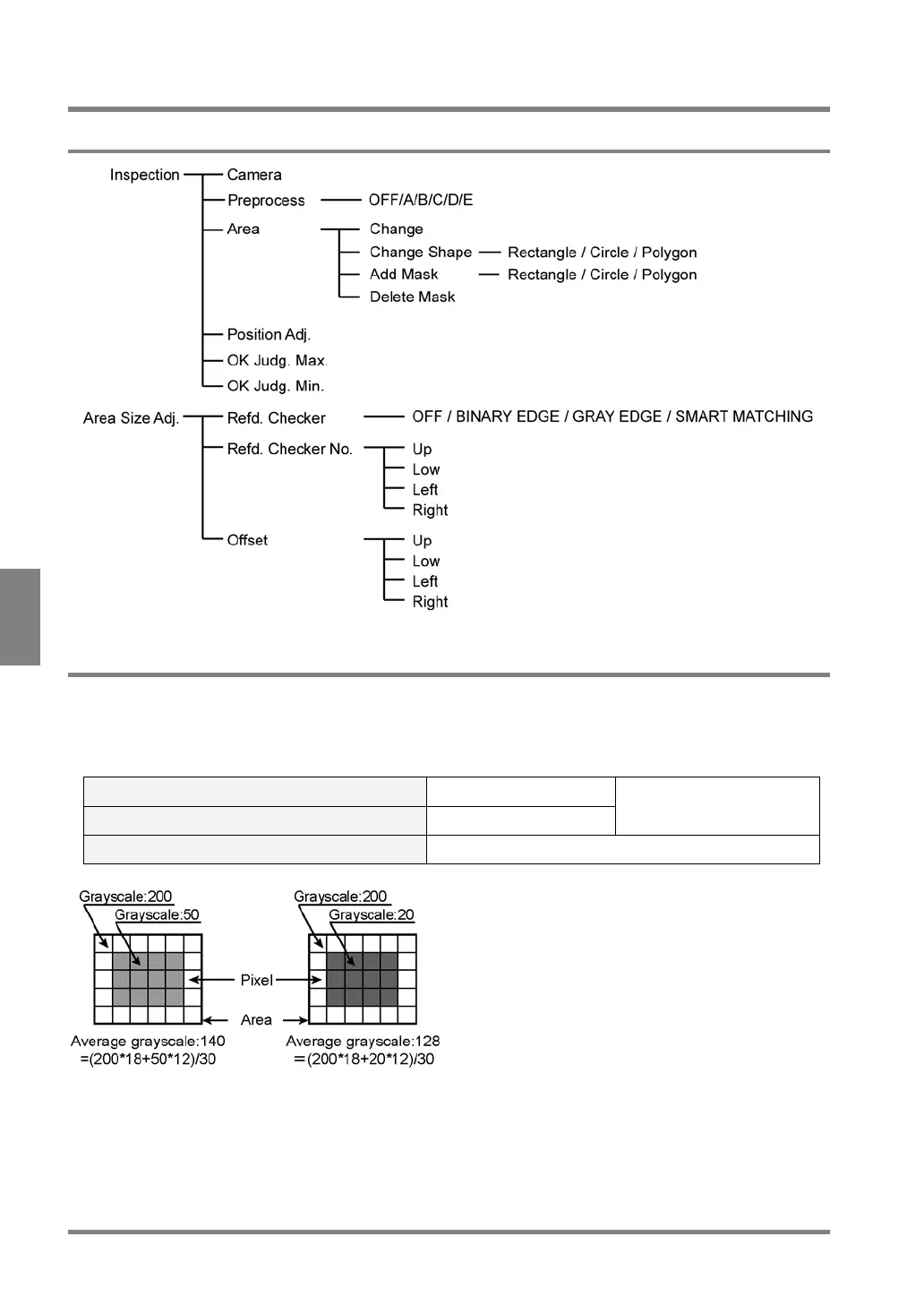
6.5.1 Menu Options
6.5.2 What Is Gray Window?
The Gray Window function can calculate all the gray average of the pixels within an area. If the gray average is
within the range for the calculated gray average, the object will be judged as "OK". If the gray average is out of
the range, the object will be judged as "NG". This feature will be helpful if you wish to find out the change in
brightness of your desired areas and to compare the brightness of multiple areas.
Area Shape Rectangle/Circle/Polygon
The number of settable mask areas Up to 16
The Area Size Adjustment
function is available.
The Range of Measurement Results (pixel) 0 to 255



 To Next Page