230
Environment Settin
s
Cha
ter 9
9.3.7 Running a Test Using a Saved Image
The saved images can be displayed in the display area for memory images. Even if the camera cannot take the
object, you can create and adjust a checker by saving it in advance.
Setting Procedure
1. Press the B key in SETUP mode.
The subwindow is displayed.
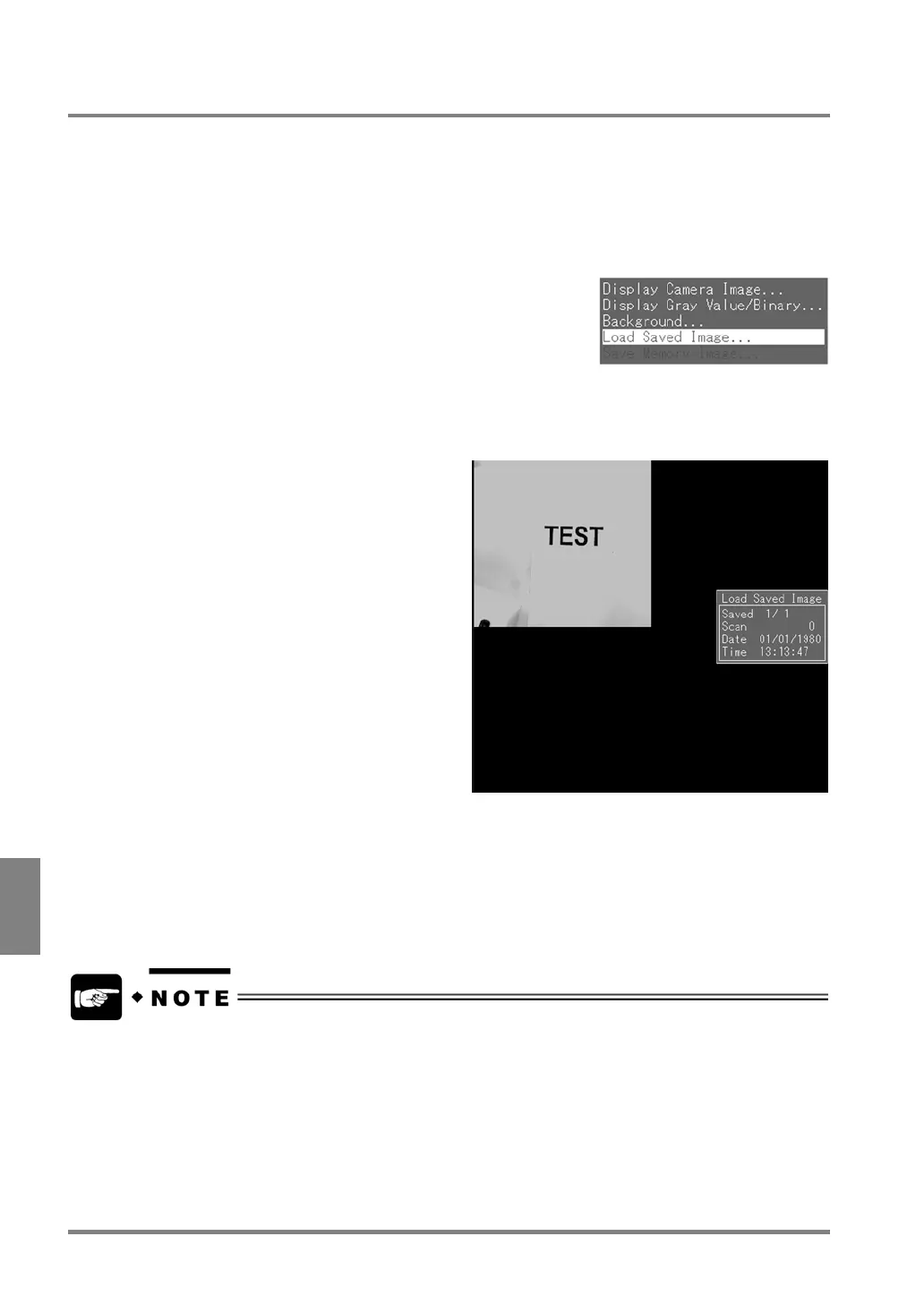
2. Highlight "Load Saved Image".
The two pairs of the images stored in Memory 1 and Memory 2 are displayed. The image information is
also displayed. To display the next saved image, tilt the ENTER key upward or downward.
3. Display the image to which you want to refer to and press the ENTER key.
The current memory image is erased and the specified image is called as a memory image.
If you wan to adjust a checker or execute a test using a save image that you called, do while a memory
image is displayed. Once a live image is displayed during test execution, the called image will disappear,
because a new image is captured during the test.
Even if a save image is called to the current memory, it isn’t erased from the save image memory.



 To Next Page