226
Environment Settin
s
Cha
ter 9
9.3.2 Saving Images with the Keypad Operation
In SETUP mode, you can store the image captured last in the PV310 by operating the keypad.
Setting Procedure
1. In SETUP mode, press the B key.
The submenu is displayed.
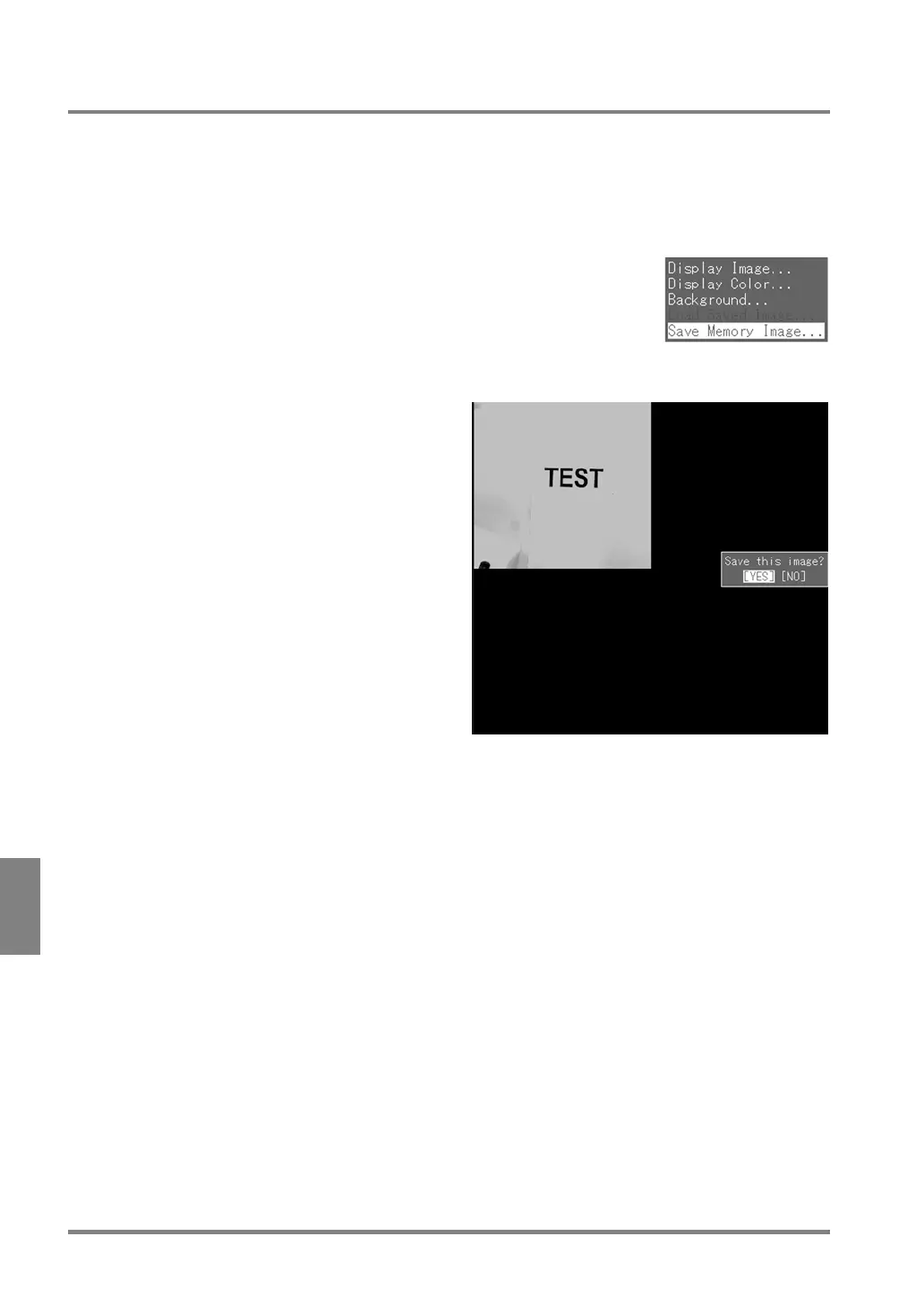
2. Highlight "Save Memory Image".
The current memory image is displayed.
3. Choose "YES".
The image that was displayed at the step 2 is saved.
When "Save Memory Image?" is not displayed, the current memory image is already saved.



 To Next Page