194
Cha
ter 7
Calculation
Anal
sis
and Out
ut of Ins
ection Results
7.5.2 Data Can Be Displayed in the Data Monitor Table
The data listed below can be referred to the Data Monitor.
Reference Data No. Content
Title - Titles containing numbers, alphabets and symbols
Result of Numeric
Calculation
01 to 96 Calculation result of a Numeric Calculation formula
Judgment of Numeric
Calculation
01 to 96 Judgment result of a Numeric Calculation formula
Judgment of Judgment
Calculation
01 to 96 Judgment result
00 Scan Number
OK Count
NG Count
OK Average
OK Disperse
Max.
Min.
Calculation
Result
Statistics
01 to 96
Range
Product Type - The number of current product type
7.5.3 Data Displaying
Result of Numeric Calculation and Judgment of Numeric/Judgment Calculation
To refer the result and judgment of numeric calculation and judgment of judgment calculation, follow the steps
below.
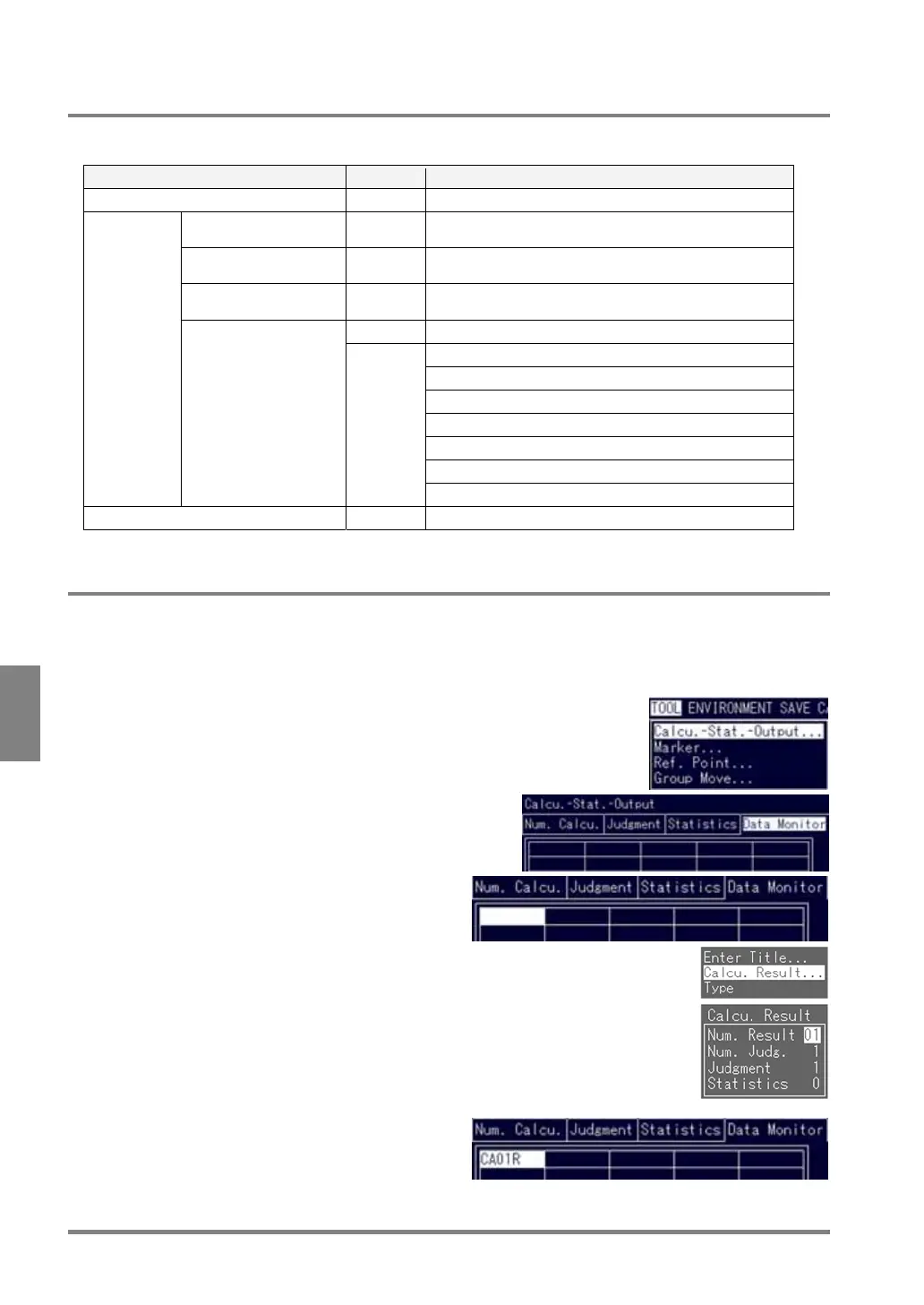
1. Select "TOOL” > "Calcu. -Stat.-Output" from the menu bar.
The subwindow for calculation, statistics and output setting is
displayed.
2. Highlight the Data Monitor tab.
The table consisting of 5 columns and 10 rows is
displayed.
3. Move the cursor to the desired cell.
4. Choose "Calcu. Result".
The subwindow is displayed.
5. Select the item you want to refer
The cursor moves to the number right next to the
item you selected.
6. Specify the number of the quoted item and
press the ENTER key.
The symbol of the selected data appears.



 To Next Page