308
Information on the PV310 and Hel
Function Settin
s
Cha
ter 14
14.1 Information on the PV310
14.1.1 Options of the INFO. Menu
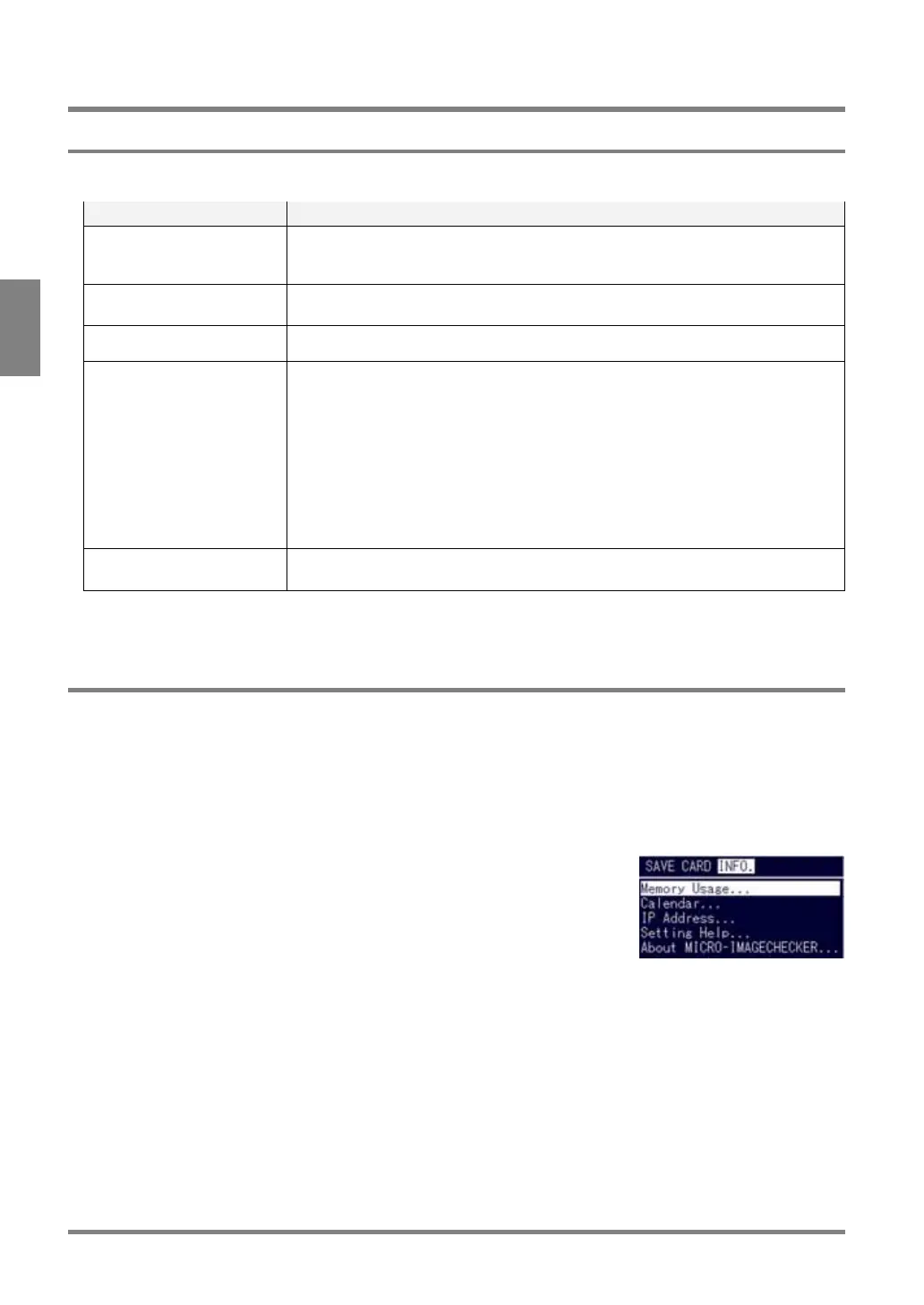
The setting information on the following five menu options is displayed by selecting “INFO.” from the menu bar.
Item Description
Memory Usage Displays available storage capacity of the memory, in which the settings can be
saved.
Up to approx. 4 MB
Calendar* Calendar sets the clock built in the PV310.
The Calendar information can be held by using the backup battery.
IP Address* Assign the IP address to your PV310. (Default: 192.168.1.254)
Setting Help
• Lighting Adjustment
Check for being the same in lighting intensity
• Focal Adjustment/Aperture Adjustment
This feature makes it easy to properly adjust the focus of the imported inspection
images and the aperture of the lens.
• Image Profile
The grayscale level of the image in the linear area is displayed in a graph form.
• I/O Monitor
This feature allows you to make sure to check if the input/output terminals of the
PV310 are surely connected with the external device
About
MICRO-IMAGECHECKER
Displays the version information on your PV310.
* The data of calendar and IP address cannot be saved in a Compact Flash memory card, and in a PC by using
AXTOOL.
14.1.2 Checking Remaining Storage Capacity of Memory
Remaining storage capacity of the memory that can be used for saving the settings is displayed.
To check remaining storage capacity of memory:
1. Select “INFO.” > “Memory Usage” from the menu bar.
Remaining storage capacity of the memory is displayed.



 To Next Page