214
Cha
ter 8
TOOL
8.6.5 “User-Defined” Execution Mode
Blocks of inspection execution
The data of the checkers, Numeric Calculation formulas and Judgment formulas stored in each product type are
divided into three blocks in numeric order. Each block is called a “block 1”, “block 2 or “block 3”. In User-Defined
execution mode, you can let the PV310 execute only one block that was selected from three blocks.
Block Checker
Numeric
Calculation
Judgment
1 No.1 – 32 CA01 – CA32 JD01 – JD32
2 No.33 – 64 CA33 – CA64 JD33 – JD64
3 No.65 – 99 CA65 – CA96 JD65 – JD96
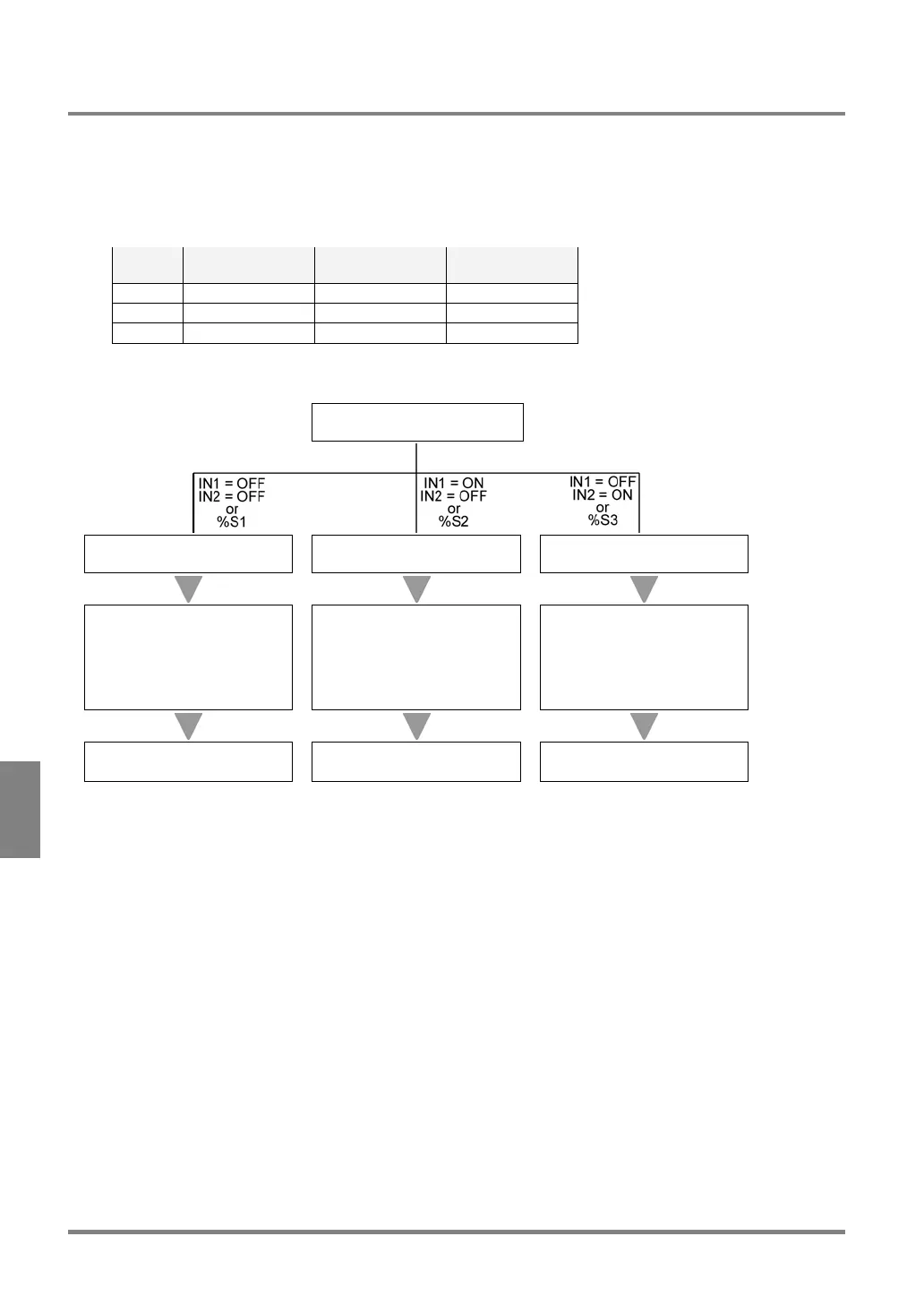
Execution order
Inspection start
Execution of block 1 Execution of block 2 Execution of block 3
Execution of statistics
(Only the checkers, Numeric
Calculation formulas or
Judgment formulas of blocks
1 that is set as “objects” are
executed.)
Execution of statistics
(Only the checkers, Numeric
Calculation formulas or
Judgment formulas of block 2
that are set as “objects” are
executed.)
Execution of statistics
(Only the checkers, Numeric
Calculation formulas or
Judgment formulas of block 3
that are set as “objects” are
executed.)
Output of the result
(Block 1 and Statistics data)
Output of the result
(Block 2 and Statistics data)
Output of the result
(Block 3 and Statistics data)
To repeat specification execution
If you have set to repeat the specification execution by selecting “ENVIRONMENT” > “Initial Settings” >”Start”, the
same block is repeatedly executed. If you want to execute another block, temporarily stop inspection, set to the
desired block and then start inspection again.
• The block that is executed when the power is turned on: Block 1:
When the power is turned on, block 1 is automatically executed. At this time, input to IN1 or IN2 ports is
not accepted.
• The block that is restarted after the inspection was suspended: The block that was set at the time of
restarting inspection.



 To Next Page