213
TOOL
Cha
ter 8
Outputting inspection results
You can output only the results of the block executed last to the external device. The results of block 1 (JD01-32
and CA01-32) executed first are not output.
To output inspection results to parallel output ports
• Execution of block 2
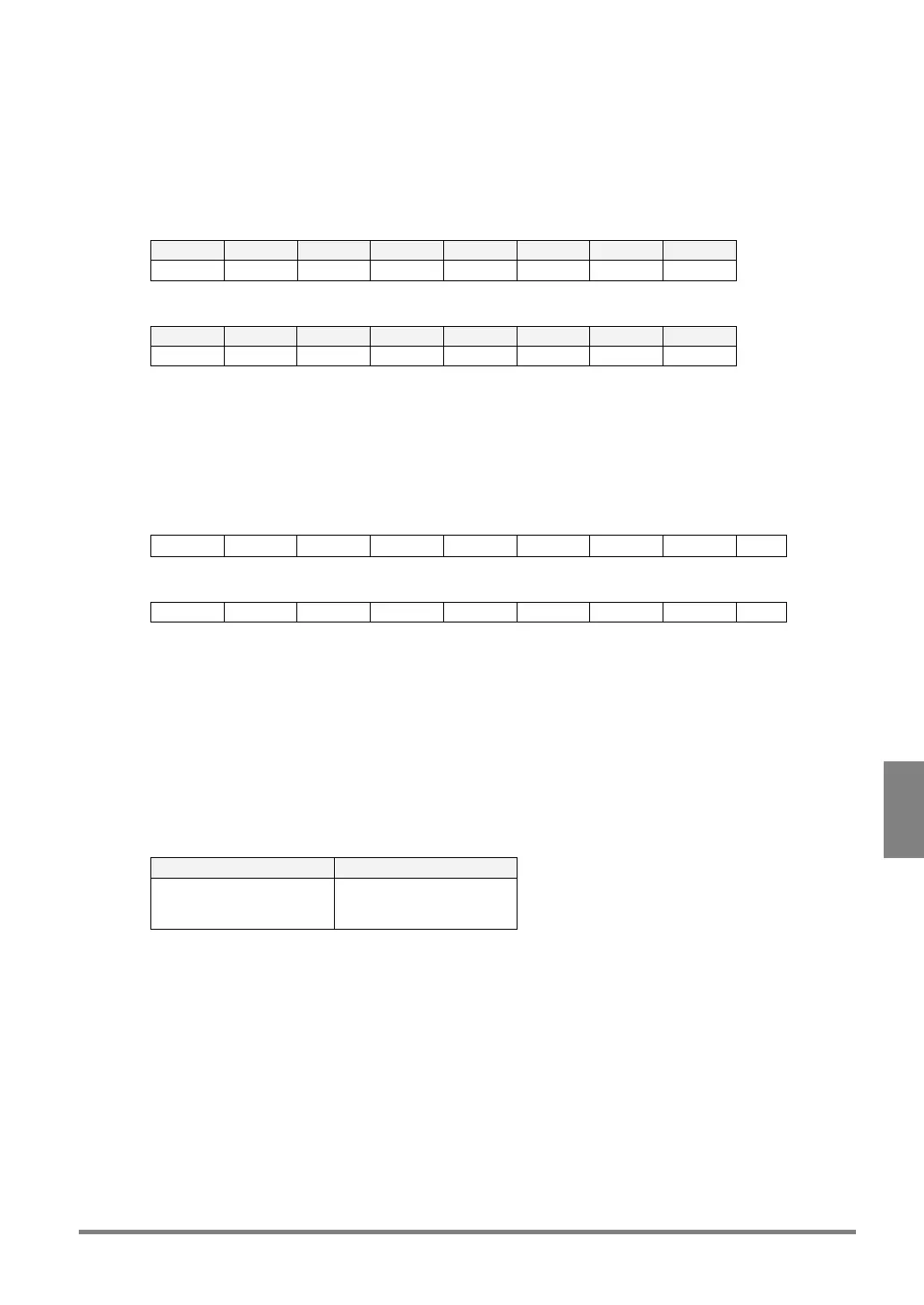
D8 D7 D6 D5 D4 D3 D2 D1
JD39 JD38 JD37 JD36 JD35 JD34 JD33 JD32
• Execution of block 3
D8 D7 D6 D5 D4 D3 D2 D1
JD72 JD71 JD70 JD69 JD68 JD67 JD66 JD65
During handshake, the Judgment results in the tables shown above are output first, then the rest of the Judgment
results are output to the ports D1 through D8 in several times.
Output inspection results to RS-232C port (if four Judgment and Numeric Calculation formulas of four
smallest numbers)
• Execution of block 2
JD33 JD34 JD35 JD36 CA33 CA34 CA35 CA36
C
R
• Execution of block 3
JD65 JD66 JD67 JD68 CA65 CA66 CA67 CA68
C
R
* The inspection results are output from the top of each block even in Computer Link mode.
To output the results of block 1
In Automatic Switch execution mode, the PV310 executes block 1 whenever executing inspection, but the results
are not output. If you output the result or calculation data of block 1 to an external device, save the formula of
Numeric Calculation or Judgment that you want to output as block 2 or 3.
Example: To output the result of JD01 and calculation data of CA01 of block 1 to an external device
• Settings
Judgment Numeric Calculation
JD33 = JD01
JD65 = JD01
CA33 = CA01
CA65 = CA01
• Output results:
When block 2 was executed, the result of JD33 and the calculation data of CA33 are output.
When block 3 was executed, the result of JD65 and the calculation data of CA65 are output.
If you configure the same settings as the table shown above, the result of JD01 and calculation data of CA01 can
be output regardless of the block the PV310 executes.



 To Next Page