54
Basic O
eration
Cha
ter 4
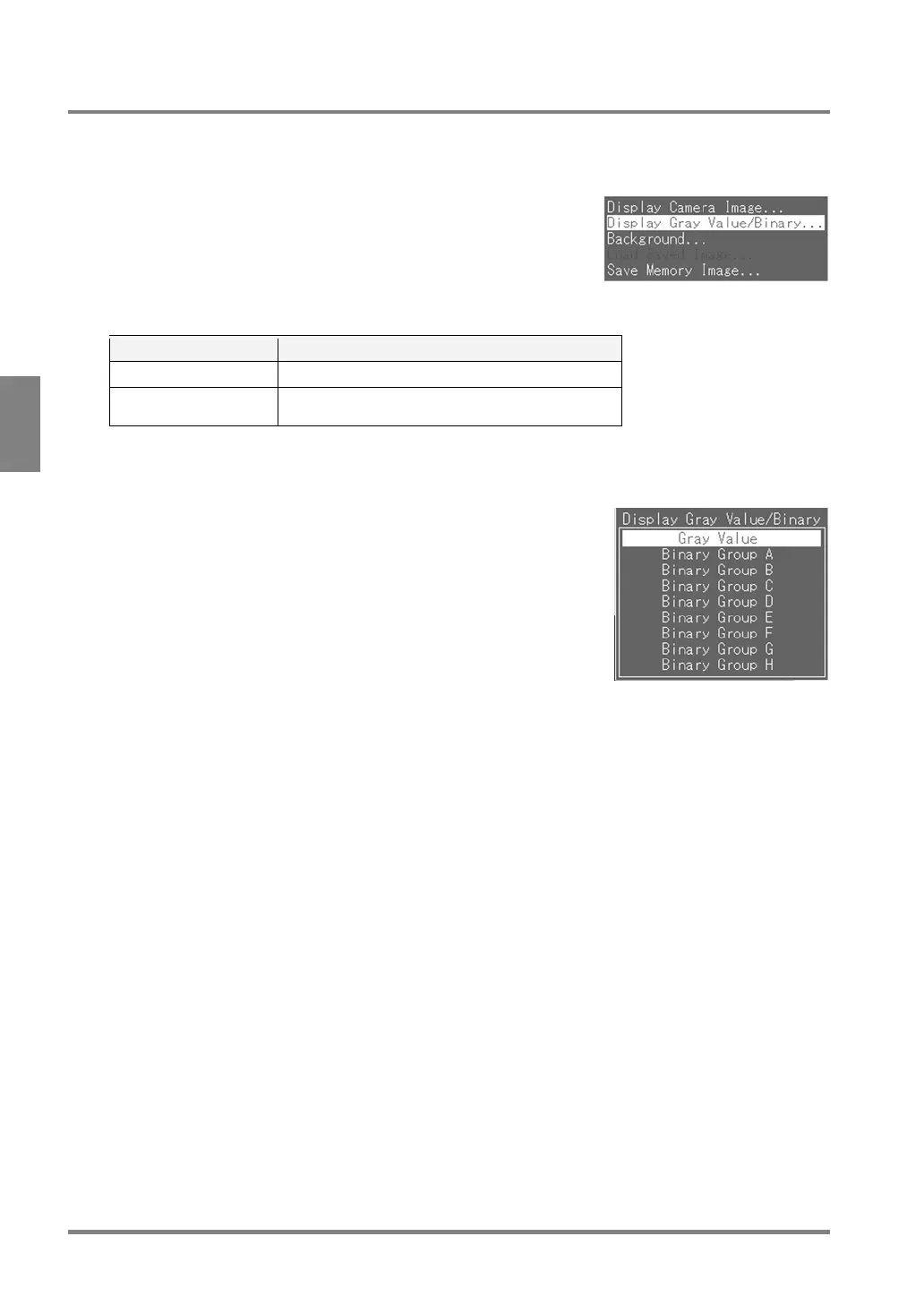
4.5.3 Selecting a Display Gray Value/Binary
1. Press the B key while only the image is displayed.
The menu window is displayed.
2. Select “Display Gray Value/Binary”.
Option Image to be displayed
Gray Value Gray-scale image
Binary Group A to
Binary Group H
The image of the selected slice level is displayed.
3. Select a color in which the image is displayed.
The image is displayed in the specified binary image or gray scale image.



 To Next Page