192
Cha
ter 7
Calculation
Anal
sis
and Out
ut of Ins
ection Results
7.4.6 Resetting the Counted Results
To reset the counted results to "0":
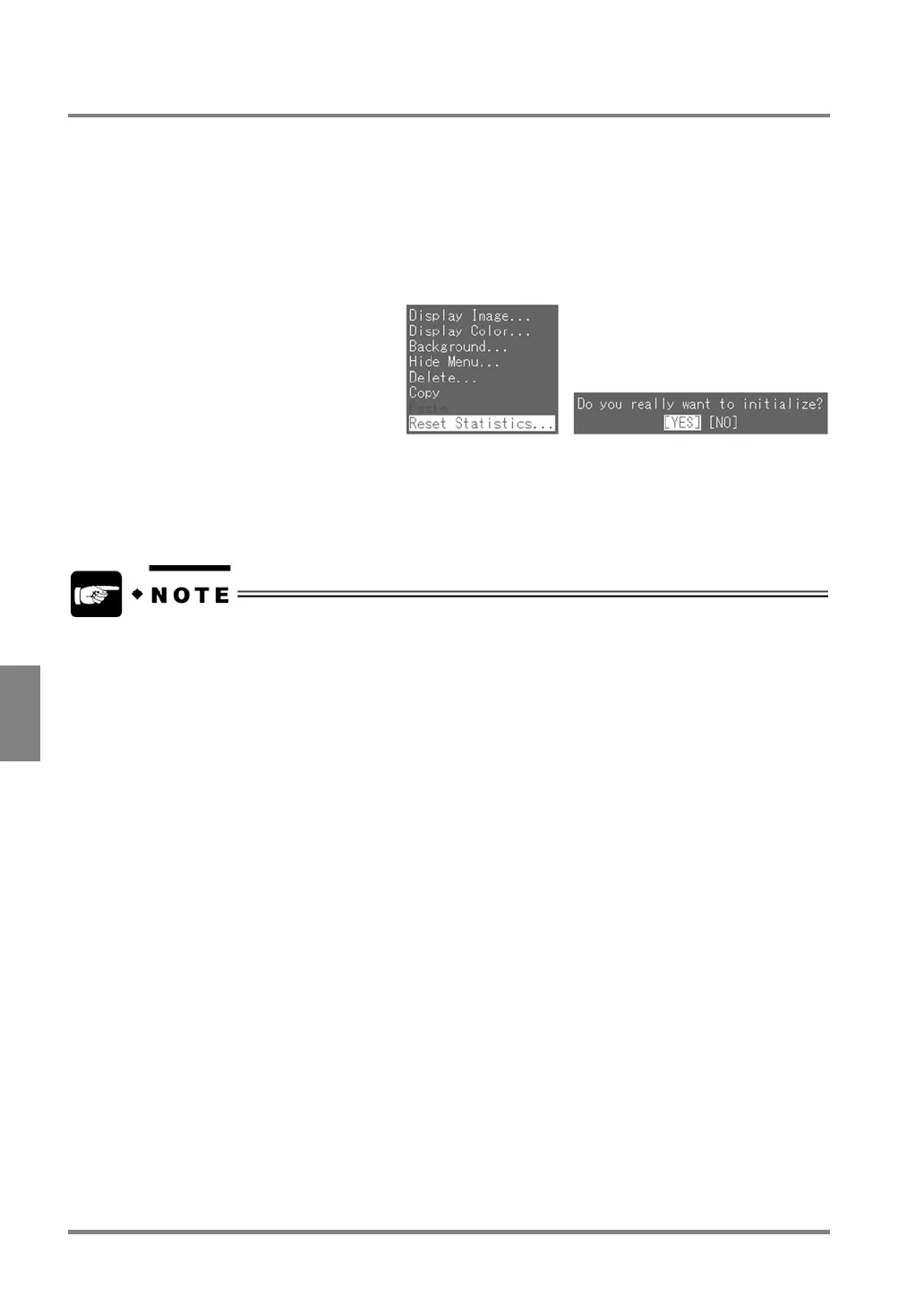
1. Highlight the number of statistics you want to reset and press the B key.
The subwindow is displayed.
2. Highlight "Reset Statistics".
The dialog message shown below is displayed.
3. Choose "YES" to continue.
The data in the selected row and any other data including Statistics data and Scan counts are all reset.
Counted results are automatically reset in the following cases:
• The power was turned off.
• Product Types were switched.



 To Next Page