200
Cha
ter 8
TOOL
8.1 What Is TOOL?
With this TOOL feature, you can edit the following functions that can be set and saved for each product type.
TOOL
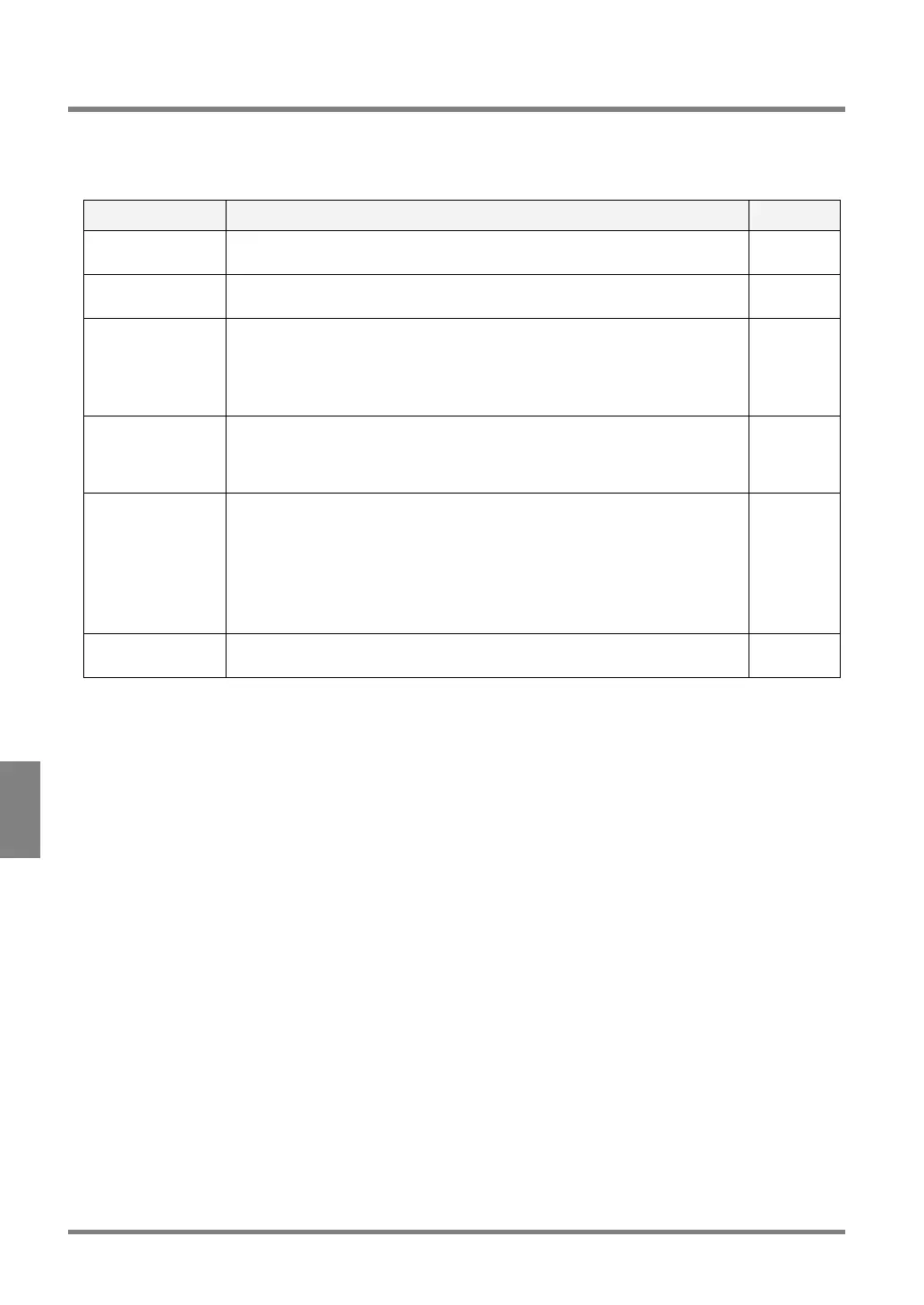
Item Description Reference
Calcu.-Stat.-Output To configure the settings for the detected value, calculation and statistics, and
output the results (to the monitor screen or external device).
Section 7
(Page168)
Marker To draw a diagram on the monitor screen. This function will be helpful if you
want to check the base position of the object, etc. visually.
Page 201
Ref. Point To save any point on the screen monitor that can be referred to Numeric
Calculation. The coordinate position can be displayed during inspection (in RUN
mode). If the coordinate position is used as the base position of the object, the
PV310 can calculate how much the object was shifted by using the Numeric
Calculation function. The calculated data can be checked on the screen monitor.
Page 203
Group Move To move the checker shapes. Group Move means that the checkers to which the
same position adjustment number of each checker have been assigned can be
moved at a time. This function is effective if there are a lot of checkers or the
position adjustment number of each checker is the same.
Page 204
RUN Mode Image
Settings
To save the contents to be displayed in RUN (Inspection) mode
• Selecting the type of the image to be displayed next in the image display
area
• Selecting whether or not to display a Marker and Reference coordinate
• Selecting whether or not to display the Data Monitor table
• If you want to display the Data Monitor table, you have to decide the display
position and the number of rows.
Page 205
Execution Mode During the execution of inspection, the PV310 can execute all or some of the
checkers, numeric calculations and judgment stored in product types.
Page 209



 To Next Page