67
Cha
ter 5
Procedure for Settin
Ins
ection Conditions
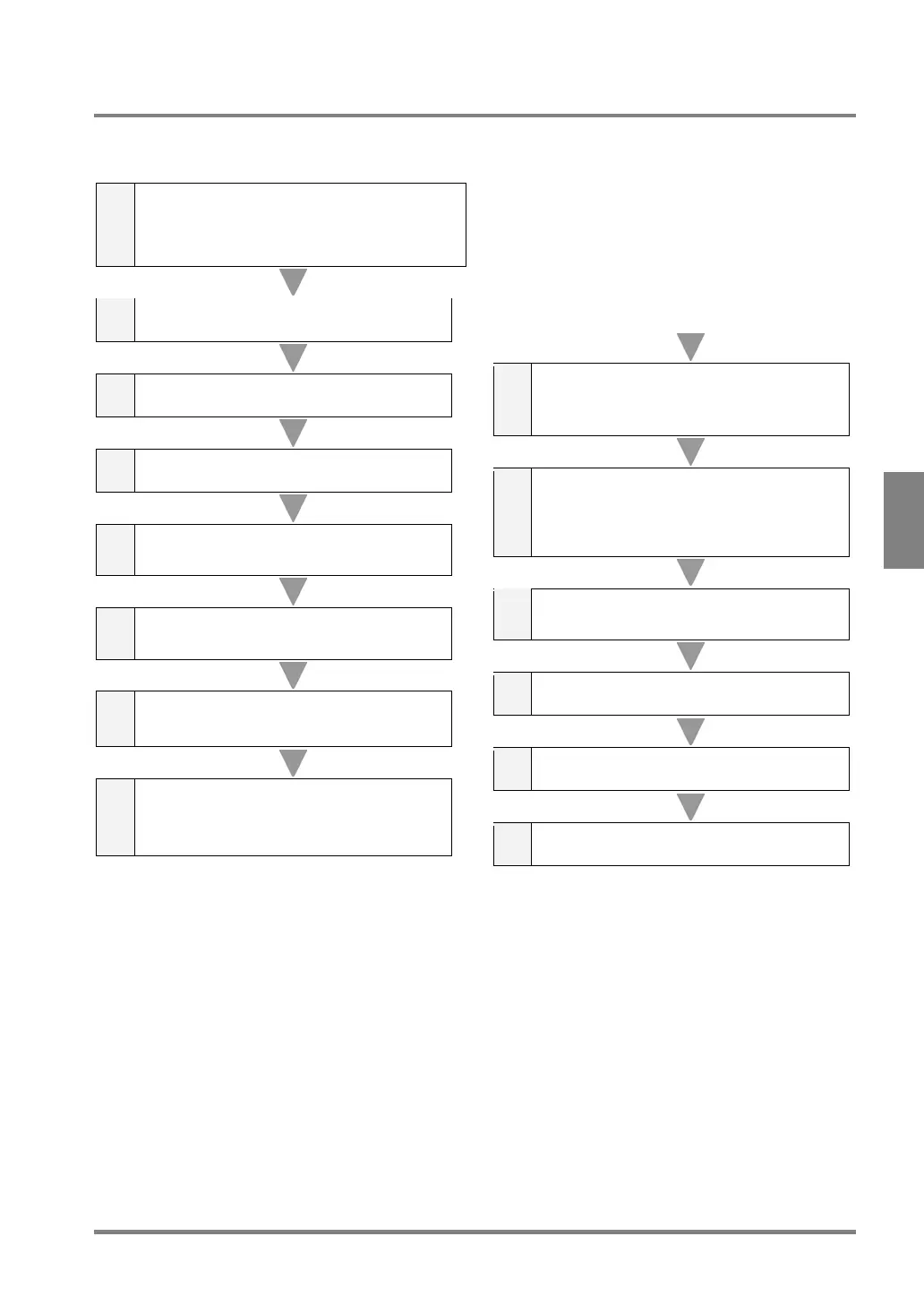
5.8.2 Process Sequence for Executing Inspection
Inspections are mainly executed in the following order shown below (, but execution mode must be set to
“Execute All” execution mode. Processes may be added or changed depending on the setting.
1
Receive START signal input or a serial command
(%S CR) from external device.
Input timing signal for execution of inspection from the
external device to the PV310. If you execute inspection in
Repeat (Inspection) mode, the PV310 skips this process,
because the device needs no signal from external device
in Repeat mode.
2 Turn READY signal OFF.
3 Start counting inspection time.
4 Capture an image.
5
Turn REND signal (image capture completion
signal) ON.
6
Execute checker No.1 first and then the rest of
checkers in ascending order.
7
Calculate Numeric Calculation formula CA01
first and then the rest of Numeric Calculation
formulas in ascending order.
8
Calculate Judgment formula JD01 first and
then the rest of Judgment formulas in
ascending order.
9
Calculate Statistics formula QS1 first and then
the rest of Statistics formulas in ascending
order.
10
Output all or some of the following data via
RS-232C. (Note: This process is skipped if the
PV310 does not output the following data.)
Number of scans, Judgment, Numeric
Calculation and Statistics
11
Judgment results are output to the ports from
D1 to D8 in several outputs.
12 Finish counting inspection time.
13 Turn REND signal OFF.
14 Turn READY signal ON.
* About execution modes
In the processes from 6 to 9 on the previous page, Execution mode function allows you to select whether to
execute all or some of the checkers, numeric calculations and output judgments that have been stored in a
product type.
There are three available execution modes: “Execute All”, “User-Defined” and “Automatic Switch”. In “All”
execution mode, all of the checkers, Numeric Calculations and Judgment stored in a product type are executed.
In “User-Defined” execution mode, the checkers and the formulas of Numeric Calculation and Judgment stored in
each product type are divided into three blocks in numeric order. Only one block that you specified can be
executed. In “Automatic Switch” execution mode, block 2 or 3 is executed according to the result of the block 1.
Refer to page 209 for more details.



 To Next Page