20
Installation and Wirin
Cha
ter 2
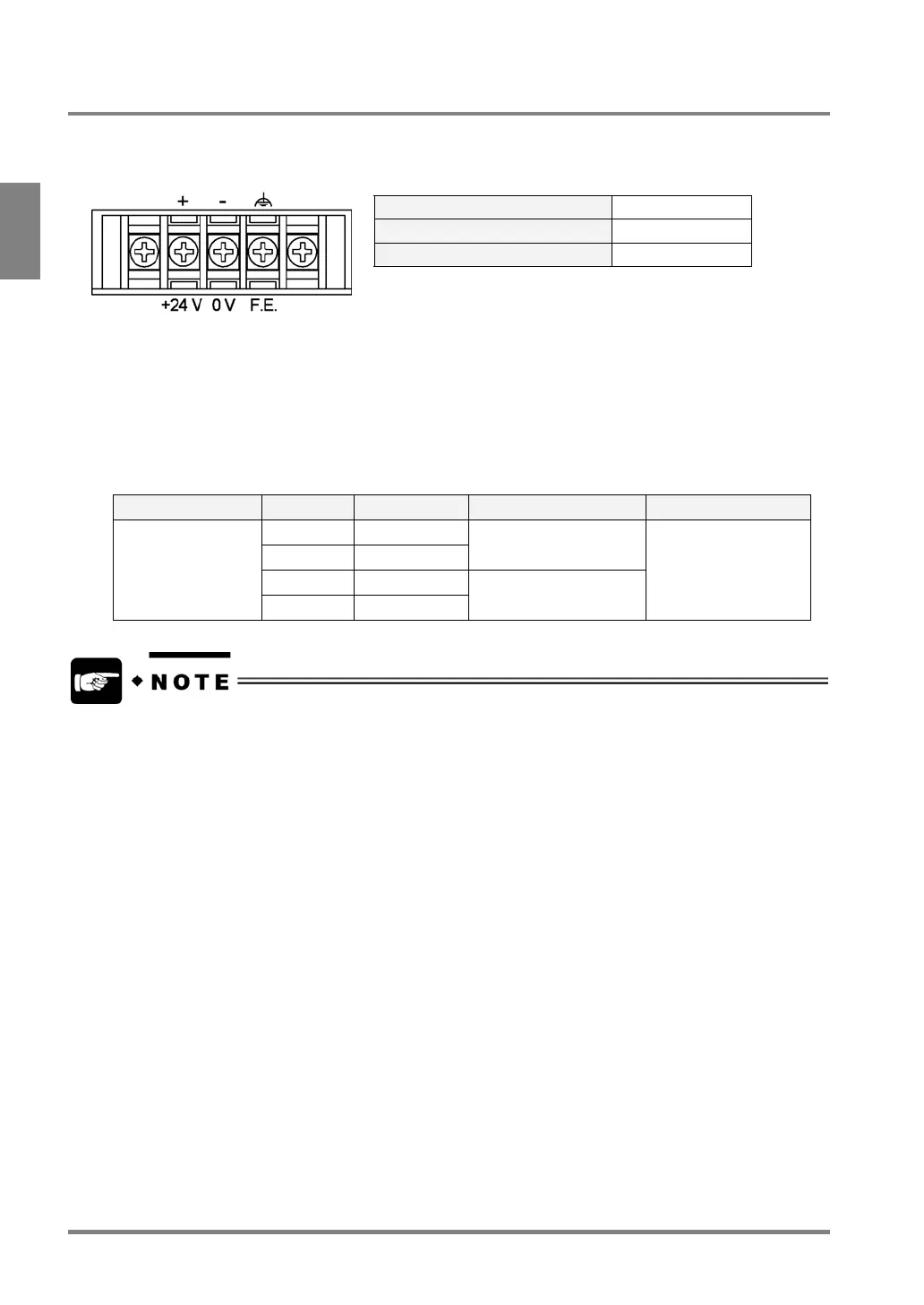
2.3.2 VGA Monitor: Power Wiring
Pin Assignments
Rated Voltage 24 V DC
Tolerance Voltage Range 22.8 to 25.2 V DC
Rated Consumption Current 0.5 A or less
Applicable Solderless Terminal
• Terminal screws are M3.
• It is advisable to use solderless terminals to wire. Use wires of 0.5 mm
2
to 1.25 mm
2
i
f you do not use a
solderless terminal.
• Use up to 0.8 N•m of a tightening torque for fixing the terminal block. Failure to do so might damage to the
product.
Manufacturer Shape Model No. Applicable wire Tightening torque
R-type 1.25-MS3
A-type 1.25-B3A
0.25 mm
2
to 1.65 mm
2
R-type 2-MS3
JST Mfg. Co., Ltd.
A-type 2-N3A
1.04 mm
2
to 2.63 mm
2
0.5 N•m
Wire high-voltage cables, power cables, and power source cables using separated ducts from of a DC power
cable, a VGA monitor cable and a keypad cable, or keeping away more than 100 mm from them. Mounting
Camera



 To Next Page