289
Cha
ter 11
RS-232C Communication
11.3.5 Configuring the COM Port
Be sure to specify the same parameters for COM port as that for the COM port setting for the communication
destination PLC.
Item Selections Description
Baud rate
(bps)
1200 to 115200 (Initial Value: 9600) Transmission speed for communication. The higher
number the faster communication speed.
Bit length 7 or 8 (Initial Value: 8) To set the bit number per word.
Stop Bit 1 or 2 (Initial Value: 1) To set the bit number of the signal that recognizes the
end of data.
Parity None/Odd/Even (Initial value: Odd) To specify the number of overhead bits to check for
proper data transmission.
Flow Control None/Soft Flow (Initial value:
None)
To set how to control the handshake flow.
Setting Procedure
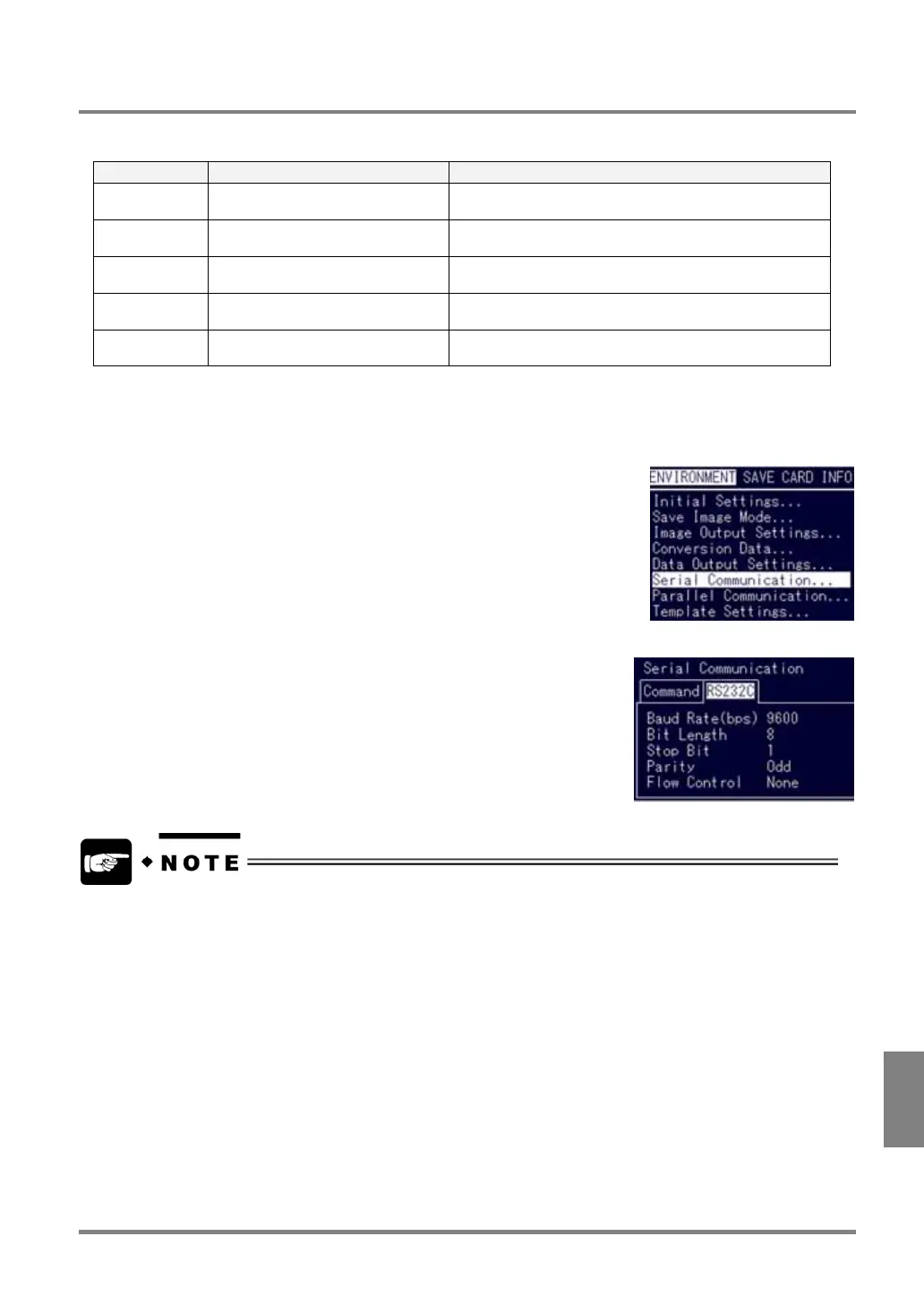
1. In SETUP mode, select "ENVIRONMENT" > "Serial Communication" from the menu bar.
2. Open the RS232C tab.
• When PLC Model is set to "MELSEC FX" or “MICREX SX”, the setting values for the port are fixed.
• When you use MELSEC FX series, store “0” in the MELSEC FX register for specifying communication
format.
Register for specifying communication format: D8120 (or D842020)



 To Next Page