292
Ethernet Communication
Cha
ter 12
12.1 Overview
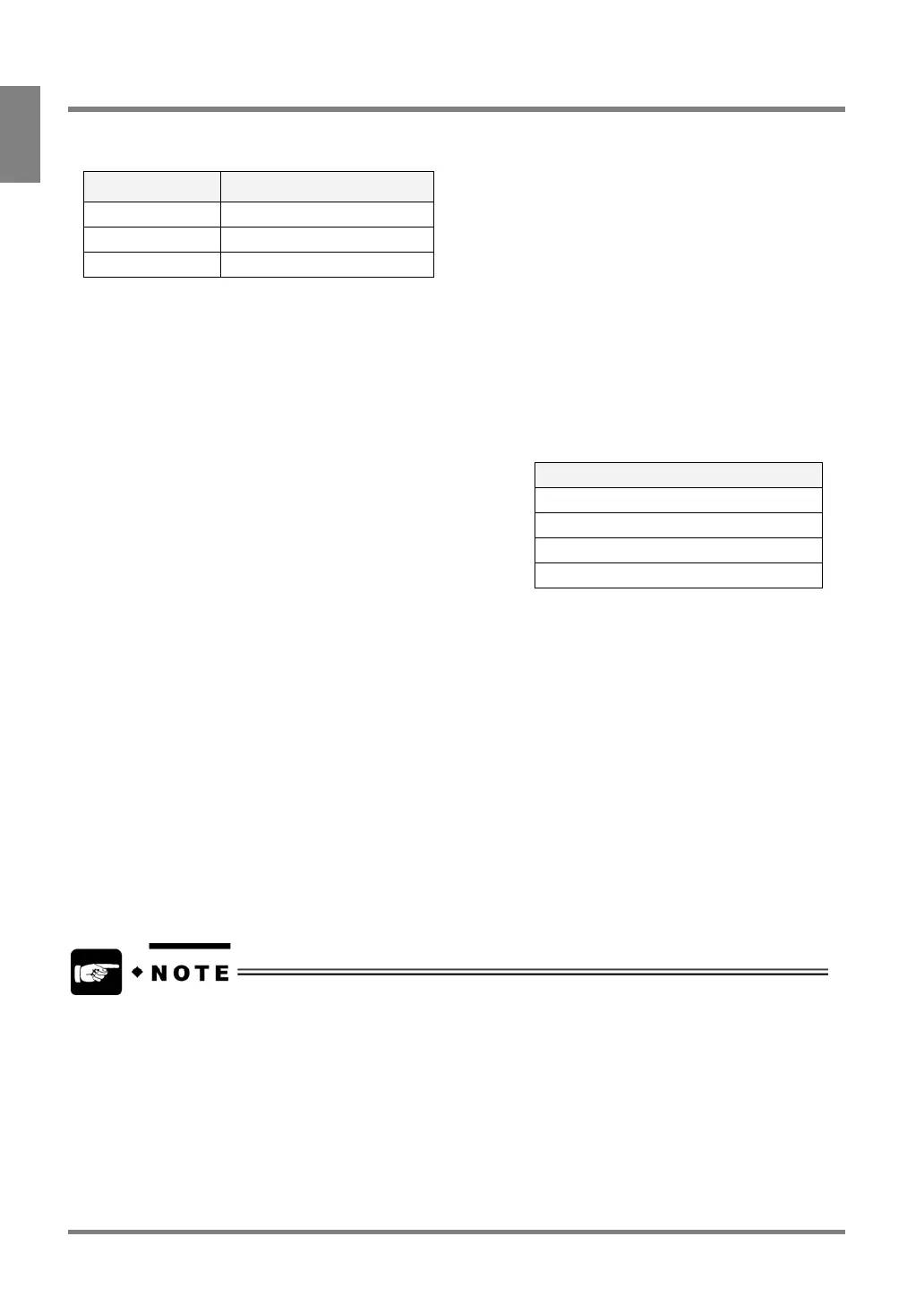
Communication specification
Item Specification
Connector RJ-45
Device 10BASE-T / 100BASE-TX
Protocol TCP/IP
Available Communications via Ethernet port
• Result output
• Image output
• Backing up and restoring setting data and image data (with AXTOOL)
Result Output
Output Order
1. Number of scans
2. Judgment results (up to 96 data)
3. Numeric calculation data (up to 96 data)
The following data are output from the Ethernet port during
inspection execution. The data of the items that have been set to
output under the “General Output” tab are output in the following
output orders. The General Output tab can be displayed by selecting
“ENVIRONMENT” > “Data Output Settings”.
4. Statistics data (up to 96 data)
Output Settings
In the following cases, the data of each of Scans, Numeric Calculation, and Statistics are not output to the
Ethernet port (unset register are skipped.)
• Each data is set to “Out” in the “General Output” tab, but the setting data do not exist.
• The setting data exist, but each data is set to “None” under the “General Output” tab.
Image output
The captured images during inspection can be output to the Image Receiver installed PC which is connected to the
PV310.
Refer to page 232 for details.
Backup and Restoration of image data and setting data
You can back up or restore the setting data and image data to the computer on which Vision AXTOOL Ver. 3 has
been installed. For more details refer to the Help for AXTOOL. (The Help file is available after installing.)
• The setting data and image data can be backed up and restored while PV310 turns on the READY signal
(under the condition that the PV310 performs no inspection or no operation).
• Ethernet is a registered trademark of Xerox Corporation in the United States.



 To Next Page