130
Settin
Checkers
Cha
ter 6
6.11.2 What Is Flaw Detection?
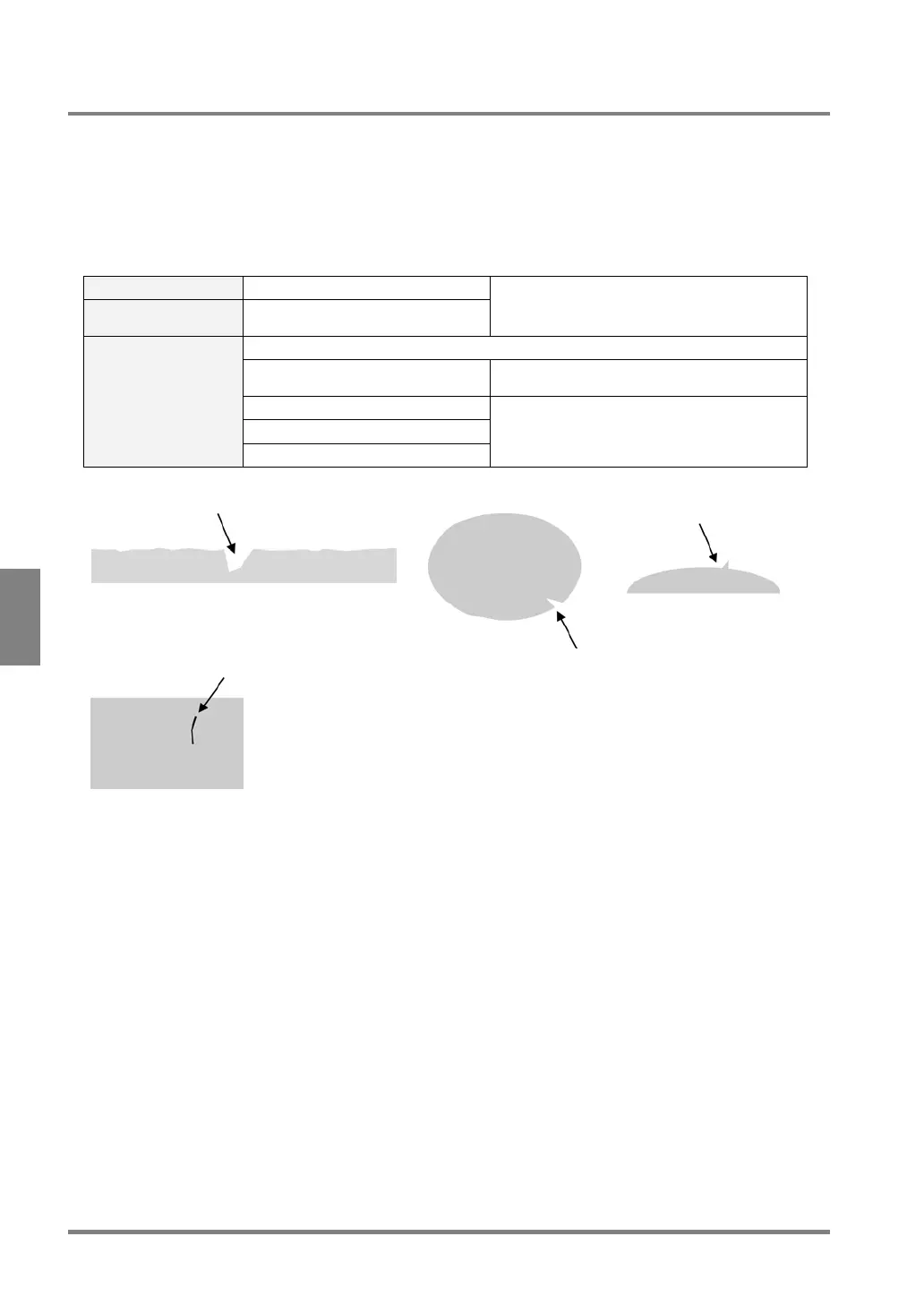
The Flaw Detection function detects fine flaws, burs, missing edges and dirt (, which are generally called as “flaw”
in this manual). This function detects flaws based on the difference in the brightness of each segmented area.
The Flaw Detection function is suitable not only for detecting flaws on the line edges of the object but also for
detecting flaws on the round edges of the object. In addition, with the use of this function, you can set a detection
area on a circular arc by enlarging a part of the circular arc with a camera.
If more than a certain number of flaws are detected on the surface of an object, the object is judged as NG.
Area Shape Line, Plane, Ellipse
The Number of
Settable Mask Areas
No limitation
The Area Size Adjustment function is available.
The number of detected flaws: 0 - 512
Flaw size: 0 - 256 The size of a detected flaw (the number of
cells)
Top cell No.: 0 - 512
X coordinate of top cell: 0 - 511.9
Detection Items and
the Range of
Measurement Result
Y coordinate of top cell: 0 - 511.9
The position of a detected flaw
On the edge of a rectangular face
On the edge of a circle
On the surface of an image



 To Next Page