263
Cha
ter 11
RS-232C Communication
11.2.6 Details of Commands
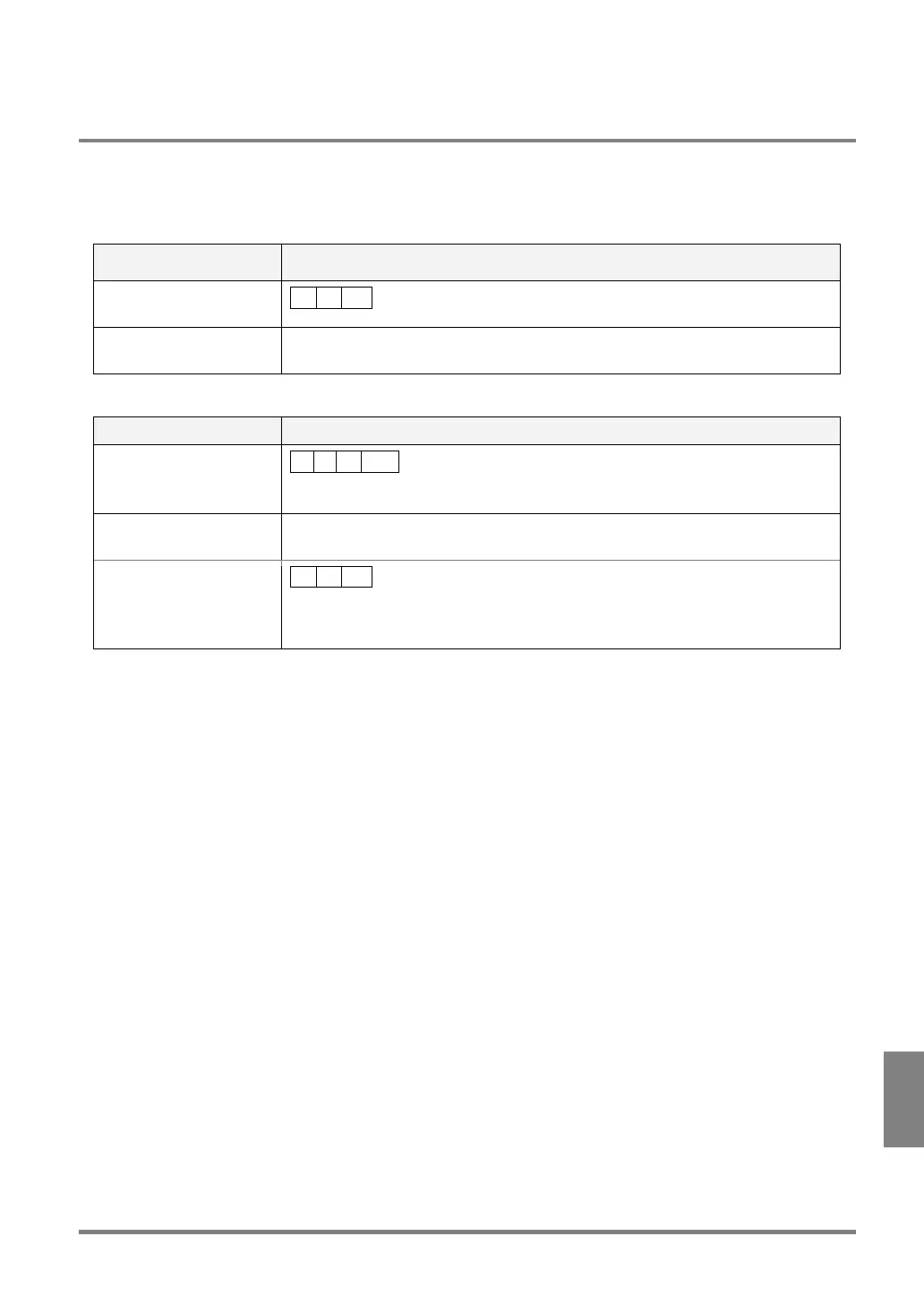
Command for Inspection Start (%S)
For either “All” or “Automatic Switch” execution mode
Communication direction Command / Description
From external device to
PV310
% S CR
Response Output results of inspection and numeric calculation that have been set to output.
See page 260 for output format.
For “User-Defined” execution mode
Communication direction Command/Description
From external device to
PV310
% S ? CR
?: 1 - 3 (Specify a one-digit block number.)
Response: Normal Outputs the data of Judgment or calculation results in the executed block.
See page 260 for output format.
Response: Error
% U CR
Cause:
The block number specified by the output command is other than 1 to 3.



 To Next Page