228
Environment Settin
s
Cha
ter 9
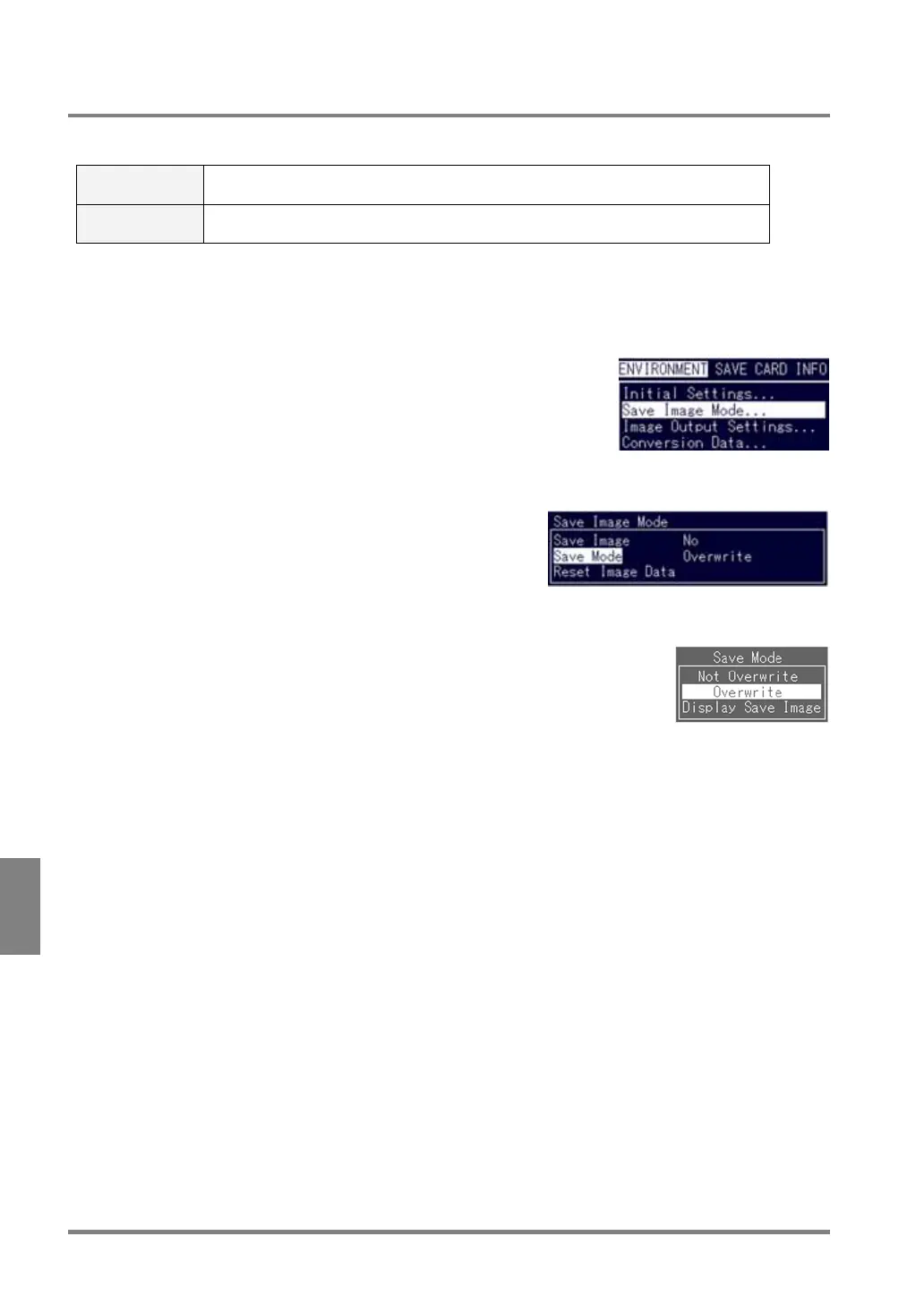
9.3.5 Selecting Operation When the Number of Saved Images Reached 16 Pairs
When the number of images that can be saved reaches 16 pairs of images, the PV310 acts as follows:
Overwrite The PV310 records a new image over the oldest image. Therefore, the 16 pairs of
latest images are always stored.
Not Overwrite This feature allows you to stop saving an image. (The PV310 continues to execute
inspection.)
Setting Procedure
1. Select "Save Image Mode" from the ENVIRONMENT menu.
The submenu is displayed.
2. Highlight "Save Mode".
The subwindow is displayed.
3. Select "Not Overwrite" or "Overwrite".
Now you completed the setting for saving images during inspection.



 To Next Page