96
Settin
Checkers
Cha
ter 6
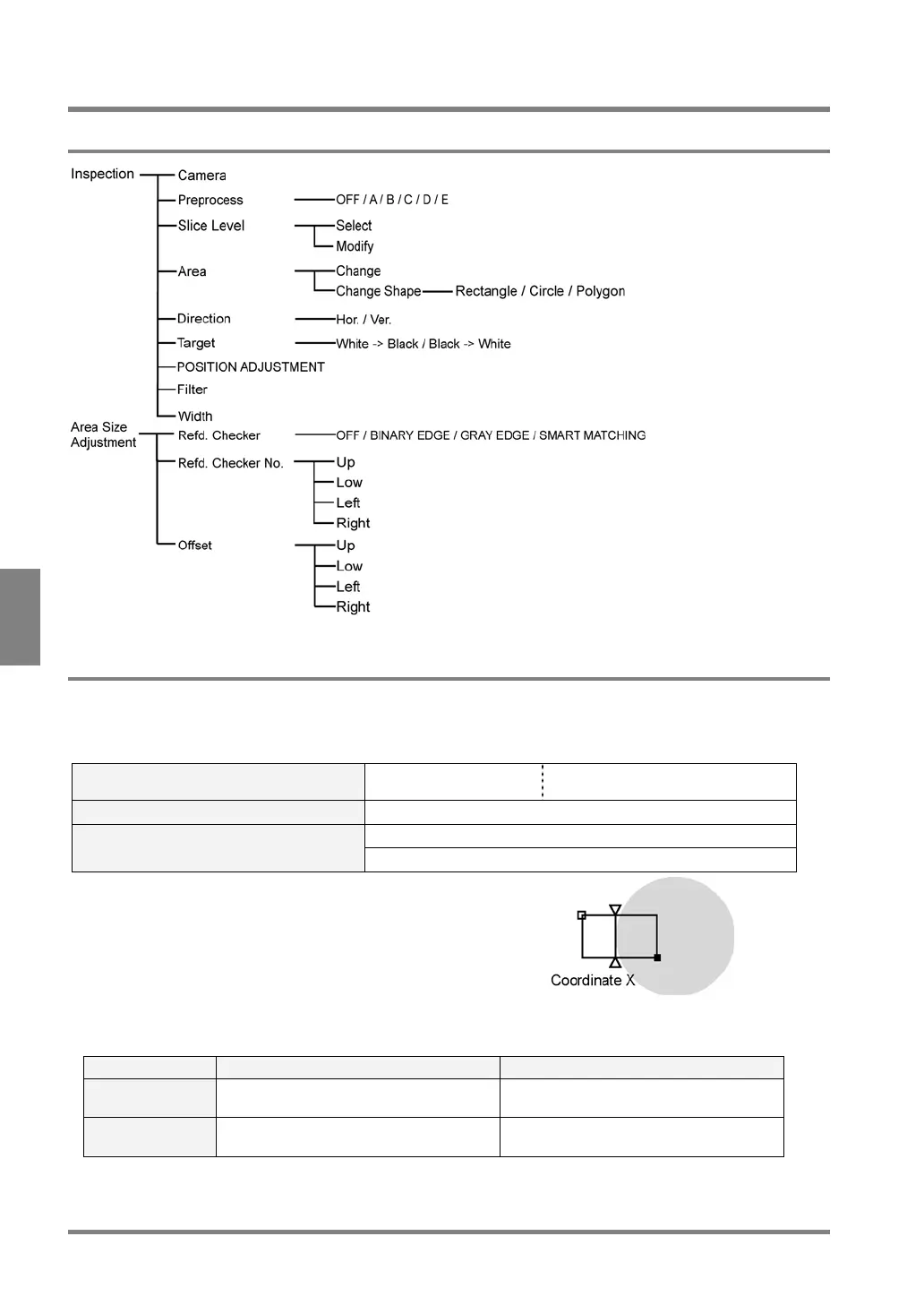
6.6 Binary Edge
6.6.1 Menu Options
6.6.2 What Is Binary Edge?
Binary Edge is a function of detecting the boundaries (edges) between white and black in a binary image and
outputting the coordinates of the detected boundaries (edges). If the edge can be detected, the object will be
judged as "OK"; otherwise, the object will be judged as "NG".
Area Shape Line Scan/Plane Scan The Area Size Adjustment function is
available.
The Number of Settable Mask Areas None
Max. X coordinate value of edge position: 511 The Range of Measurement Results
Max. Y coordinate value of edge position: 479
A triangle mark shown in the figure above indicates the position of
the detected edge.
Relationships between scan directions and coordinate values
Scan Direction X coordinate Y coordinate
Horizontal Coordinate values of the detected edge Lower number in y coordinates of a start
or end point in the area
Vertical Lower number in x coordinates of start
and end points in the area
Coordinate values of the detected edge



 To Next Page