176
Cha
ter 7
Calculation
Anal
sis
and Out
ut of Ins
ection Results
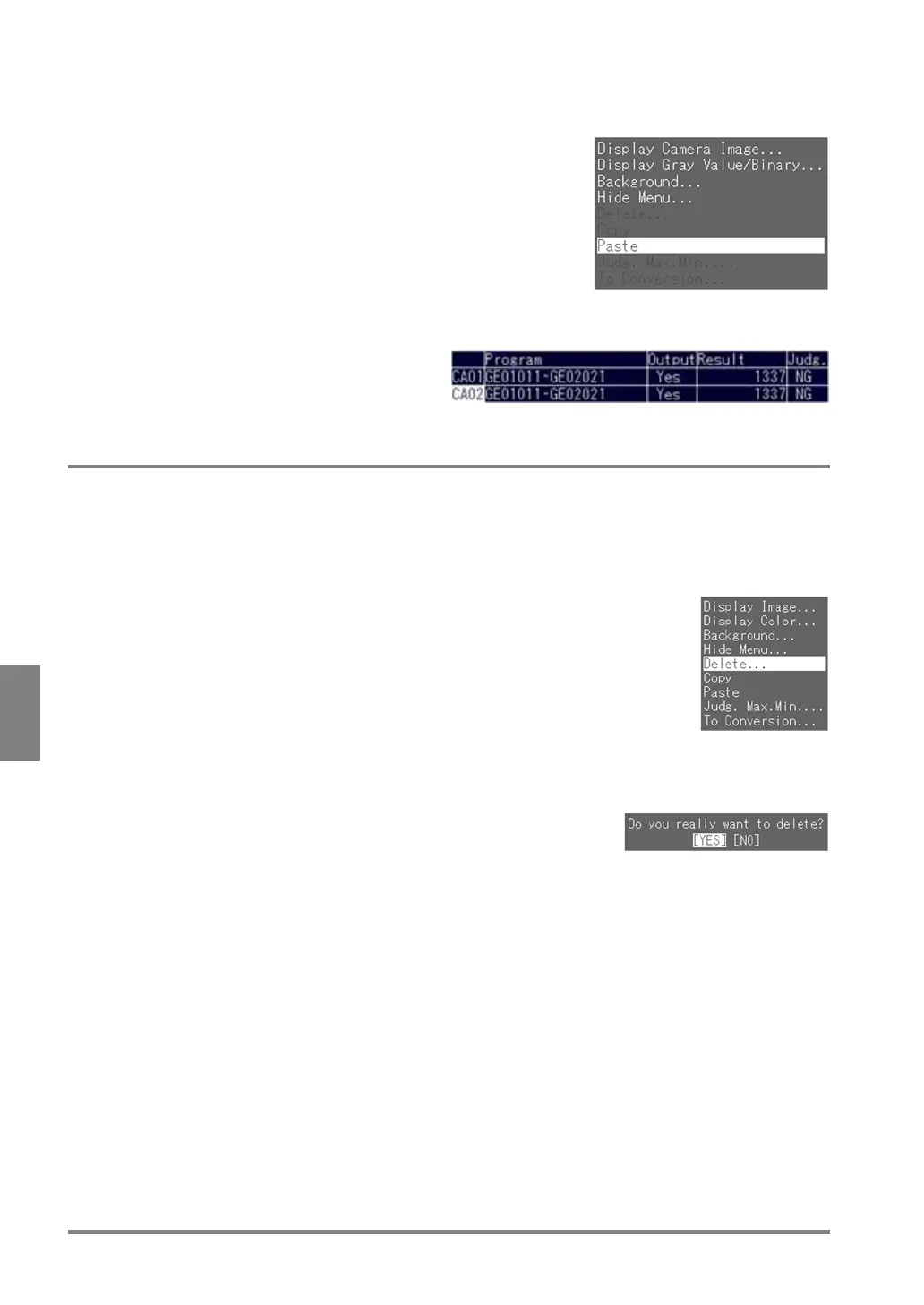
3. Select the number of the target program that you want to copy to and press the B key.
The subwindow is displayed.
4. Choose "Paste" and press the ENTER key.
The source numeric calculation is copied to the target one.
7.2.6 Deleting a Numeric Calculation
The way of deleting a numeric calculation that you have set is explained below. Proceed following the steps
below while the Num. Calcu. tab is selected.
1. Select the number of the source program that you want to delete and press the B key.
The subwindow is displayed.
2. Choose "Delete".
The dialog message shown below is displayed.
3. Choose "YES" to continue and press the ENTER key.
The program of the number you selected is erased.



 To Next Page