232
Environment Settin
s
Cha
ter 9
9.4 Outputting Images
9.4.1 What Is Image Outputting?
This image outputting feature allows you to output the images captured by cameras to a CF card inserted into the
PV310 or to output to the PC. The images are saved as bitmap files (*.bmp). The size of an image file to be saved
is approximately 250 KB.
Output destination
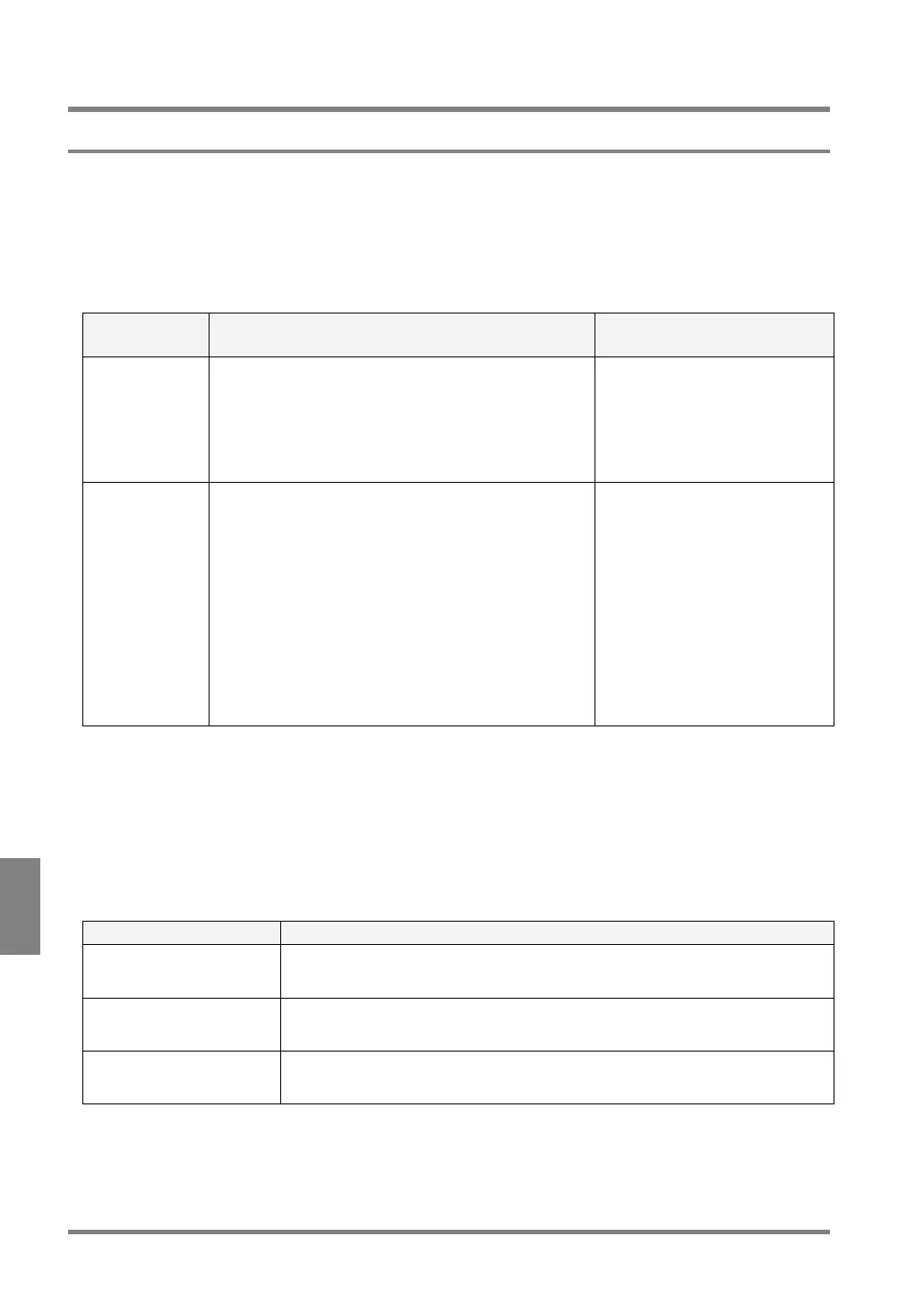
Output destinations are as shown in the table below.
Output
Destination
Description Standard output time*1
CF
(Compact Flash
memory card)
The Compact Flash memory card inserted into the
PV310
Images are stored in the following folder:
Panasonic MEW Vision¥PV310¥Output Image
Approximately 500 ms
(The time from the reception of
one image to the save of one
image when the PV310 is
connected to one camera)
Ethernet (PC) PC to which PV310 is connected with a LAN cable
Before storing images in a PC, you must install the
Image Receiver on the PC connected to the PV310
first, and then start the software.*
2
You can freely download the Image Receiver from the
following web site:
http://panasonic-denko.co.jp/ac/e/fasys/vision/
Please refer to help information in the Image Receiver
for the details of operation procedure.
Approximately 12 to 160 ms
(When connecting to one
camera) Celeron 1.6 GHz,
Memory 512MB (LAN speed:
100 Mbps)
The time from the reception of
one image to the save of one
image (If single PV310 is directly
connected with one Windows XP
computer.)
*
1
Note on output time
For Compact Flash memory cards, output time largely changes depending on the type of Compact Flash
memory card. The more saved images in a Compact Flash memory card, the longer output time.
For PCs, the output time depends upon the performance and operating or connecting environment, such as
one PV310 vs. one PC or one PV 310 vs. n, type of HUB) , of the PC.
The output times in the table above are standard ones. Please check output time by using the actual device.
Output conditions
Images are output following one of the three conditions in the table below.
Menu Options Description
Per Start Images are output per inspection.
Total Judg. NG Only the inspection images of which “Total Judgment” results were judged as NG are
output.
Customize Output Interval Images are output every inspection intervals of 2 to 10000.
For example, if you have set output interval to “3”, the images which were inspected
at the 1
st.
, 4
th
, 7
th
… scans are output.
Note: If you set “Output Operation” (see next page) to “Asynchronous”, the selected images are not always output all,
regardless of the selected options above.



 To Next Page