115
Settin
Checkers
Cha
ter 6
Subtraction
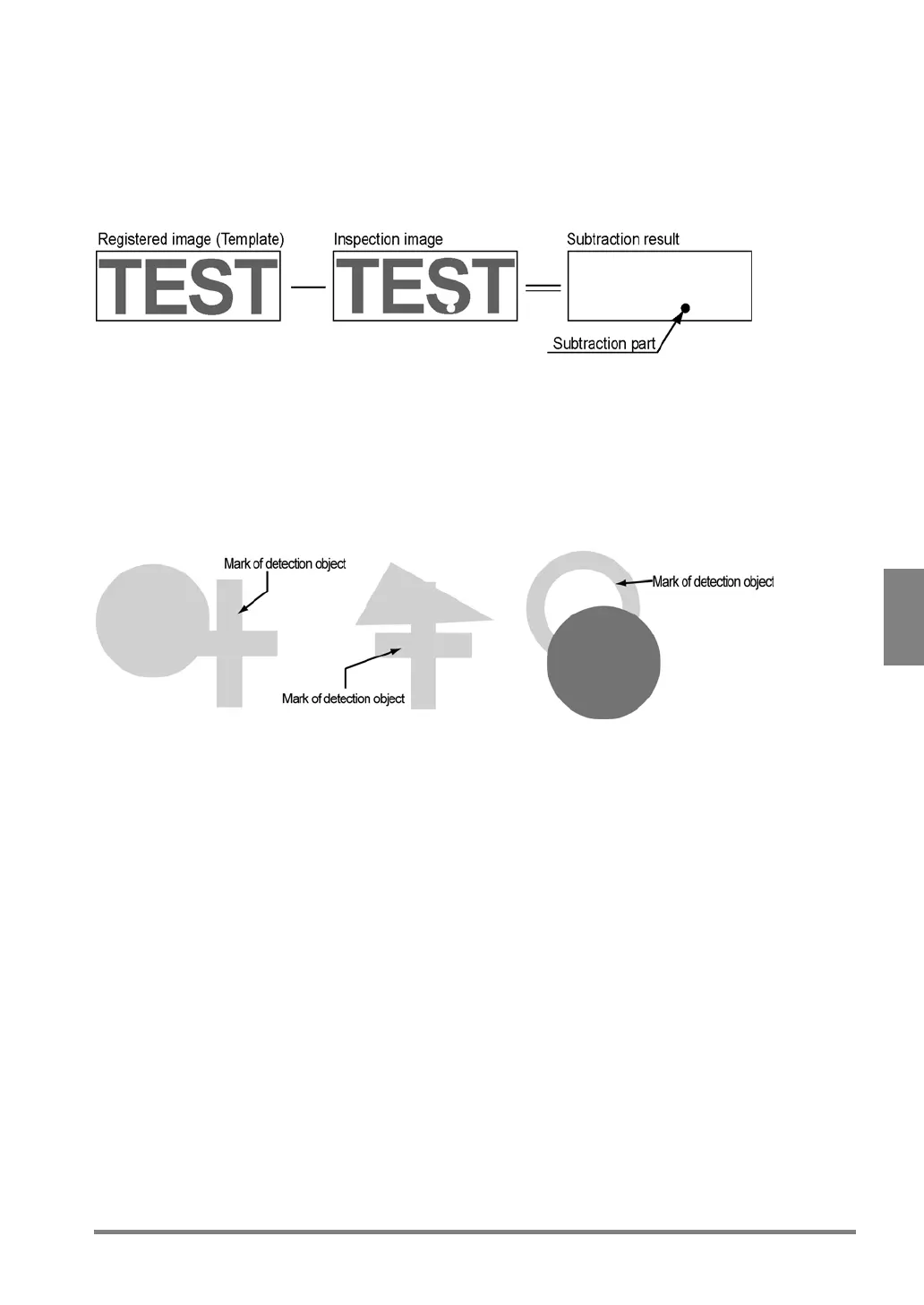
The Subtraction function extracts a pixel that exceeds a certain degree of the difference in the gray value when
the detected image overlaps the template. With this feature, you can detect the subtraction parts that are difficult
to reflect a correlation value and judged based on the number of subtraction parts more than a certain size. In
addition, you can filter (expand or contract) the subtraction parts.
When the contrast of the image of the object is low or some parts of the object are
shielded, overlapped or chipped
The PV310 is provided with a mode that can support for the case where the difference in brightness between the
object image and the background is highly small or the some parts of the object image may disappear, chipped or
shielded, or for the noises in the uneven background.
But, for the reason that the image processing time in the mode will be longer than in normal mode, you should
use the mode if the position cannot be detected in the normal mode or at the desired accuracy.



 To Next Page