184
Cha
ter 7
Calculation
Anal
sis
and Out
ut of Ins
ection Results
Reference data Symbol No. Condition for OK judgment
Calcu.- Stat.
-Output
CA 01 – 96 Calculation result is within the range of the upper/lower
limitations.
Calcu.-Stat.
-Output
Previous Data of
Calcu.-Stat.-Output
OCA 01 – 96 Calculation result is within the range of the upper/lower
limitations.
Operators
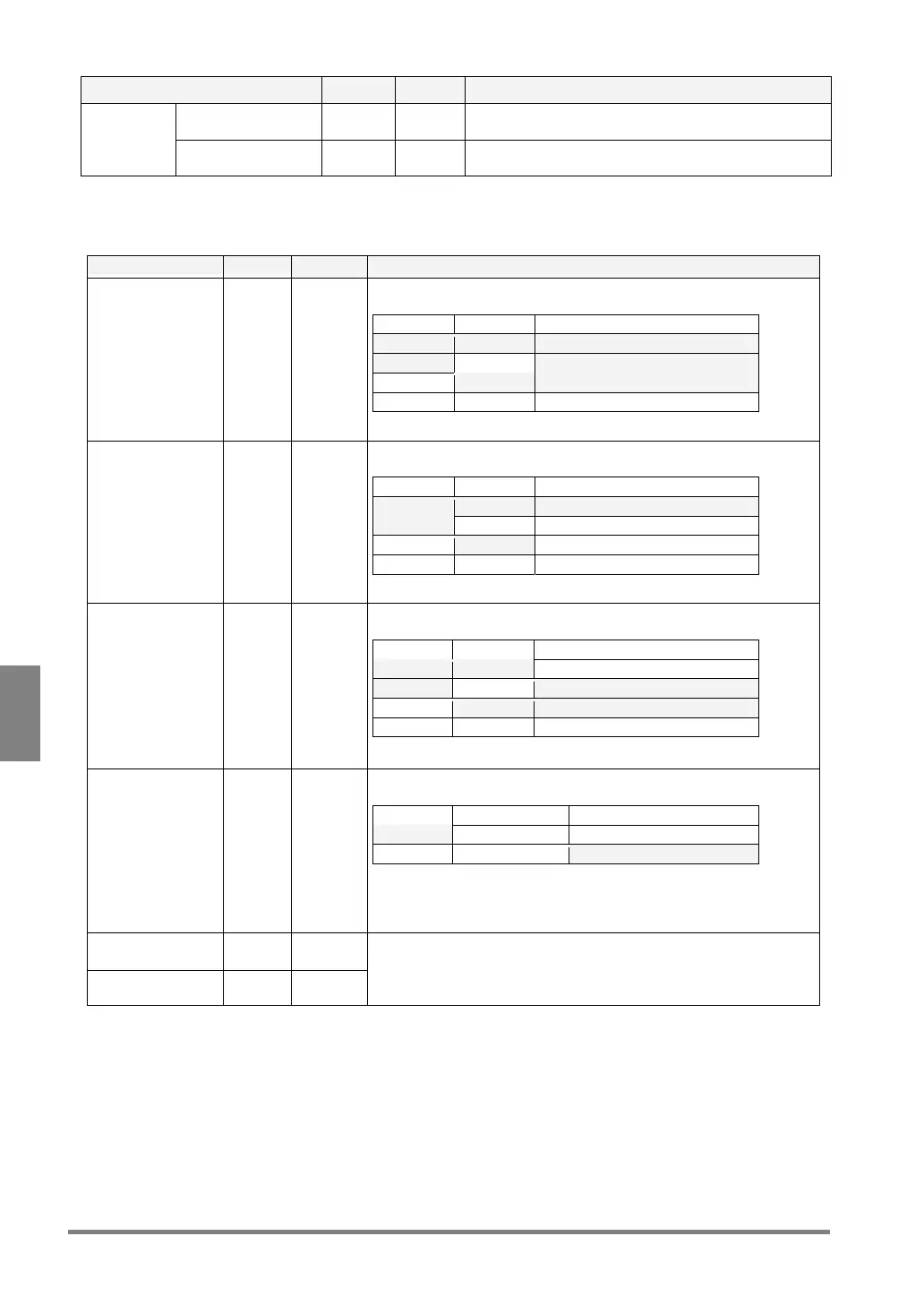
The PV310 provides the following operators for judging the results of multiple checkers or numeric calculations.
Name Symbol Meaning Detail
Logical sum + OR Returns "OK (1)", if the result of either A or B is OK (1).
Example: JD01=A+B
A B Judgment result of JD01
OK (1) OK (1) OK (1)
OK (1) NG (0) OK (1)
NG (0) OK (1) OK (1)
NG (0) NG (0) NG (0)
Logical product * AND Returns "OK (1)", if the results of both A and B are OK (1).
Example: JD01=A*B
A B Judgment result of JD01
OK (1) OK (1) OK (1)
OK (1) NG (0) NG (0)
NG (0) OK (1) NG (0)
NG (0) NG (0) NG (0)
Exclusive OR # XOR Returns "OK (1)", if the results differ between A and B.
Example: JD01=A#B
A B Judgment result of JD01
OK (1) OK (1) NG (0)
OK (1) NG (0) OK (1)
NG (0) OK (1) OK (1)
NG (0) NG (0) NG (0)
Negation / NOT Highlights the cells in which judgment results are displayed
Example: JD01=/A
A / Judgment result of JD01
OK (1) - Highlighted - NG (0)
NG (0) - Highlighted - OK (1)
Do not put a symbol "/” before the multiple contents in parentheses.
Wrong: JD01=/(A+B)
Correct: JD01=/A+/B
Left parenthesis ( -
Right parenthesis ) -
Judges the contents in parentheses by priority.



 To Next Page