207
TOOL
Cha
ter 8
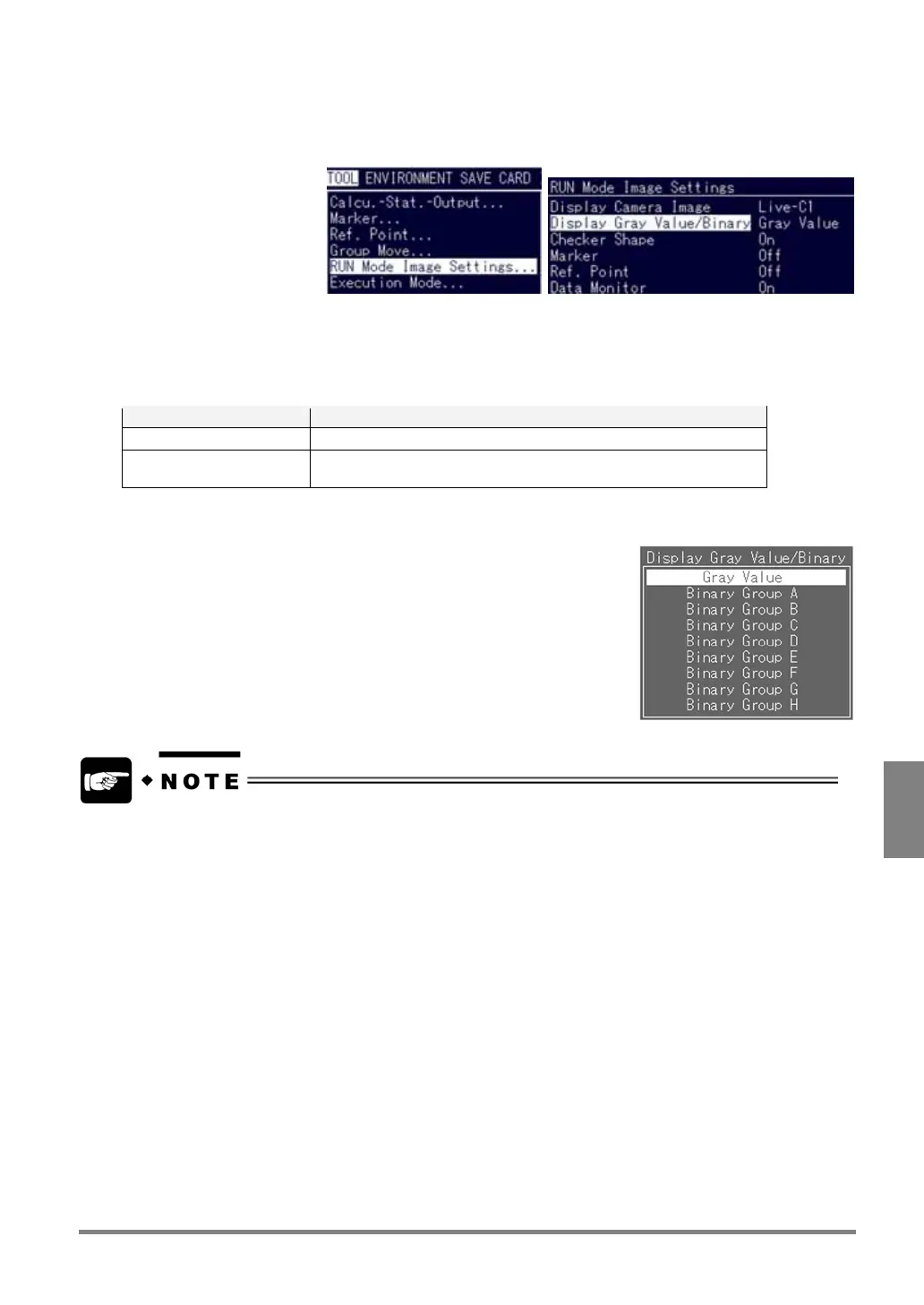
Switching the Display Gray Value/Binary
1. Select “TOOL” > “RUN Mode Image Settings”.
2. Select “Display Gray Value/Binary”.
The menu options are displayed. But, the color of the object image depends on the settings of the memory
and the display camera image color.
Option Image to be displayed
Gray Value Gray Image
Binary Group A to Binary
Group H
(*)
Displays Binary image of the slice level specified for each group.
3. Select a color in which you want to display an image.
Binary groups A to H are not available if the display image is set to either “Live-C1+C2” or “Memory-C1+C2”.



 To Next Page