235
Environment Settin
s
Cha
ter 9
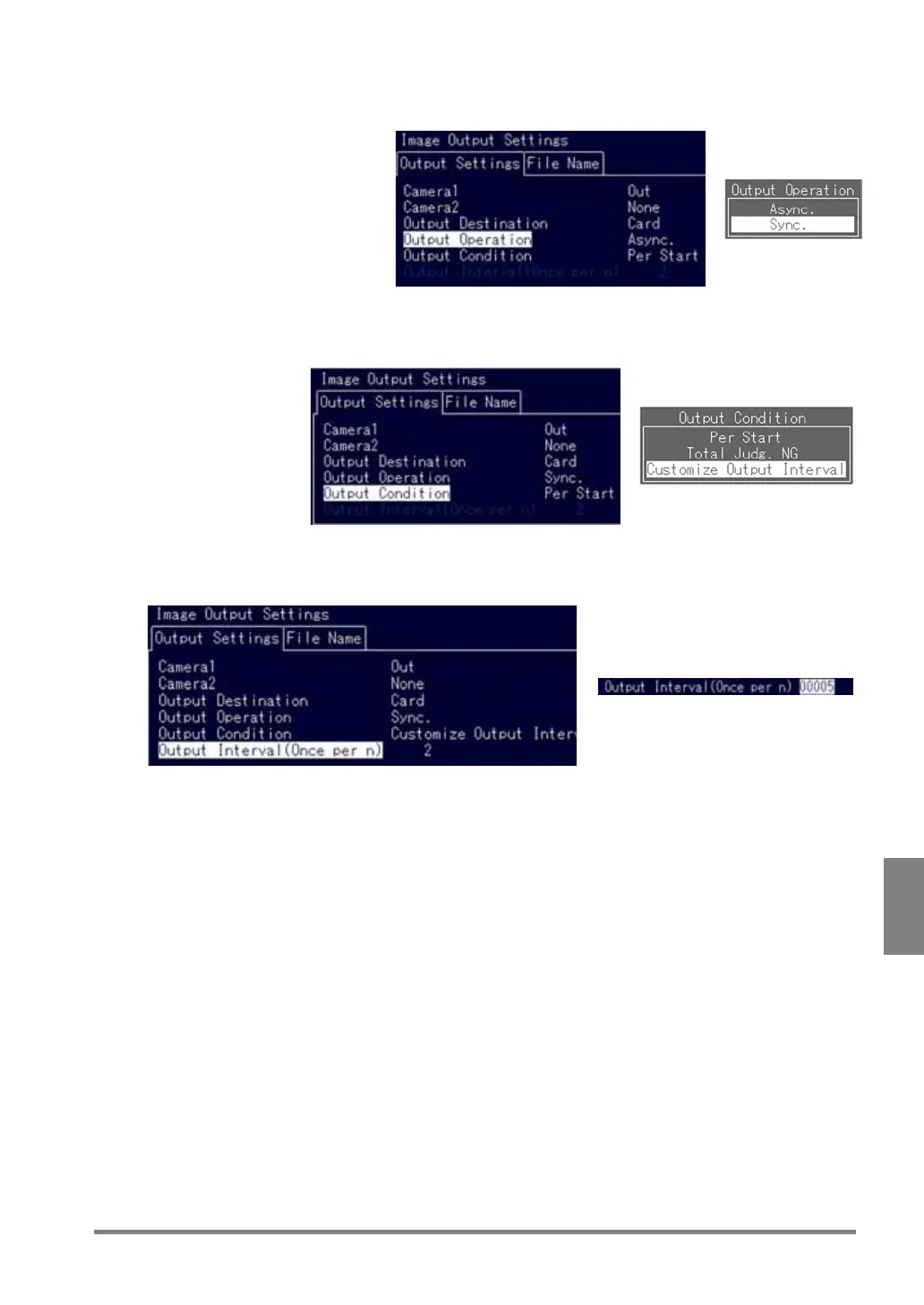
4. Select “Output Operation”.
Set image output timing.
5. Select “Output Condition”.
If you want to output images at customized image output interval, set as the figure shown below.
6. Select “Output Interval (Once per n)”.
If you want to output images once every five inspections.
Now, you completed the output settings.



 To Next Page