269
Cha
ter 11
RS-232C Communication
Command format: Fixed Length
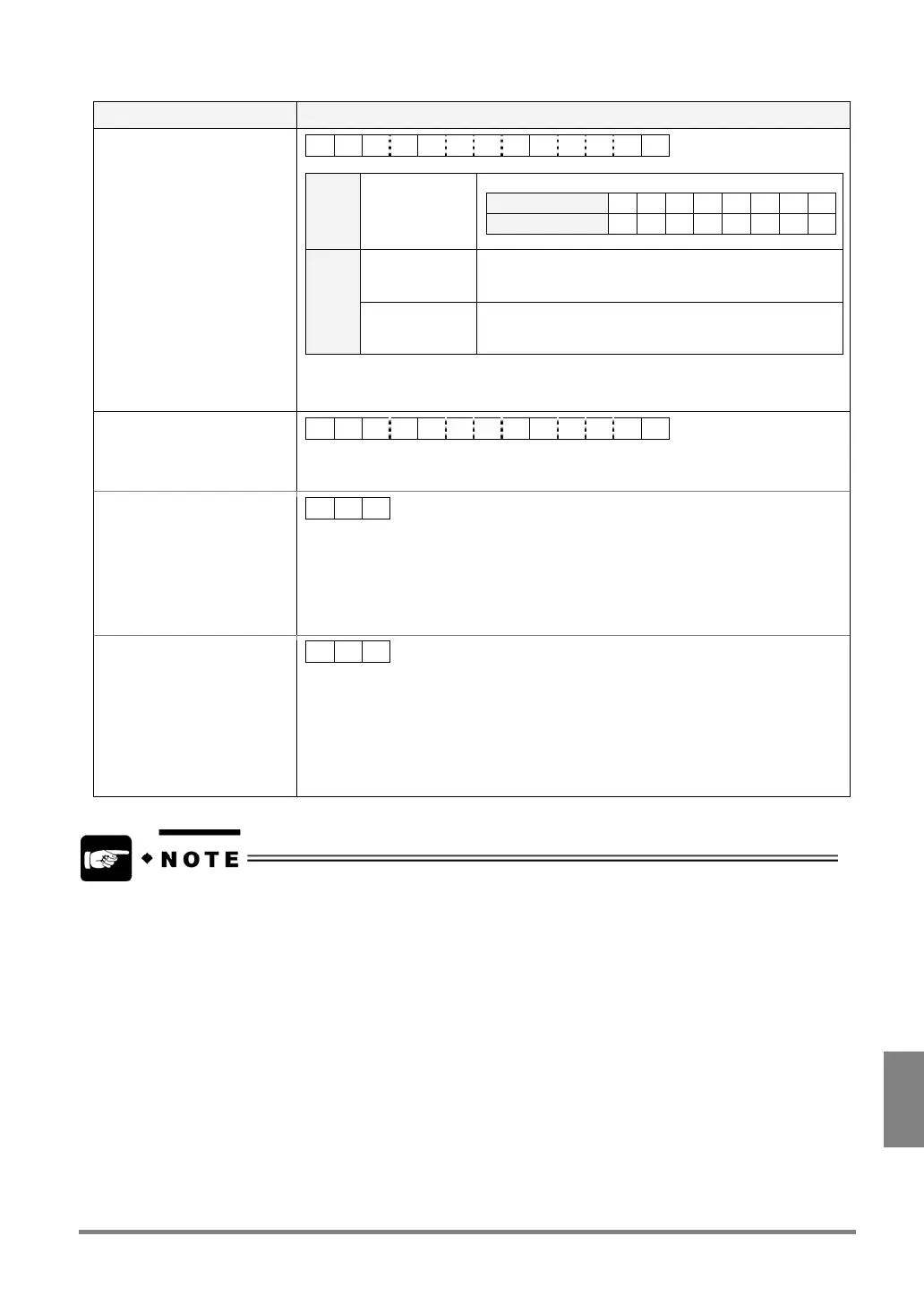
Communication direction Command / Description
From external device to
PV310
% T ??aaaabbbbCR
?? 01 to 08 Specify the number of Slice Level in 2-digit form.
Slice Level A B C D E F G H
Specified number 01 02 03 04 05 06 07 08
aaaa 0001 to 0254
or
0001 to 0254
Specify the number of Slice Level-Min. in 4-digit form.
bbbb 0001 to 0255
or
0001 to 0255
Specify the number of Slice Level-Max. in 4-digit form.
0000 - 0255: Unused digits are filled with '0'.
0000 - 0255: Unused digits are filled with 'Blanks'.
Response: Normal
% T ??aaaabbbbCR
Send the same command as the sending command to PV310 from external device.
Response: Error 1
% U CR
Cause:
Command in the unspecified form or not provided was received.
Examples:
- %T1,80,255CR (any other checker number than 01 - 08 was specified)
- %B01CR (not provided command)
Response: Error 2
• ERROR signal = “ON”
• Error Code: E0175 is
displayed on the screen
% Z CR
Causes:
• The max. value of Slice Level specified by a sending command is smaller than the
min. value of Slice Level.
• The max. value of Slice Level is equal to the min. value of Slice Level.
• Max. /min. values of Slice Level specified by sending command are not within the
range between 0000 and 0255.
To specify the command format (Comma separated/Fixed Length), select “ENVIRONMENT” > “Serial
Communication” > “Command” from the menu bar.



 To Next Page