84
Settin
Checkers
Cha
ter 6
Deleting a Mask Area
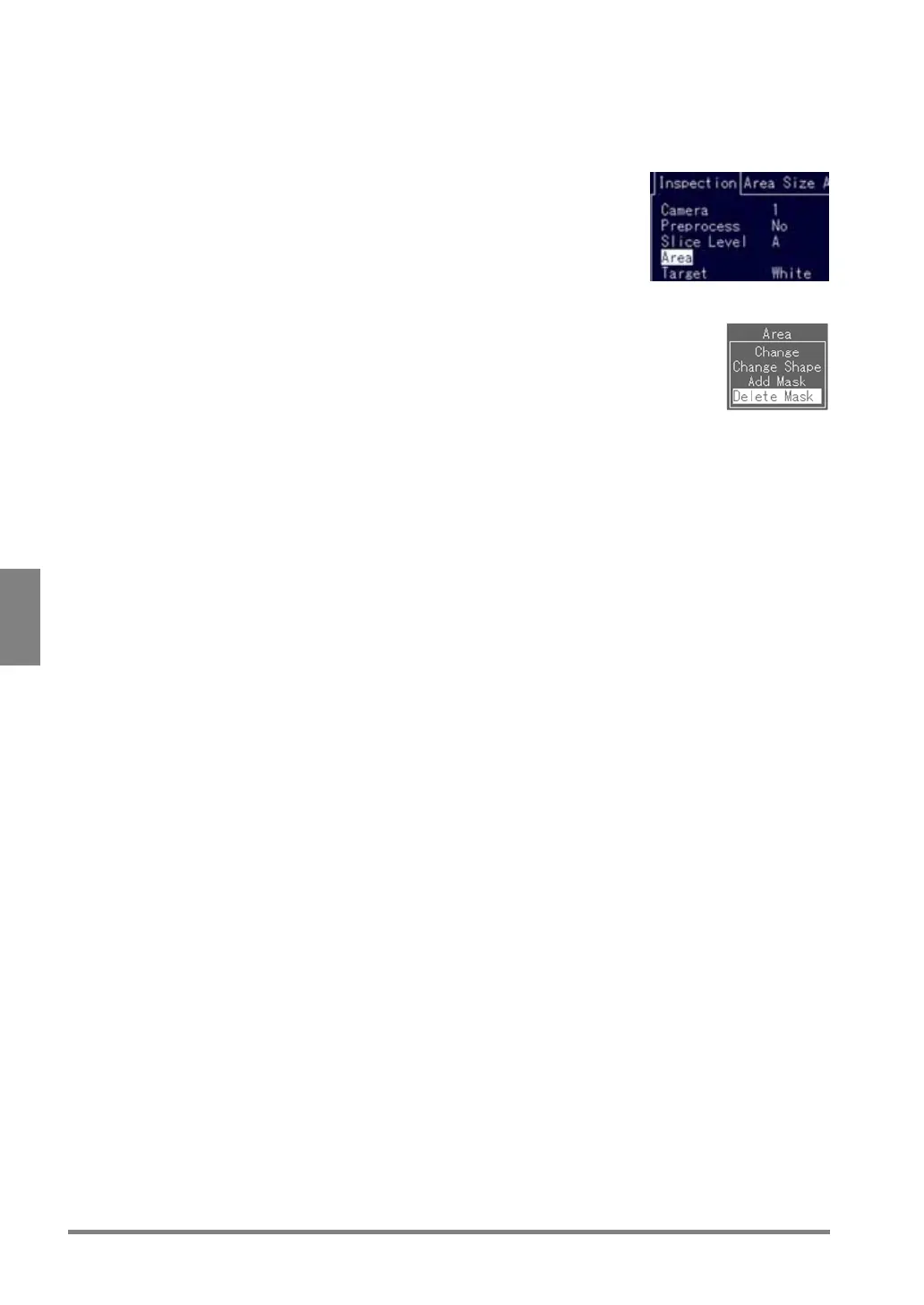
1. Select "Area" from the CHECKER menu.
The "Area" menu is displayed.
2. Select "Delete Mask".
The mask area is displayed in yellow.
3. Make sure the mask area you want to delete is displayed in yellow and press the ENTER key.
If multiple mask areas exist not to delete, tilt the ENTER key up or down to display the mask area to delete
in yellow, and press the ENTER key.



 To Next Page