R&S
®
ZVA / R&S
®
ZVB / R&S
®
ZVT GUI Reference
Trace Menu
Operating Manual 1145.1084.12 – 30 137
Configuration – External Power Meters dialog for adding and configuring external power meters,
start Auto Zeroing for the selected power meter, and open the Power Meter Correction dialog..
Show as selects the physical unit of the displayed trace. It is possible to display the measured
Voltage V or convert the wave quantity into an effective power according to P = V
2
/Re(Z
0
). Z
0
denotes the reference impedance of the source port. The reference impedances are defined in the
Port Configuration dialog.
Source Port selects one of the available test ports of the analyzer as a source of the stimulus
signal.
Auto zero function
Zeroing calibrates the external power sensor by adjusting its reading at zero signal power. For this
purpose, the RF power source must be switched off or disconnected from the sensor (see below!). R&S
power sensors automatically detect the presence of any significant input power. This aborts zeroing and
generates an error message. Zeroing can take a few seconds, depending on the sensor model; refer to
the documentation of your external power sensor for more information.
Repeat zeroing
During warm-up after switching on or connecting the instrument
After a substantial change of the ambient temperature
After fastening the power sensor module to an RF connector at high temperature
After several hours of operation
When very low-power signals are to be measured, e.g. less than 10 dB above the lower
measurement limit.
Switch off the RF power source for zeroing; do not disconnect it from the power sensor. In this way you
will maintain the thermal equilibrium, and zeroing will also compensate for the noise superimposed on the
measured signal (e.g. from a broadband amplifier).
A reset of the analyzer does not affect the last zeroing result.
CALCulate<Chn>:FORMat:WQUType POWer | VOLTage
CALCulate<Ch>:PARameter:MEASure "<Trace_Name>", "Pmtr1D1" | ...
SYSTem:COMMunicate:RDEVice:PMETer<pmeter_no>:AZERo
Create new trace and select name and measurement parameter:
CALCulate<Ch>:PARameter:SDEFine "<Trace_Name>", "PmtrD1" |...
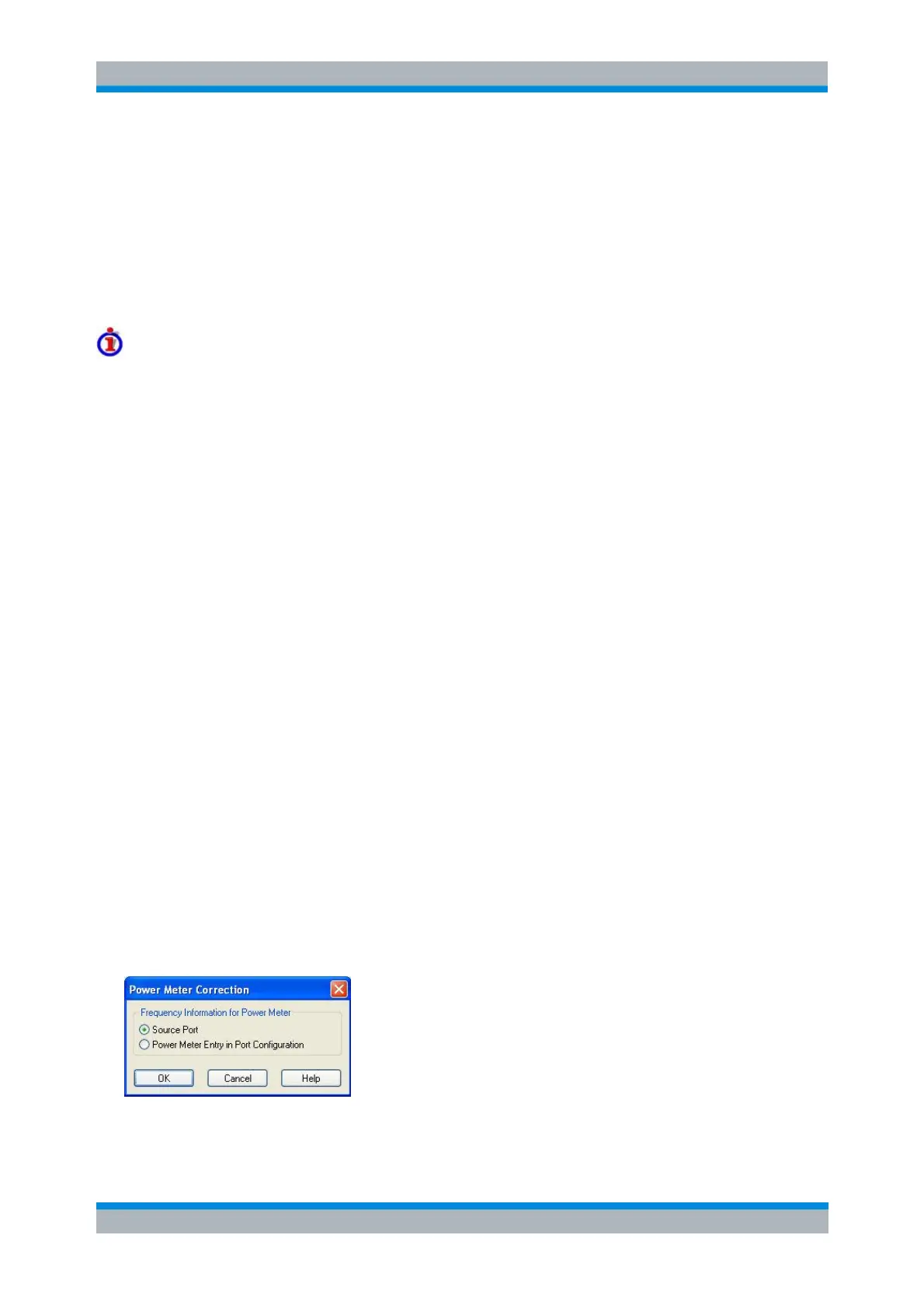
Power Meter Correction
This dialog selects origin of the frequency information for the power meter.
For best accuracy, power meters must know the exact frequency of the measured signal. If the signal path
between the source and the power meter contains a frequency-converting device, the frequency at the



 To Next Page