R&S
®
ZVA / R&S
®
ZVB / R&S
®
ZVT GUI Reference
Trace Menu
Operating Manual 1145.1084.12 – 30 167
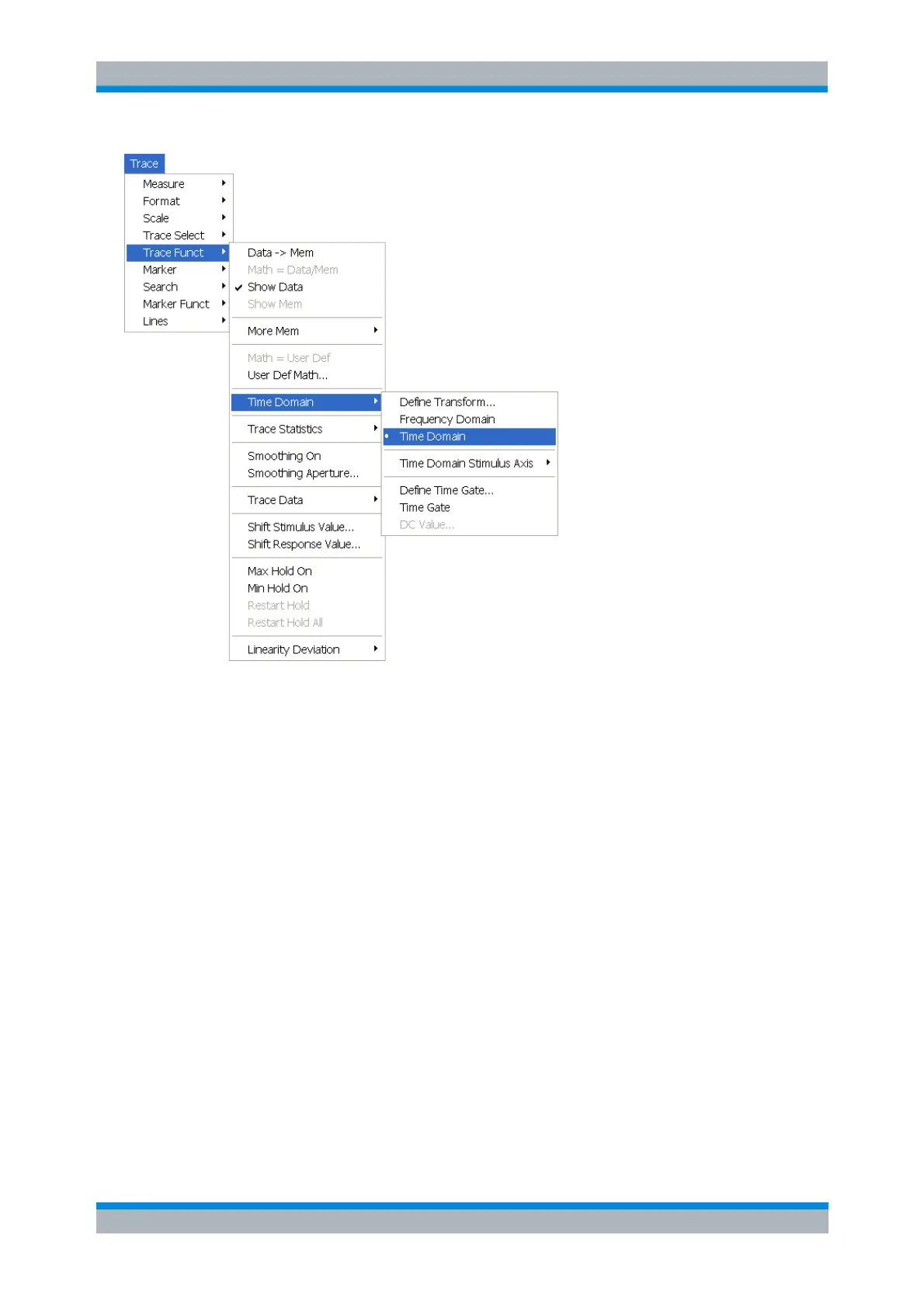
Define Transform... opens a dialog to define the transformation type and the frequency domain
window used to optimize the time domain response.
Frequency Domain and Time Domain select frequency domain or time domain representation of
the active trace.
Time Domain Stimulus Axis opens a submenu to define the stimulus axis range for the time
domain representation.
Define Time Gate... opens a dialog to select the time gate and define its parameters.
Time Gate switches the time gate defined with Define Time Gate... on or off.
DC Value opens a dialog to define the measurement result at zero frequency
Define Transform
The Define Transform dialog selects the transformation type and the frequency domain window which is
applied to the trace in order to optimize its time domain response.



 To Next Page