R&S
®
ZVA / R&S
®
ZVB / R&S
®
ZVT GUI Reference
Trace Menu
Operating Manual 1145.1084.12 – 30 177
the vacuum times the velocity factor of the receiving port defined in the Channel – Offset menu
(Distance = 1/2 * Time * c
0
* Velocity Factor). The factor 1/2 accounts for the return trip from the
DUT to the receiver.
For transmission measurements, the distance is calculated as the propagation time times the
velocity of light in the vacuum times the velocity factor of the receiving port defined in the Channel
– Offset menu (Distance = Time * c
0
* Velocity Factor).
CALCulate<Chn>:TRANsform:TIME:STARt
CALCulate<Chn>:TRANsform:TIME:STOP
CALCulate<Chn>:TRANsform:TIME:CENTer
CALCulate<Chn>:TRANsform:TIME:SPAN
CALCulate<Chn>:TRANsform:TIME:XAXis TIME | DISTance
Time Gate
Switches the time gate defined via Define Time Gate on or off. The softkey is enabled if a linear frequency
sweep (Channel – Sweep – Sweep Type – Lin. Frequency) is active. An active time gate acts on the trace
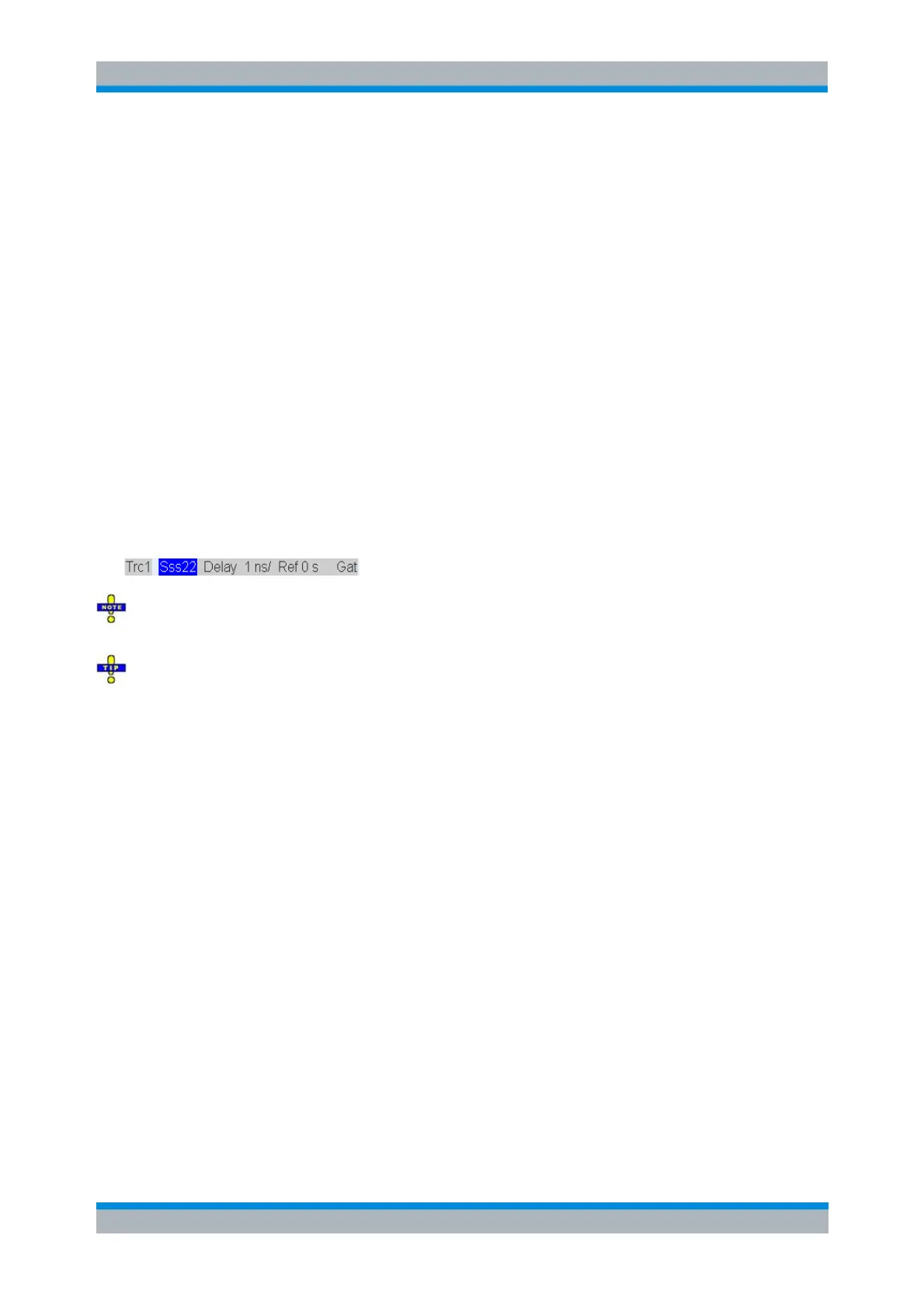
in time domain as well as in frequency domain representation. Gat is displayed in the trace list while the
time gate is active.
The time gate is independent of the frequency window used to filter the trace prior to the time domain
transformation.
In time domain representation, you can use the time gate settings in order to eliminate unwanted
responses in your signal. After switching back to the frequency domain, you will receive the frequency
response of your DUT without the contribution of the unwanted responses.
CALCulate<Chn>:FILTer[:GATE]:TIME:STATe <Boolean>
Define Time Gate
The Define Time Gate dialog defines the properties of the time gate used to eliminate unwanted
responses that may appear on the time domain transform.



 To Next Page