R&S
®
ZVA / R&S
®
ZVB / R&S
®
ZVT GUI Reference
Channel Menu
Operating Manual 1145.1084.12 – 30 277
Define Segments.
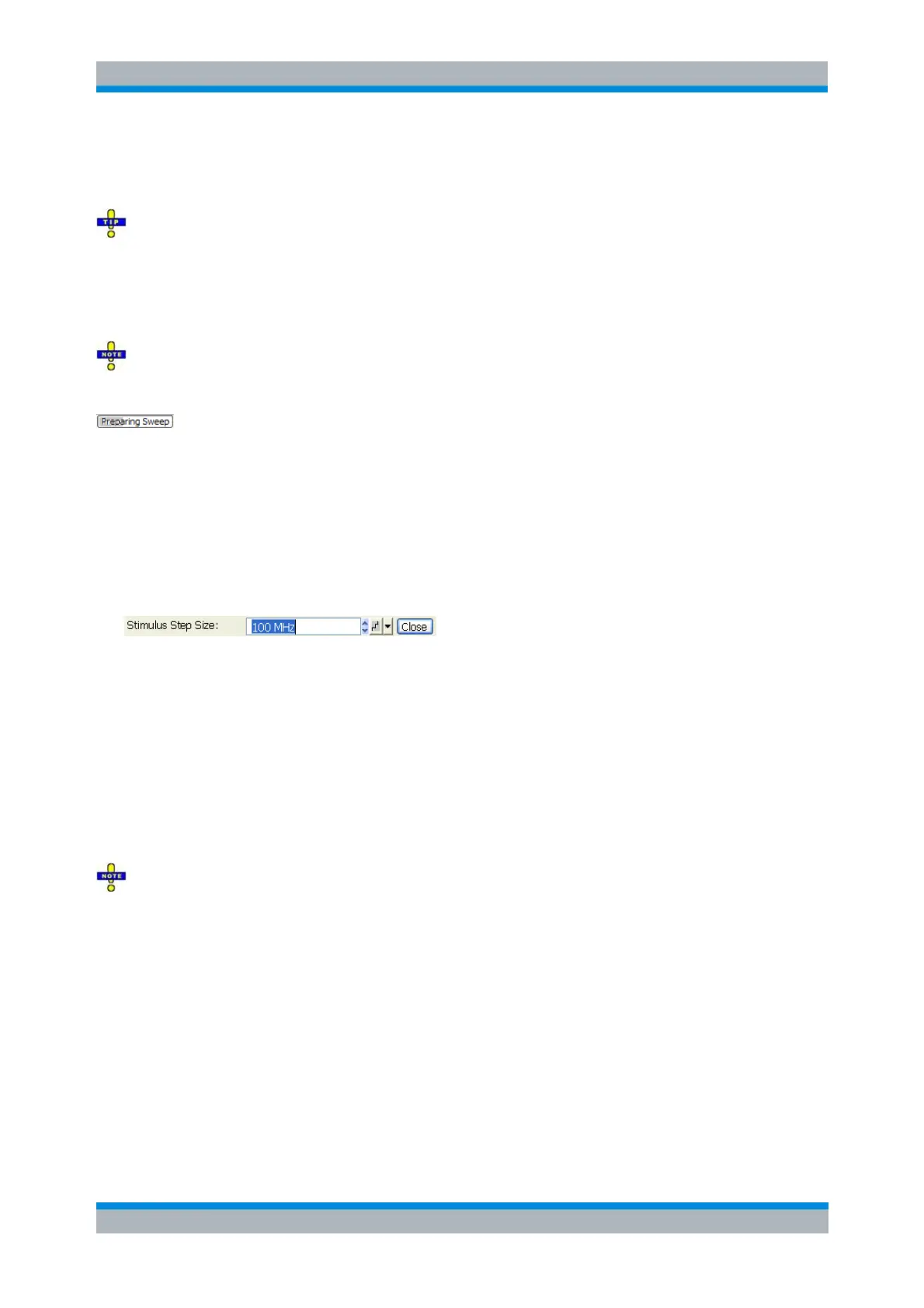
As an alternative to the Number of Points, the Stimulus Step Size can be set.
Measurement time and screen resolution
A large number of points improves the resolution of the trace but increases the measurement time.
The overall measurement time is composed of a hardware settling time at the beginning of the sweep plus
the sum of the measurement times at each individual sweep point. This implies that the measurement time
increases roughly linearly with the number of points.
After changing the channel settings or selecting another measured quantity, the analyzer needs some
time to initialize the new sweep. This preparation period increases with the number of points and the
number of partial measurements involved. It is visualized by a Preparing Sweep symbol in the status bar:
All analyzer settings can still be changed during sweep initialization. If necessary, the analyzer terminates
the current initialization and starts a new preparation period.
Frequency Step Size
Sets the distance between two consecutive frequency sweep points.
The step size is an alternative to the Number of Points setting:
If the sweep range is defined by means of the Start and Stop variables, both the Stop value and
the Number of Points can vary as the Frequency Step Size is changed. The Stop value is
changed as little as possible so that the condition Frequency Step Size = (Stop – Start) / (Number
of Points – 1) can be fulfilled. Changing the Start and Stop values modifies the Frequency Step
Size.
If the sweep range is defined by means of the Center and Span variables, both the Span value
and the Number of Points can vary as the Stimulus Step Size is changed. The Span is reduced as
little as possible so that the condition Frequency Step Size = (Stop – Start) / (Number of Points –
1) can be fulfilled. Changing the Span modifies the Frequency Step Size.
This setting is valid for linear frequency sweeps only. It does not apply to logarithmic and segmented
sweeps, power, time or CW Mode sweeps. Decreasing the Frequency Step Size generally increases the
measurement time.
Sweep Time
Opens a dialog to vary the measurement time for a sweep or delay the start of each sweep. Note that
these are only approximate values.



 To Next Page