R&S
®
ZVA / R&S
®
ZVB / R&S
®
ZVT GUI Reference
Channel Menu
Operating Manual 1145.1084.12 – 30 462
View/ Modify Kit adds or deletes standards in an imported or user-defined calibration kit and/or
changes their parameters.
Copy Kit to... creates a copy of the selected kit with a new cal kit name.
Delete Kit removes an imported or user-defined kit from the list of Calibration Kits in Use.
Export Kit exports calibration kit data to a cal kit file.
The modified date of the generated cal kit file is set to the modified date of the exported cal kit (the
Date of Last Modification in Add / View / Modify Calibration Kit).
Avail. Conn. Types adds or deletes connector types.
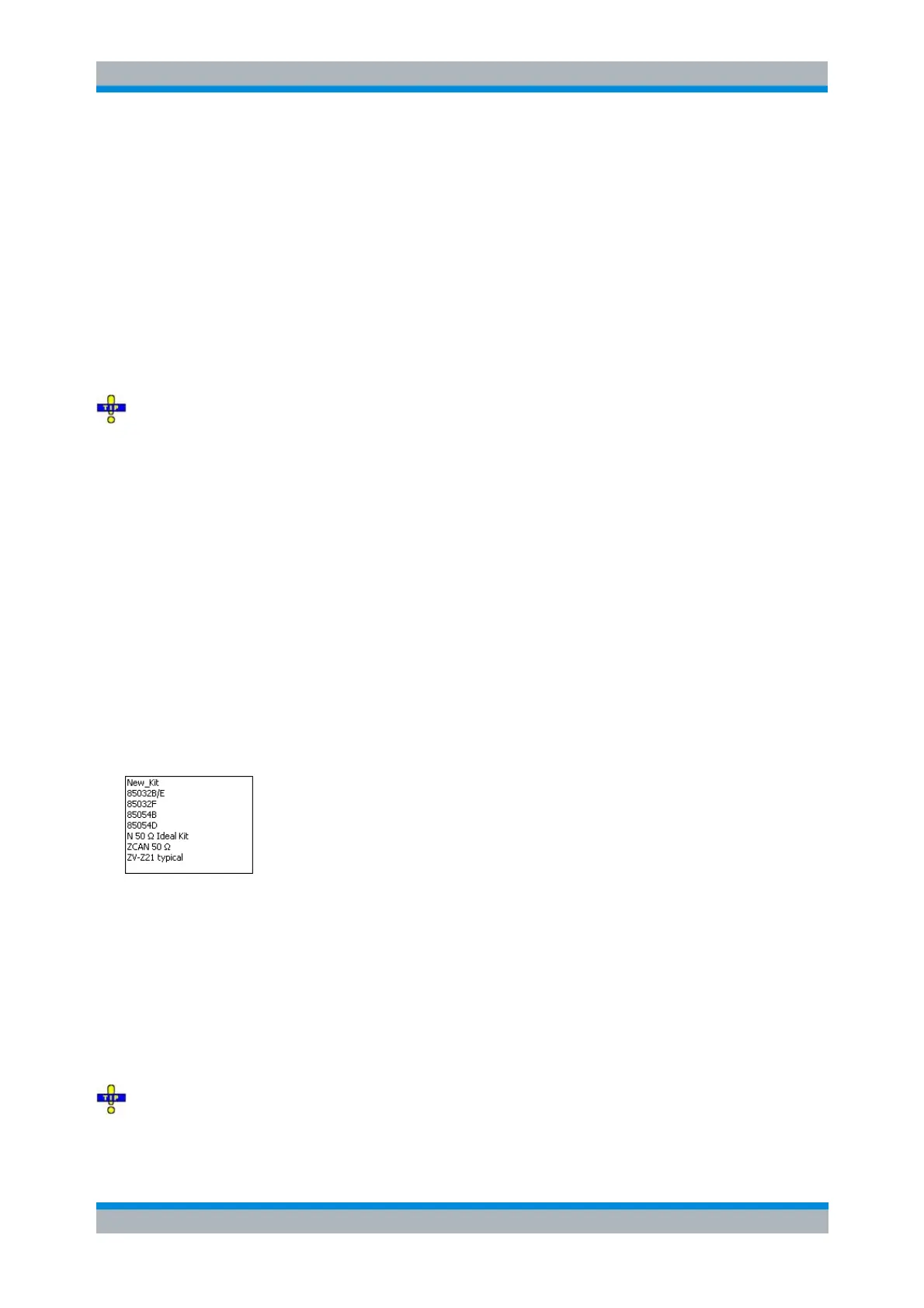
The Calibration Kits in Use table is used to select a calibration kit for each connector type. The pull-down
lists contain all kits for the individual connector types.
Rohde&Schwarz offers special calibration kits for measurements involving external frequency
converters. For a description of the standards and the system error procedure procedure refer to section
Waveguide Calibration Kits.
[SENSe<Ch>:]CORRection:CKIT:<conn_type>:SELect '<ckit_name>'
[SENSe<Ch>:]CORRection:CKIT:SELect '<conn_type>', '<ckit_name>'
(the previous two commands also create new cal kits)
[SENSe<Ch>:]CORRection:CKIT:DELete '<ckit_name>'
Query connector types, calibration kits, and standards:
[SENSe<Ch>:]CORRection:CONNection:CATalog?
[SENSe<Ch>:]CORRection:CKIT:CATalog?
[SENSe<Ch>:]CORRection:CKIT:STANdard:CATalog?
Cal Kit Parameter Types
The analyzer uses three types of parameters to describe the calibration standards. The parameter type is
the same for all standards in a kit and therefore annexed to the kit name:
Universal parameters (no label) describe calibration kit models with highly standardized
components so that the parameters are valid for all calibration kits of the model.
Typical parameters (labelled typical) approximately describe a calibration kit model. To correct for
deviations between the standards, each kit of the model is individually measured and delivered
with an additional, kit-specific parameter set. Therefore each typical parameter set <kit_name>
typical is complemented by an additional parameter set <kit_name> containing optimized
parameters for an individual kit.
Ideal parameters (labelled Ideal Kit) describe an idealized calibration kit for each connector type;
see below.
Make sure to use universal or individual parameter sets if you need to obtain high-precision results.
The precision of the calibration kit parameters determine the accuracy of the system error correction and
of the measurements. The calibration wizard displays a warning if you use a typical or ideal parameter set



 To Next Page