Ops 5–20 • Transitions Vision Operator’s Manual (v12.0 MD)
Note — If the MLE Rate is set to No, the Onset, Hold, and Fade rates are shown in frames. If
the MLE Rate is set to Yes, the Onset, Hold, and Fade rates are a proportion of the MLE Rate.
•Use the Onset knob on the WhiteFlash Menu to set the duration that the
Background dissolves to the WhiteFlash color.
•Use the Hold knob on the WhiteFlash Menu to set the duration that the
WhiteFlash color is held.
•Use the Fade knob on the WhiteFlash Menu to set the duration that the
WhiteFlash color dissolves to the Preset.
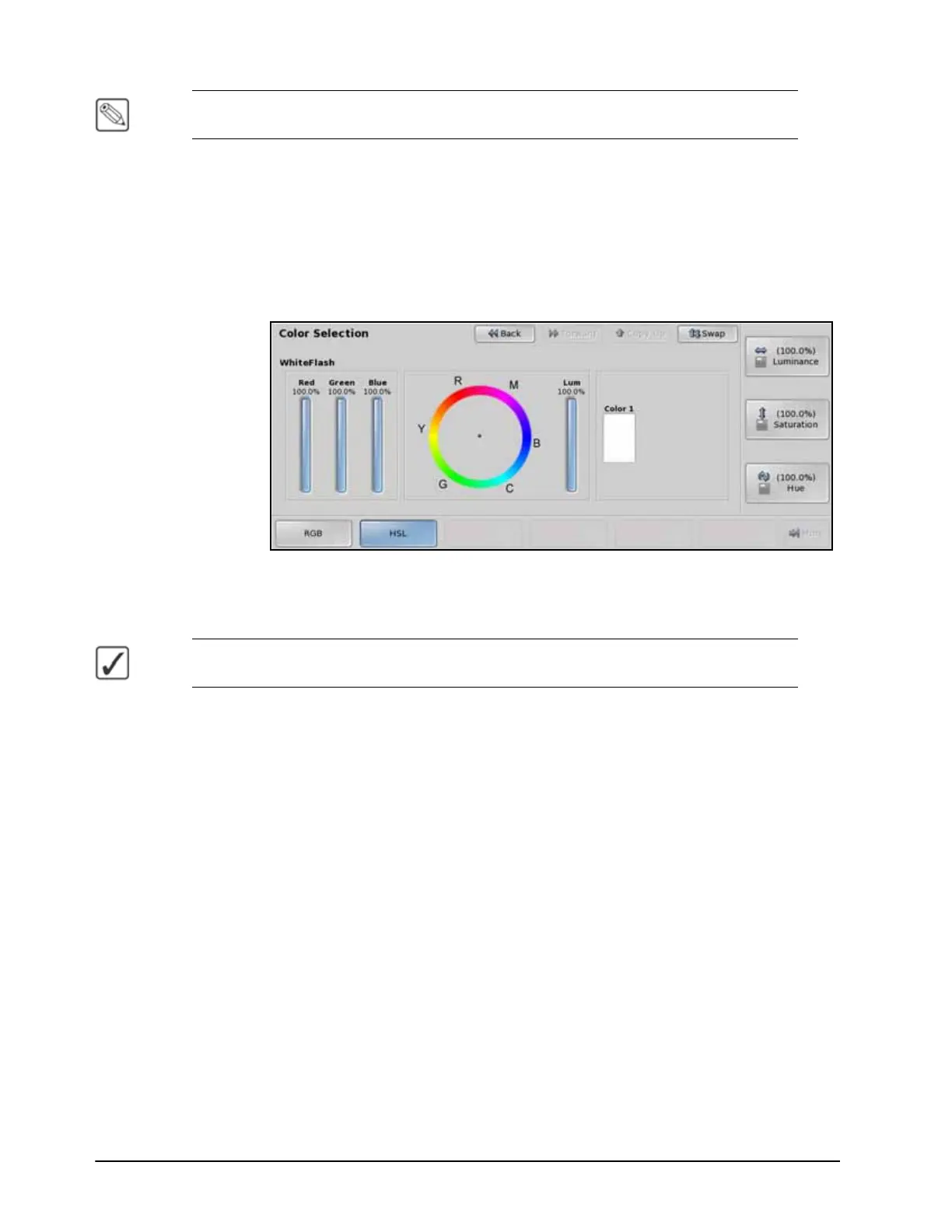
6. Press Color on the WhiteFlash Menu.
WhiteFlash — Color Selection Menu
7. Select the color you want for the WhiteFlash using the knobs, positioner, punchpad, or
by selecting a point on the Color Wheel.
Operating Tip — Press Assign As Default on the WhiteFlash Setup Menu to store your
current settings as the default settings for WhiteFlash.
8. Perform the transition as desired.
This completes the procedure for setting up a WhiteFlash transition.



 To Next Page