Ops 10–20 • Peripheral Control Vision Operator’s Manual (v12.0 MD)
OverDrive Interface Control
In order for the OverDrive Production Control System to control the switcher, the Editor Remote
Enable must be turned on.
Use the following procedure to turn the Editor Interface on or off:
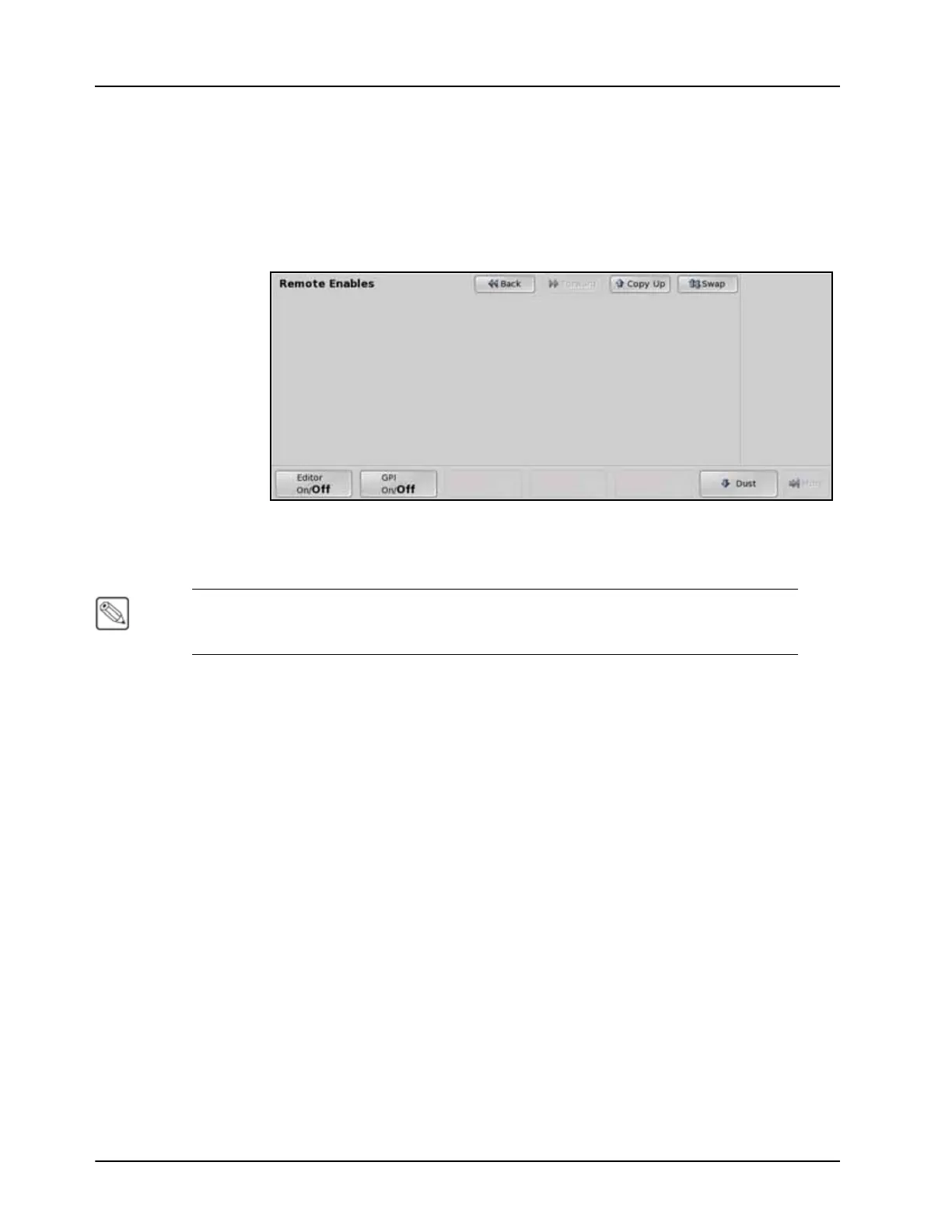
1. Navigate to the Remote Enables Menu as follows:
• Press HOME B More B Remote Enables.
Remote Enables Menu
2. Toggle Editor on the Remote Enables Menu to On to allow OverDrive to control the
switcher, or Off to turn off the Editor Interface.
Note — If the switcher does not have the same bus map assigned to every bus (MLE
Program/Preset, Keyers, Utility), an error message is displayed on the Main Menu indicating
the bus map mismatch.
This completes the procedure for turning the Editor Interface on or off.
OverDrive and 2 MLE Switchers
OverDrive requires at least 2 Effects MLEs in order to operate properly. With the Vision 2
switcher, there is only one Effects MLE and the Program/Preset MLE. OverDrive compensates
for this by using the Program/Preset MLE as an Effects MLE. This requires OverDrive to
configure the switcher in a manner that will alter the way the Program/Preset MLE operates. This
configuration involves how OverDrive recalls a shot and performs a transition, and how you can
use the control panel when it is being controlled by OverDrive.
The following applies to the 2 MLE switchers and OverDrive when they are being used together:
• The Downstream Keyers of the switcher are used as Keyers for MLE 2. This means that
they cannot be used as DSKs. If you attempt to transition a DSK on-air when MLE 2 is
off-air, a warning message displayed.
• If a key is included in the shot on MLE 2, a transition of both the Background and any
Keyer will be required. In this case, you cannot perform a Squeeze & Tease Wipe because
the Keyer is included. This only applies if Keyers are on-air in the memory recall.
• If a key is flown in the memory recall on MLE 2, a Squeeze & Tease Wipe cannot be
used to transition the memory on-air. This applies whether the Keyer is on-air or not.
• You cannot preview a transition on MLE 2 as you can on MLE 1.
• Because OverDrive has to duplicate memories on MLE 2, you must duplicate your
memories on MLE 1 and MLE 2.



 To Next Page