Ops 15–12 • Squeeze & Tease Sequences and Wipes Vision Operator’s Manual (v12.0 MD)
For More Information...
• on the default sequence rate, refer to the section “Personality List” on page Eng 11-2.
Squeeze & Tease MD Pattern Button Assignment
The Squeeze & Tease MD Pattern Button feature lets you assign Squeeze & Tease Wipes to
buttons on the Pattern Menu.
Use the following procedure to assign Squeeze & Tease wipes to buttons on the Pattern Menu:
1. Navigate to the S&T Wipe/Sequence Assignment as follows:
• Press HOME B More B Setup B Personality B 3D Pattern Bttn Assign.
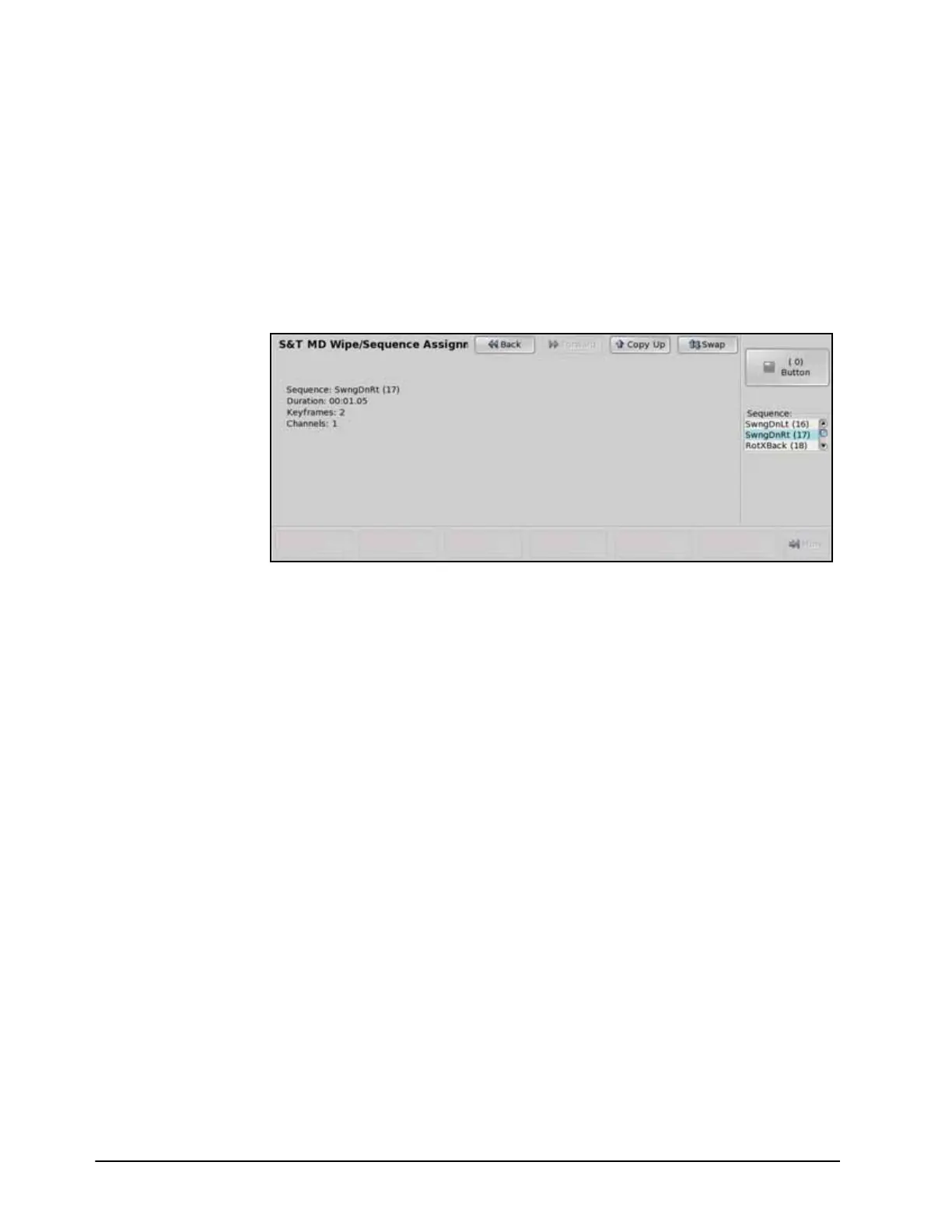
S&T Wipe/Sequence Assignment Menu
2. Use the Button knob on the S&T Wipe/Sequence Assignment Menu to select the
pattern button on the Pattern Menu that you want to assign a wipe or sequence to.
3. Use the Sequence knob on the S&T Wipe/Sequence Assignment Menu to select the
wipe, or sequence, that you want to assign to the selected button.
This completes the procedure for assigning Squeeze & Tease wipes to buttons on the Pattern
Menu.



 To Next Page