Ops 7–12 • Keying Vision Operator’s Manual (v12.0 MD)
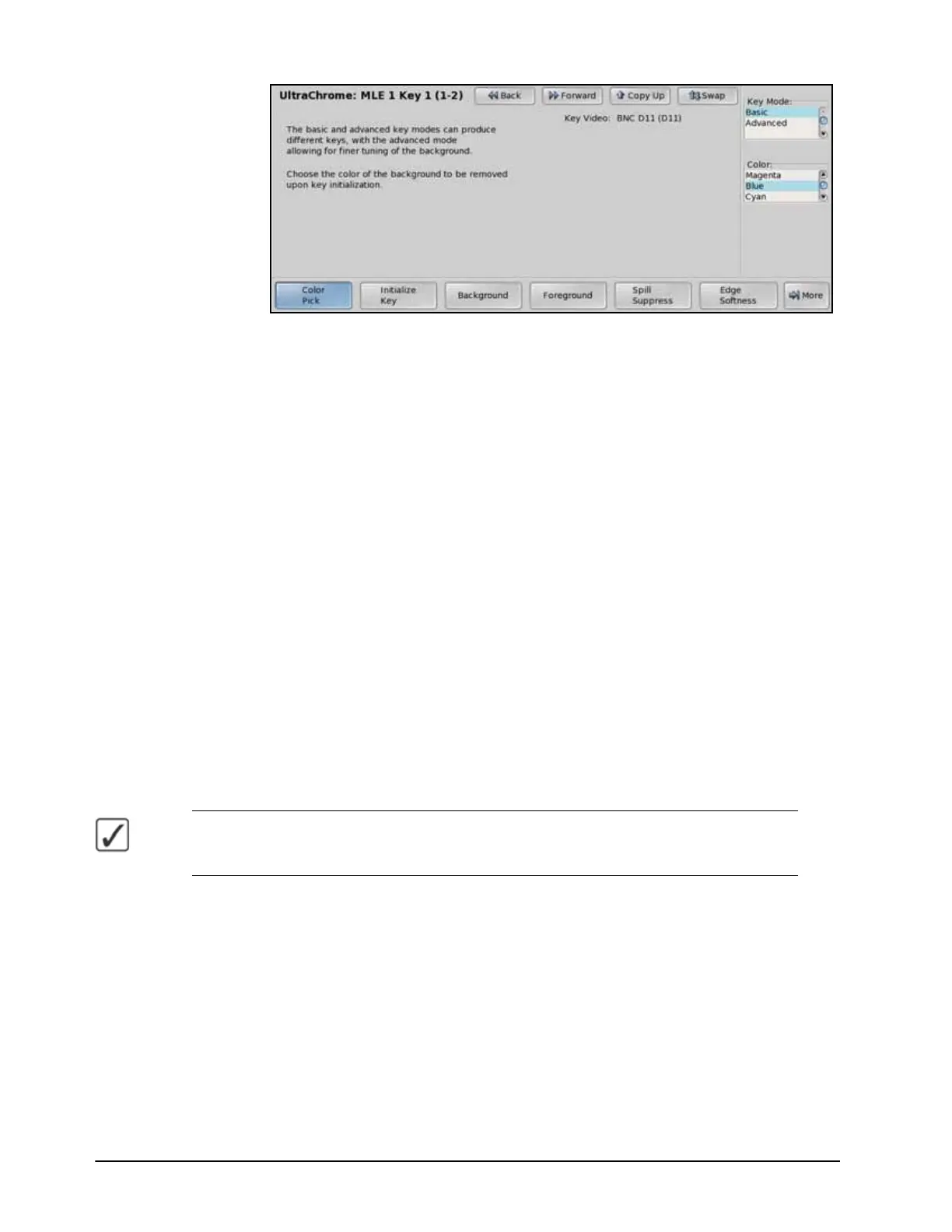
UltraChrome Menu 1-2
4. Select the operating mode as follows:
•Use the Key Mode knob on the UltraChrome Menu 1-2 to select the operating
mode you want to use. You can choose between the following:
› Basic — Select this option to operate UltraChrome in basic mode.
› Advanced — Select this option to operate UltraChrome in advanced mode.
5. Select the color to key out as follows:
•Use the Color knob on the UltraChrome Menu 1-2 to select the color you want to
key out. This is the background color of your Chroma Key that will be replaced.
From the Personality Menu, you can change the default color that UltraChrome
uses. Refer to the section “Personality List” on page Eng 11-2 for more
information on setting the default mode.
6. Press Initialize Key on the UltraChrome Menu 1-2 to initialize the chroma key. Every
time the Initialize Key is pressed, the switcher resets all the Chroma Key parameters to
their default settings.
7. Make adjustments to the chroma key as required. How you adjust the chroma key
depends on the mode you are in.
› Basic — Refer to the section “Basic UltraChrome Settings” on page Ops
7-13 for setup information.
› Advanced — Refer to the section “Advanced UltraChrome Settings” on
page Ops 7-16 for setup information.
Operating Tip — To save the new chroma key setting for the Keyer, press and hold the
CHROMA KEY button and then press the KEY MEM button. The current settings, including the
selected video source, is stored for the selected Keyer.
8. Select additional key modifiers as desired, using the buttons on the Keyers Module. The
available modifiers are as follows:
• MATTE FILL
• MASK
• FLY KEY (Squeeze & Tease MD only)
• BORD ON (XFX Dual Border Generator only)
This completes the procedure for setting up a Chroma Key. Once set up, the key can be taken
on-air using the transition button on the Keyers Module, or using the Transition Module.



 To Next Page