[Network]
284
◦ Appears only if you have installed the optional wireless LAN.
• A message prompting you to restart the product will appear on the Online/Offline
screen if you have made any changes. In such a case, reboot the product to apply the
settings.
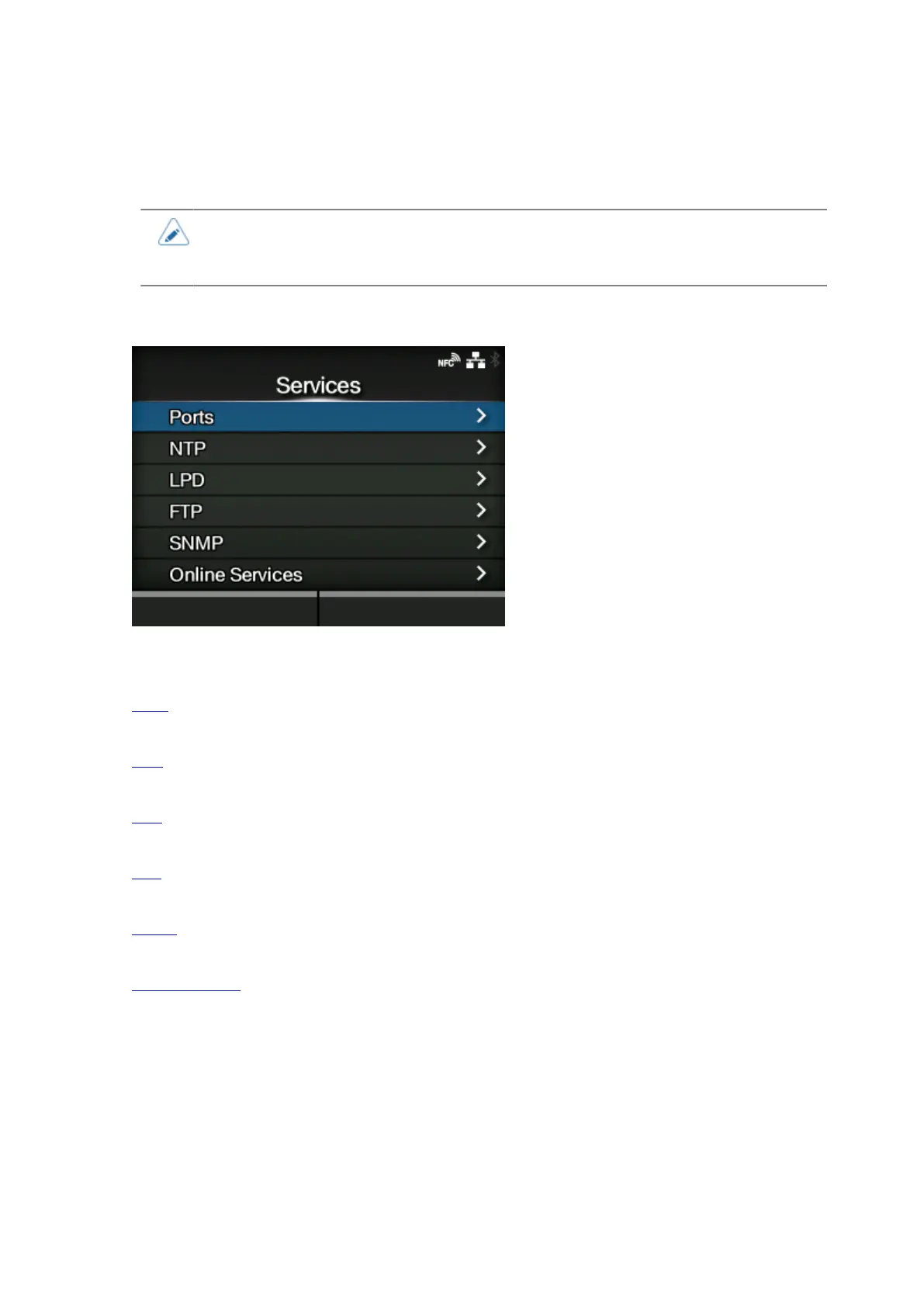
[Services]
Set the TCP/IP port number, NTP, LPD, FTP, SNMP, or SOS (SATO Online Services).
The setting items are as follows:
Ports
Set the TCP/IP port number.
NTP
Set the functions for NTP.
LPD
Set the functions for LPD.
FTP
Set the functions for FTP.
SNMP
Set the functions for SNMP.
Online Services
Set the functions for SOS (SATO Online Services).



 To Next Page